45
VX7020
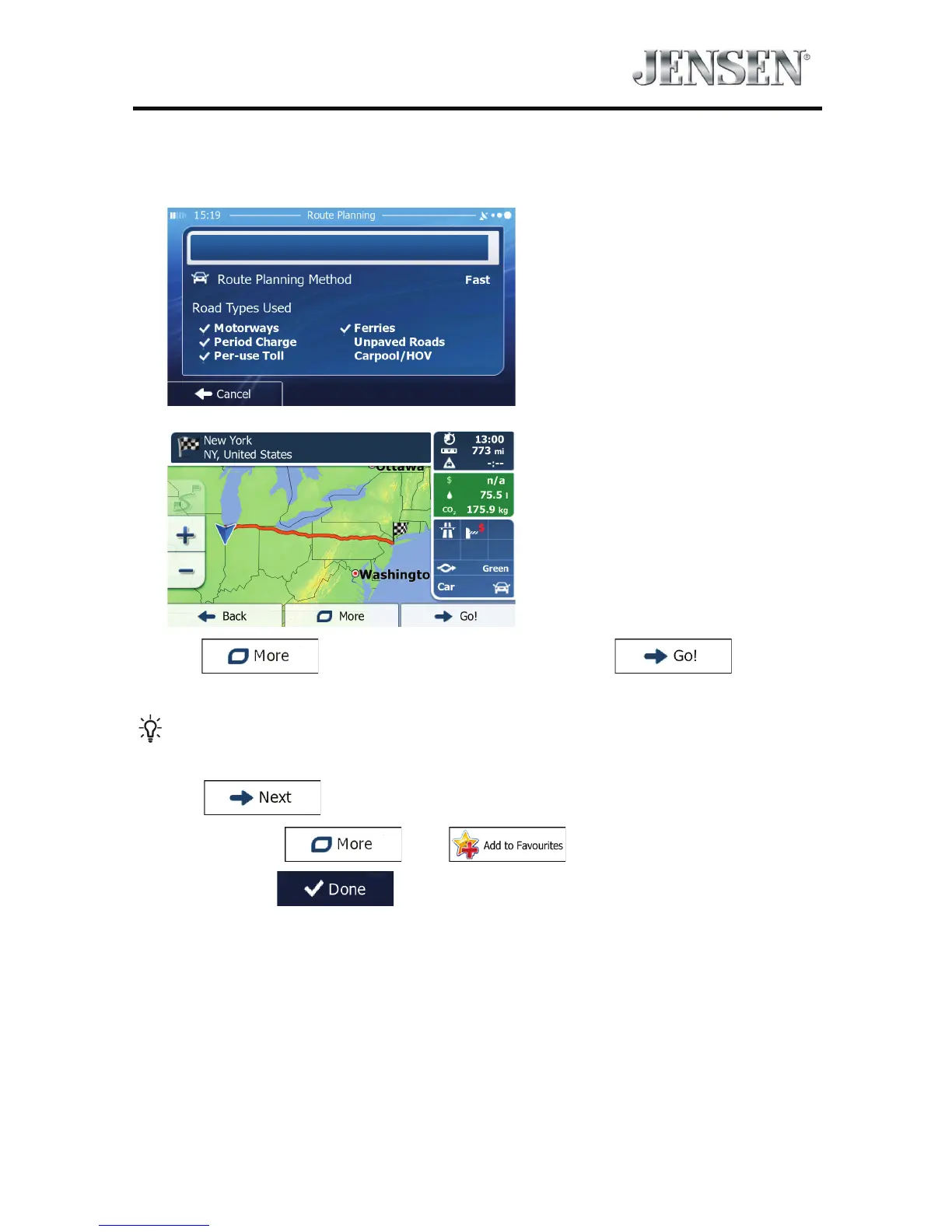
8. After a short summary of the route parameters, the map appears showing the
entire route. The route is automatically calculated.
Tap
to modify route parameters, or tap and start
your journey.
Tip!
If you know that you will use this destination frequently, before
tapping
to conrm the destination, put it on the list of your
Favorites rst: tap
then , give a name for the new
Favorite, and tap
to save the location. The map with the destination
returns automatically. Now you can start your journey.



 To Next Page