46
VX7020
Entering an Address (Canada)
To enter an address as the destination, do as follows:
1. If you are on the Map screen, tap
to return to the
Navigation menu.
2. In the Navigation menu, tap the following buttons:
, .
3. By default, iGO primo proposes the country, state and city where you are. If
needed, tap
, enter the rst few letters of the destination
country or state on the keyboard, and select one from the list. If you select a
country without a state, you can search for a city/town in all its states.
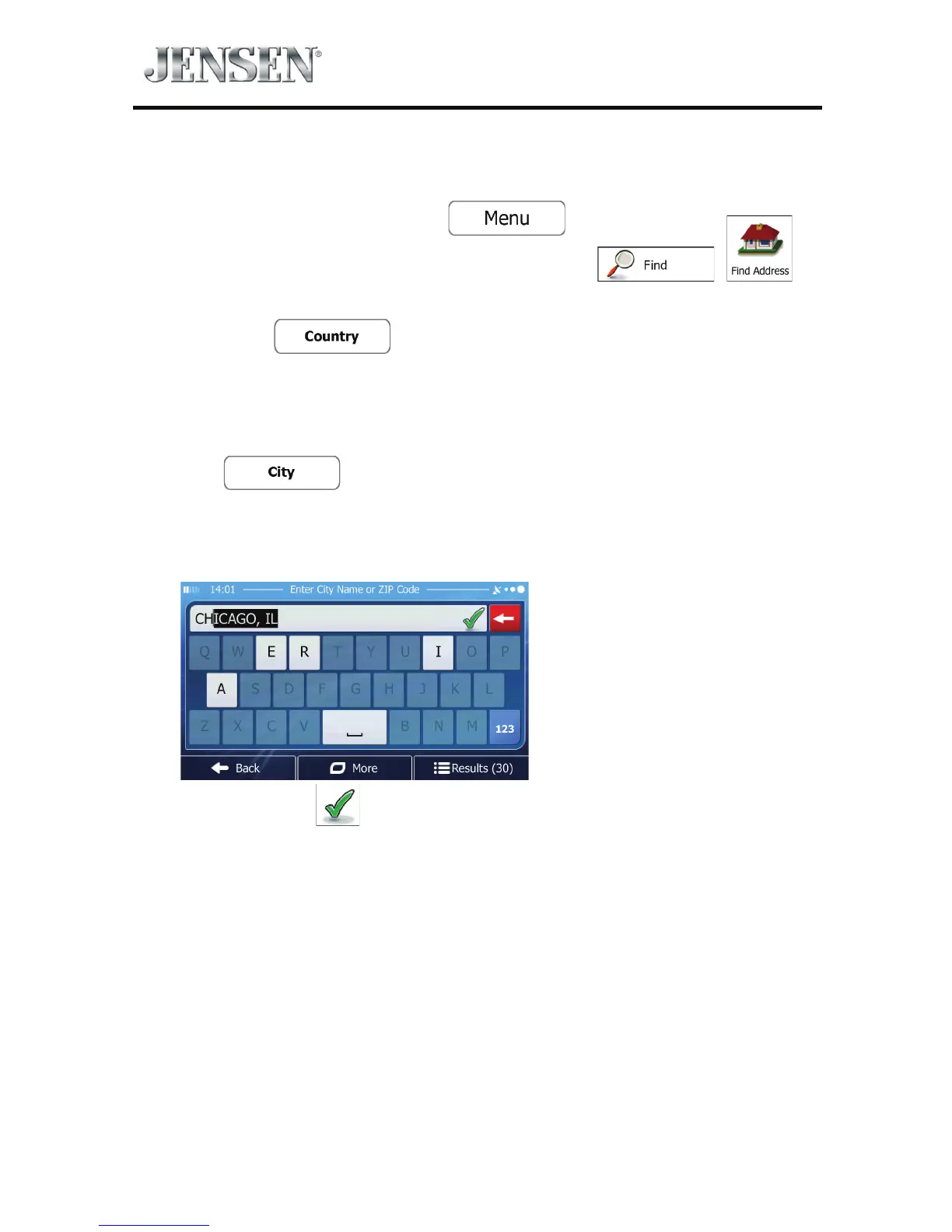
4. If needed, select a new city/town:
a. Tap
.
b. Start entering the name of the city/town on the keyboard.
c. Find the city/town you need:
t The most likely city/town name is always shown in the input eld.
To accept it, tap
.



 To Next Page