Version 2017-01-19 for GI use
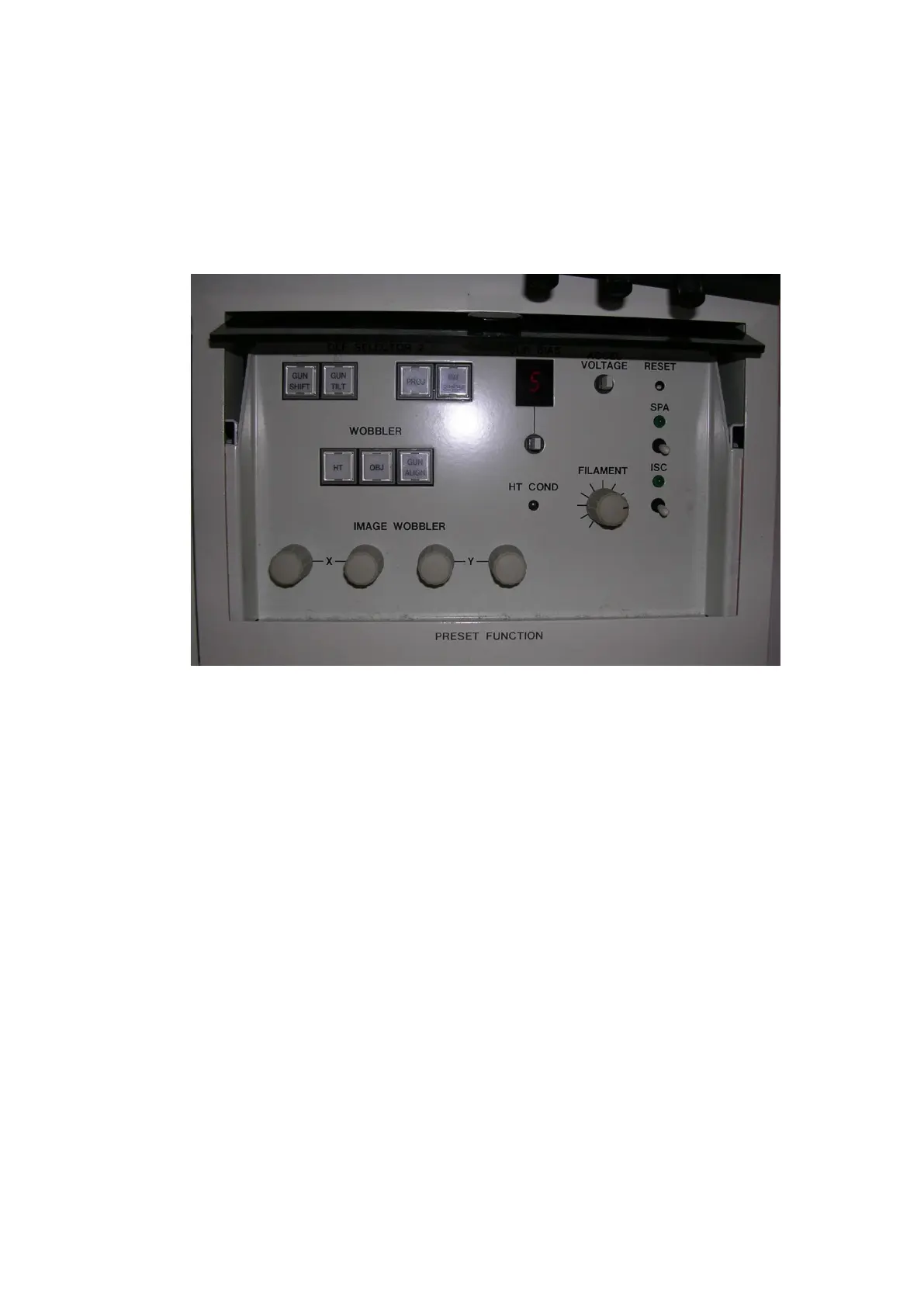
4. If the filament (hairpin) becomes visible, VERY SLIGHTLY adjust the filament
knob (under the brownish cover on the right panel) by turning it in clockwise direction
until the pin shadow disappears.
5. Close the brownish lid
6. Spread the beam with brightness
7. Reinsert the upper diaphragm c and the lower diaphragm.
HOW TO ADJUST THE UPPER/CONDENSER DIAPHRAGM?
1. Switch HT and Fil on
Go to LOW MAG and spread the beam.
2. The upper diaphragm should be directed to the left (like always during
operation, except filament adjustment)
NOTE: USERS SHOULD NEVER TOUCH THIS DIAPHRAGM, AND BACKUPPER ONLY
AFTER HAVING BEEN FULLY TRAINED.
3. Find one edge of the diaphragm by gently turning screw a clockwise (in)



 To Next Page