Section 3—Controls and Indicators
3-2531211031
Multifunction Display Input
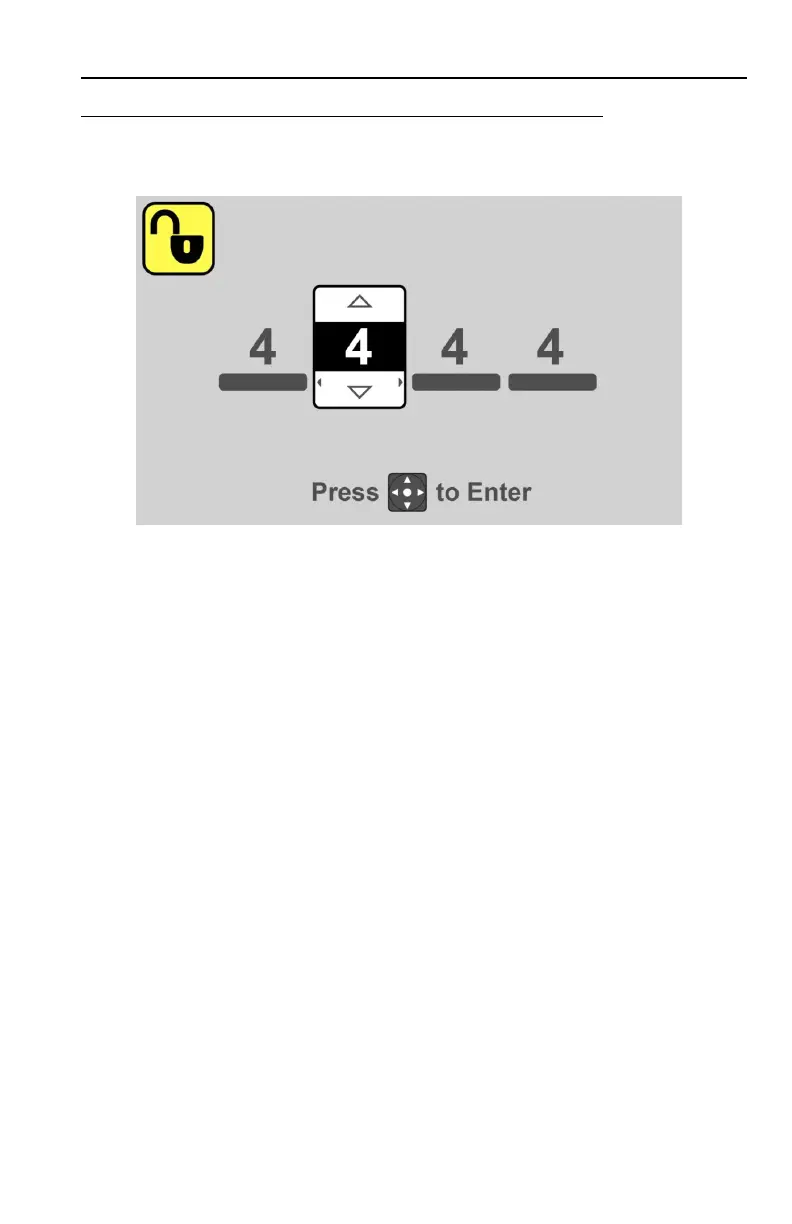
Code entry is accomplished using information provided in the multifunction display.
1. Turn ignition switch to position 1. If anti theft is active, the display will prompt the
operator for a numeric code.
2. Press the top or bottom of the navigation button to select the first digit.
3. Press the right of the navigation button to move to the next digit.
4. Continue until the code is complete. Press the center of the navigation button to
confirm code.
5. If an incorrect code is entered, the display will prompt the operator again for the
numeric code.
6. If the correct code is entered, normal start up can continue.



 To Next Page