108
“BALANCE WITH RUNOUT”
4-5
9
6-44.a
7 8
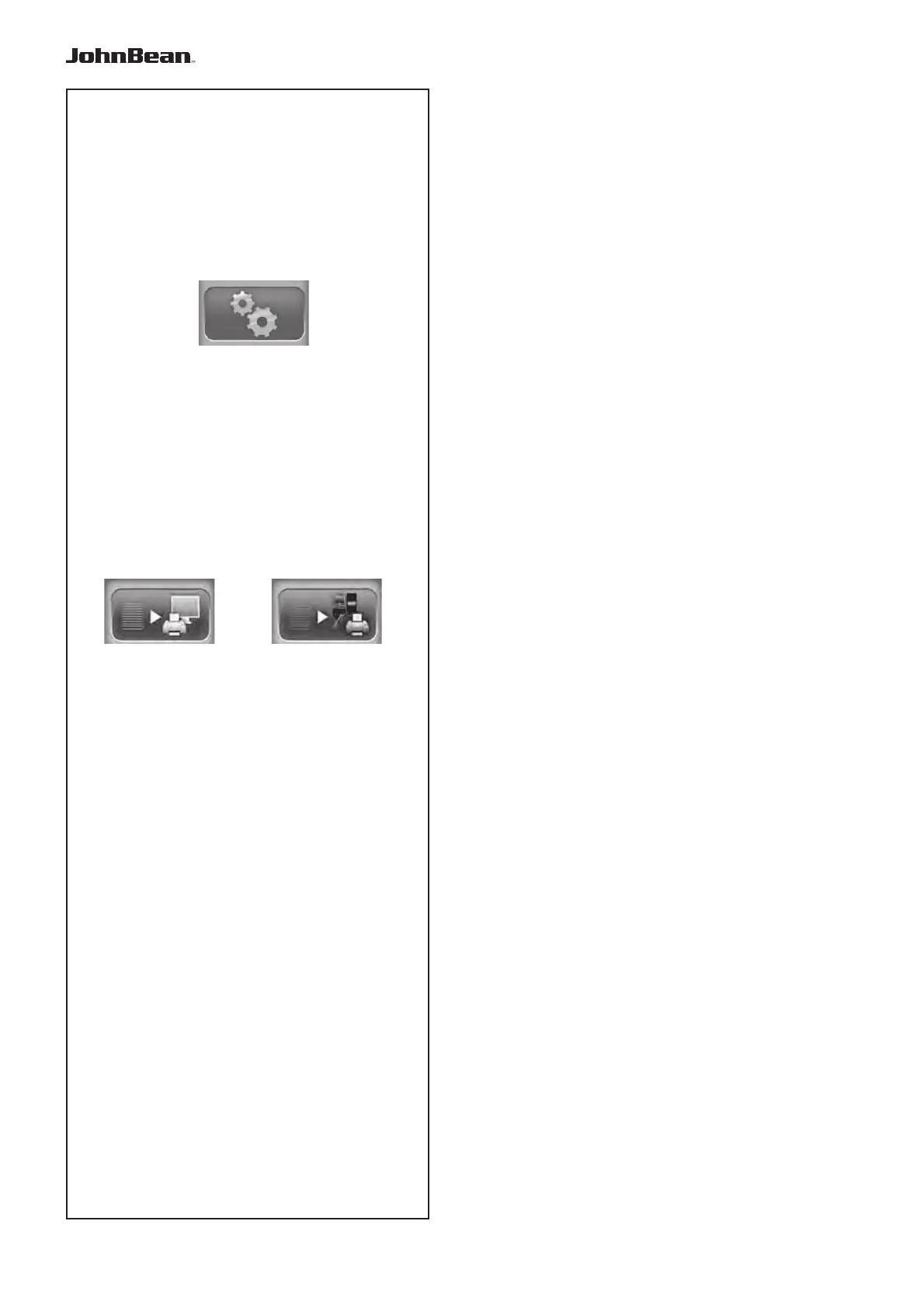
8) TOGGLE key; to enable the print in network
(prepares the report to be sent to the network PC).
After the pre-selection use the most suitable print key.
To manage the print functions, access the
“SETTINGS” screen (9, Fig. 4-5).
Access the following:
“SETTINGS / Network and Printing - Printer”.
Field for switching the printer On/Off.
ISet “Enabled” to enable printing.
Set “Disabled” to disable printing; when the printer
is not used for a long time.
“SETTINGS / Network and Printing - Paper Size”.
Field for selecting the print format. Activate the
format which matches the paper size used, A4 or
Letter.
“SETTINGS / Network and Printing – Printer type”
.
Field used for selecting the type of printer to connect
to the machine pc.
The following can be selected in the Parameter:
- GENERIC USB: activates a general printer
connection via a USB port.
- NETWORK PDF:
this print option produces a PDF file.
If the Networking “Snap-on Network” function is
activated, the Pdf file will be sent to the remote.
When a USB key is inserted in a USB port on the
machine, the Pdf file will be recorded on it.
- XXX (Model List):
A list of printer models is available from which the
model to be installed can be selected.
“SETTINGS / Network and Print – Printer
replacement mode”.
This field is used to select the printer model to use
for the local print, or the print to the network PC.
To use the Printer Fast Replacement function, the
“Printer model” setting in the SETTINGS must be on
“Network Pdf”.
At this stage, use the TOGGLE key (Fig. 6-44.a) to
select either:
- Local print
- Network print.
..
_
..........



 To Next Page