132
“BALANCE WITH RUNOUT”
6-66
6-67
6-68
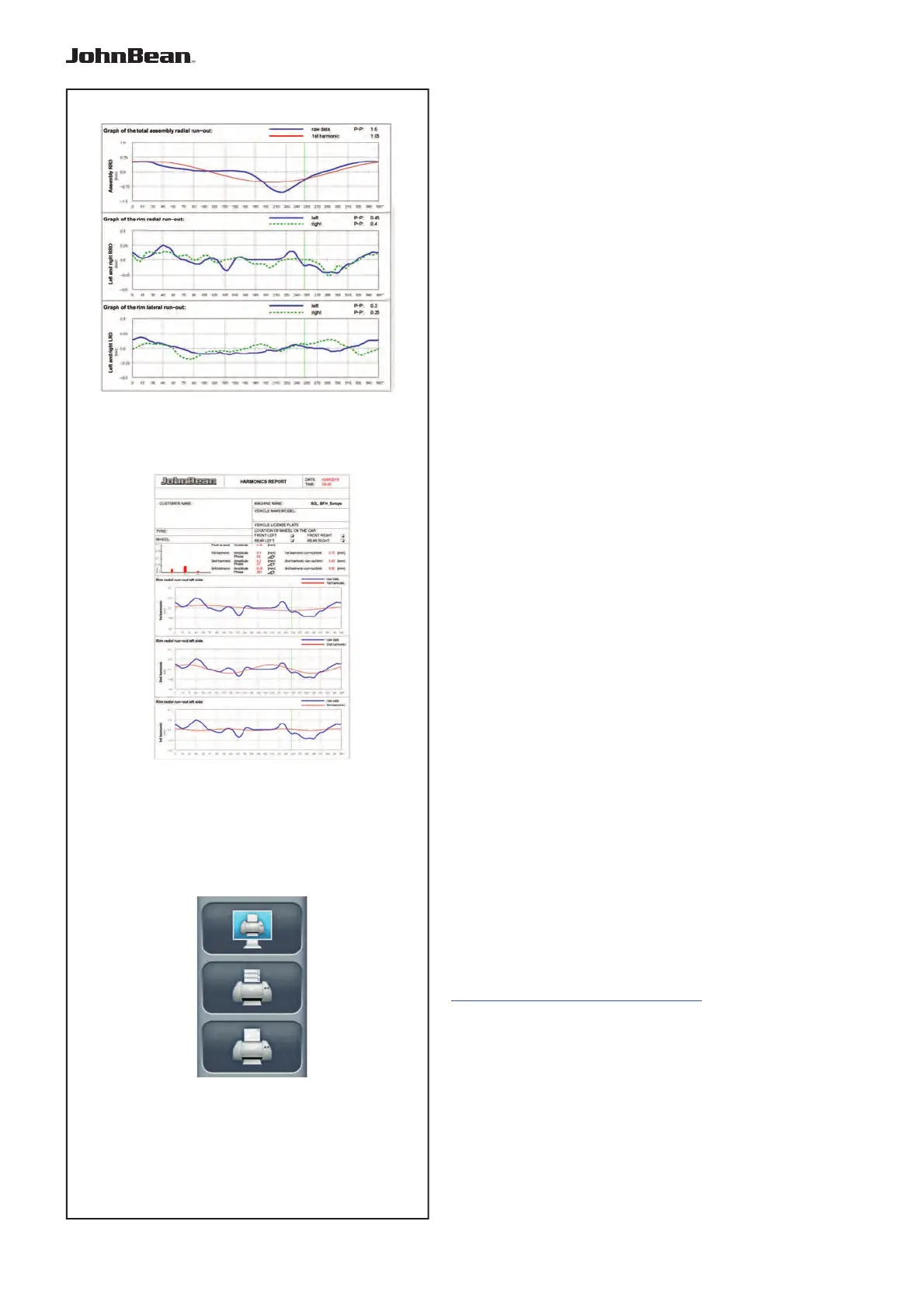
s) Complete wheel radial runout peak to peak
value.
t) Graph of complete wheel radial runout (blue
curve).
u) Graph of wheel total first harmonic (red curve).
v) Rim (left and right) radial runout peak to peak
values.
w) Graph of rim left radial runout (blue curve).
x) Graph of rim right radial runout (dashed green
curve).
v1) Rim (left and right) lateral runout peak to peak
values.
w1) Graph of rim left lateral runout (blue curve).
x1) Graph of rim right lateral runout (dashed green
curve).
If the relative additional functions are installed, the
following reports can also be printed:
- Weight Tracking Database
see relative chapter (F6.4.8).
- Multiple Harmonics
(Fig. 6-67)
See relative chapter (F
6.4.4).
6.4.7.1 Customized report
Proceed as follows:
• Enable in SETTINGS the item “Snap-on Network
Advanced”.
To e
nable the function access the “SETTINGS” screen
and select the following:
“SETTINGS / Network and print / Network mode”,
set “Snap-on Network Advanced” and press “ESC”.
Please also consult the “Snap-on Network Advanced”
documentation available at this web site:
http://service.snapon-equipment.net/
• Perform printing (Fig.6-68).
• Assign a name to the file.
• Type ENTER.
..
_
..........



 To Next Page