172
21
7-10
Operation
7.0.2 Check spin
It is good practice to perform a check spin after applying
the weights.
• Spin the wheel.
Having
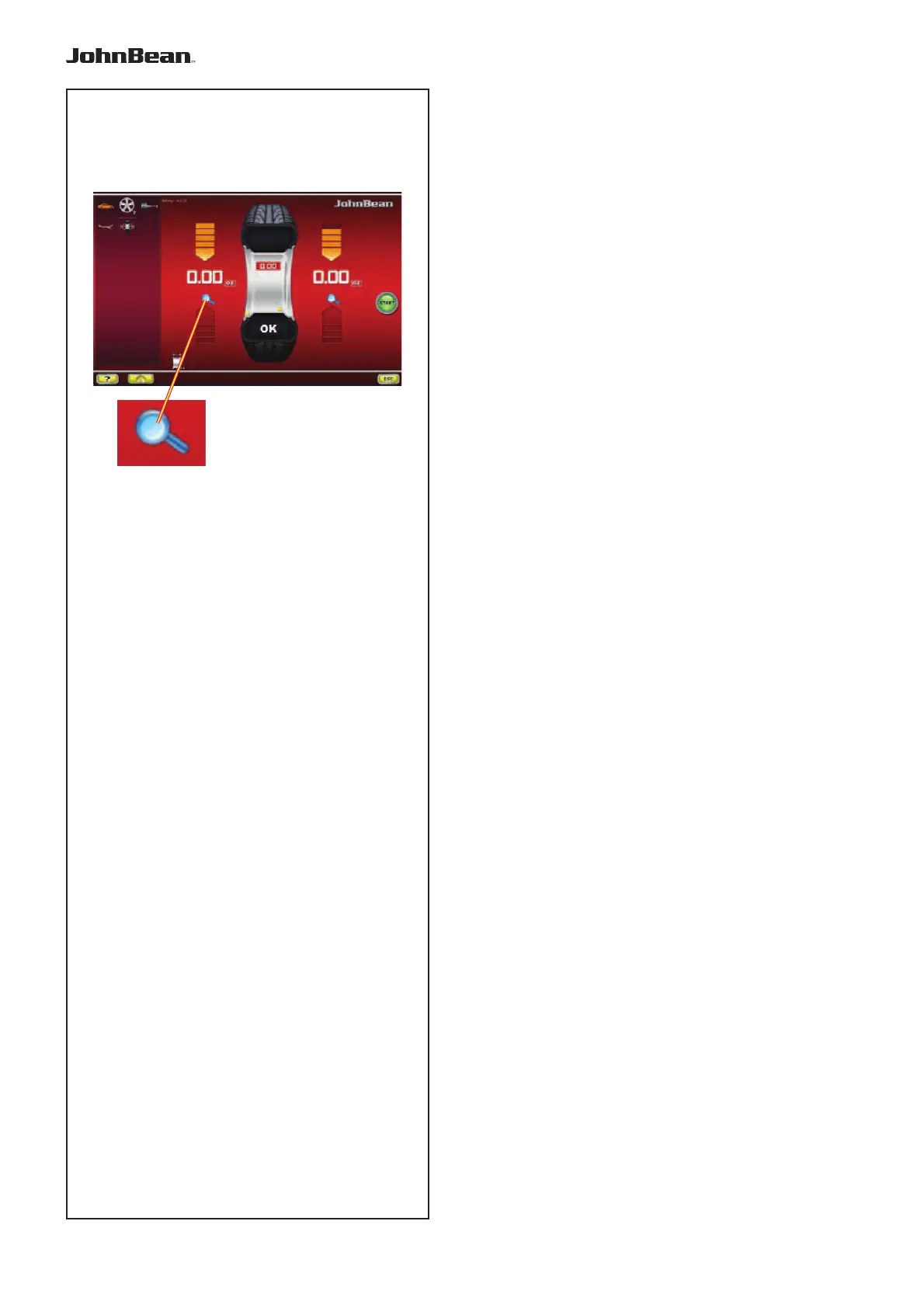
fi nished the Test Run, if the wheel is balanced
correctly, both the numerical indicators should indicate
0 and an OK should be displayed (Fig. 7-10).
Note
If there is no OK reading, dynamic unbalances below
the tolerance limit add to a static unbalance above the
tolerance limit.
To check how much imbalance is left:
• Select the FINE key, (21,Fig. 7-10).
Note: The operator should decide if applying the
stated weight is necessary.
7.0.3 Results recalculation
After spinning a wheel it is possible to enter new rim
data
or select another weight mode. The
results are
recalculated automatically, if possible.
Selecting another weight mode
• Between NORMAL, ALU and STATIC: no additional
steps required.
To have a recalculation done:
• Select the prefered Weight Mode. Check and/or
edit rim or plane data when necessary.
• Rotate the wheel to the left plane WAP position and
apply the weight.
• Rotate the wheel to the right plane WAP position
and apply the weight.
• Perform a check spin.
..
_
..........



 To Next Page