182
7-20
7-21
7-22
7-23
3
6
4
7
8
Operation
7.1.3 Start optimisation/weight
minimisation
Procedure:
— Clamp the wheel or bare rim.
— Enter
correct rim dimensions, or check existing
inputs for correctness.
— Close the wheel guard (if necessary press the
START key).
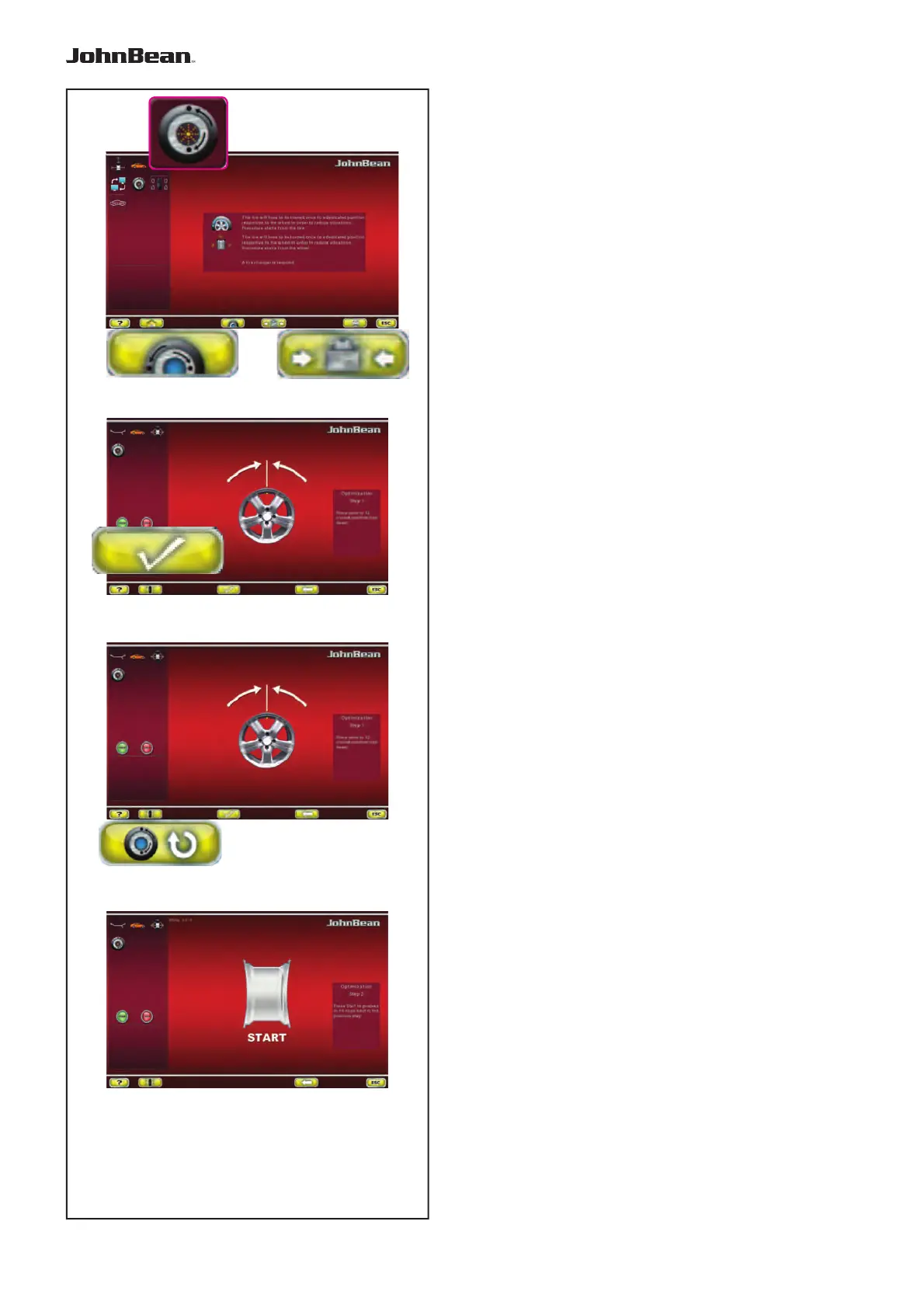
— Starting from the BALANCING menu press key
6 Optimisation – Minimisation (Fig. 7-20).
The OPTIMISATION MENU “1” screen (Fig. 7-21) is
displayed.
If an optimisation/weight minimisation result has
already been saved, press the 7 key (Fig. 7-22); The
program then continues from the step where it was
interrupted, with the relative measurement values and
the balancing optimisation / weight minimisation may
continue.
At this point, you can choose whether to continue with
Optimisation (Key 8), or go to Minimisation (Key 4).
7.1.3.1 OPTIMISATION
— Clamp the rim only.
— Perform a measuring run.
—
In the BALANCING menu press keys 6 and 3 (Fig.
7-20).
The OPTIMSATION “1” screen page appears (Fig.
7-22).
— Press the key 8 (Fig. 7-22).
The OPTIMSATION “2” screen (Fig. 7-23) is displayed.
..
_
..........



 To Next Page