24
4-3
4-3b
3
2 1
Layout
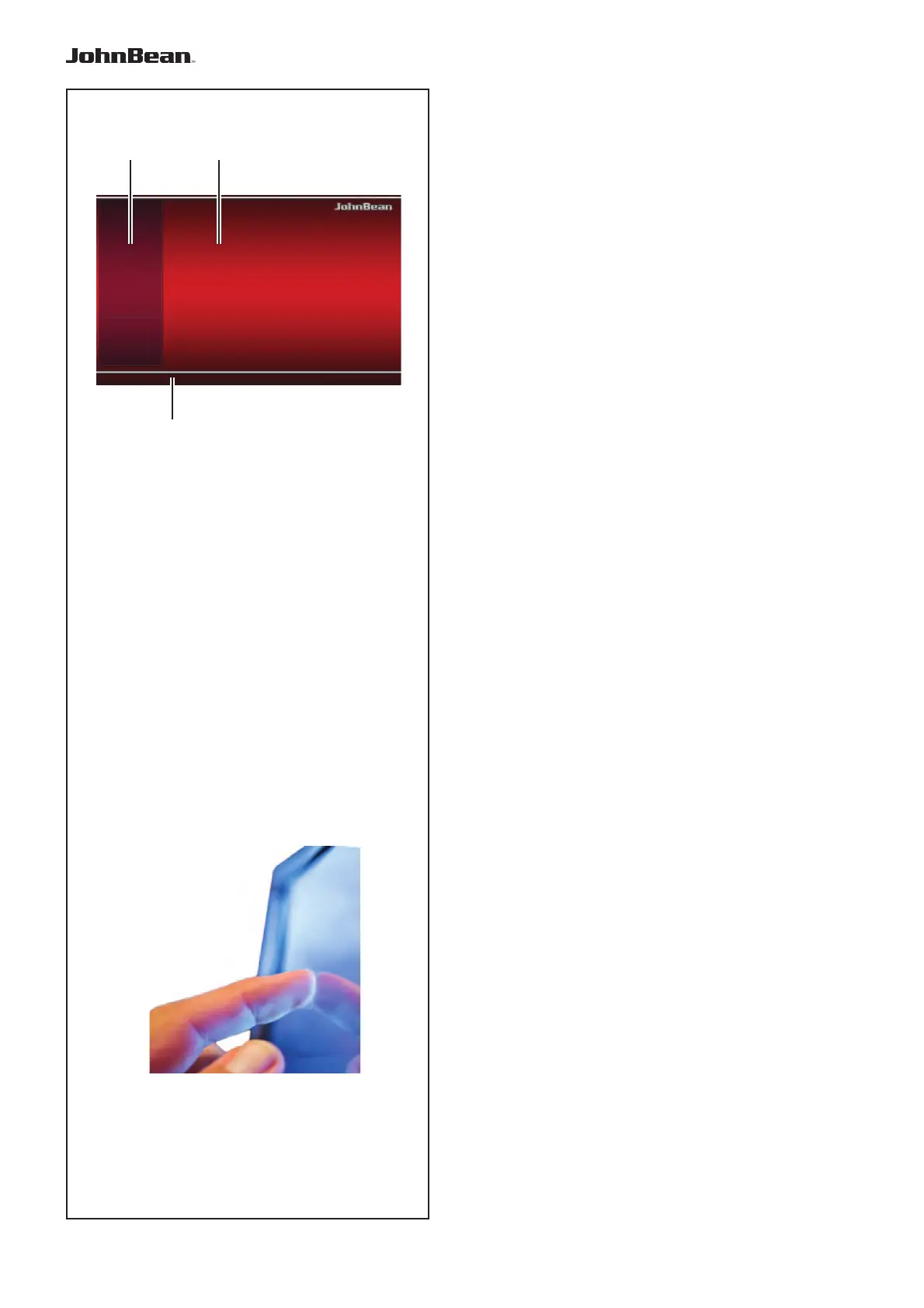
4.1 The screen
Fig. 4-3 Screen with display fi elds
1 Display fi eld
2 Information fi eld
3 Commands fi eld
The screen reads out inputs, helpful information, all
measured data and possible error codes.
Description of display fi elds
Each fi eld of the screen has a specifi c function.
1 Display fi eld
- Rim dimensions (editable).
- Balancing modes (editable).
- Unbalance value.
- List of Counters.
- C codes (User Codes).
- Help information.
2 Information fi eld
- Number of the installed program version.
- Measurements of the wheel being processed.
- Operating conditions icons.
- Error codes.
3 Commands fi eld
The pictographs illustrating basic and special
functions are located here.
Each key has an icon showing the specifi c function
it is used to retrieve.
Touch Screen
For the Touch Screen interface to respond to the touch,
it is necessary to touch an area of the screen with a
fi nger and release (Fig. 4-3b).
The operator will hear a confi rmation sound any time
an action linked with on-screen icons, keys, text or
images is executed after his/her touch.
..
_
..........



 To Next Page