26
4-4
1
2
4
5
6
7
4-4b
8
3
9
10
Layout
4.1.1 Basic commands
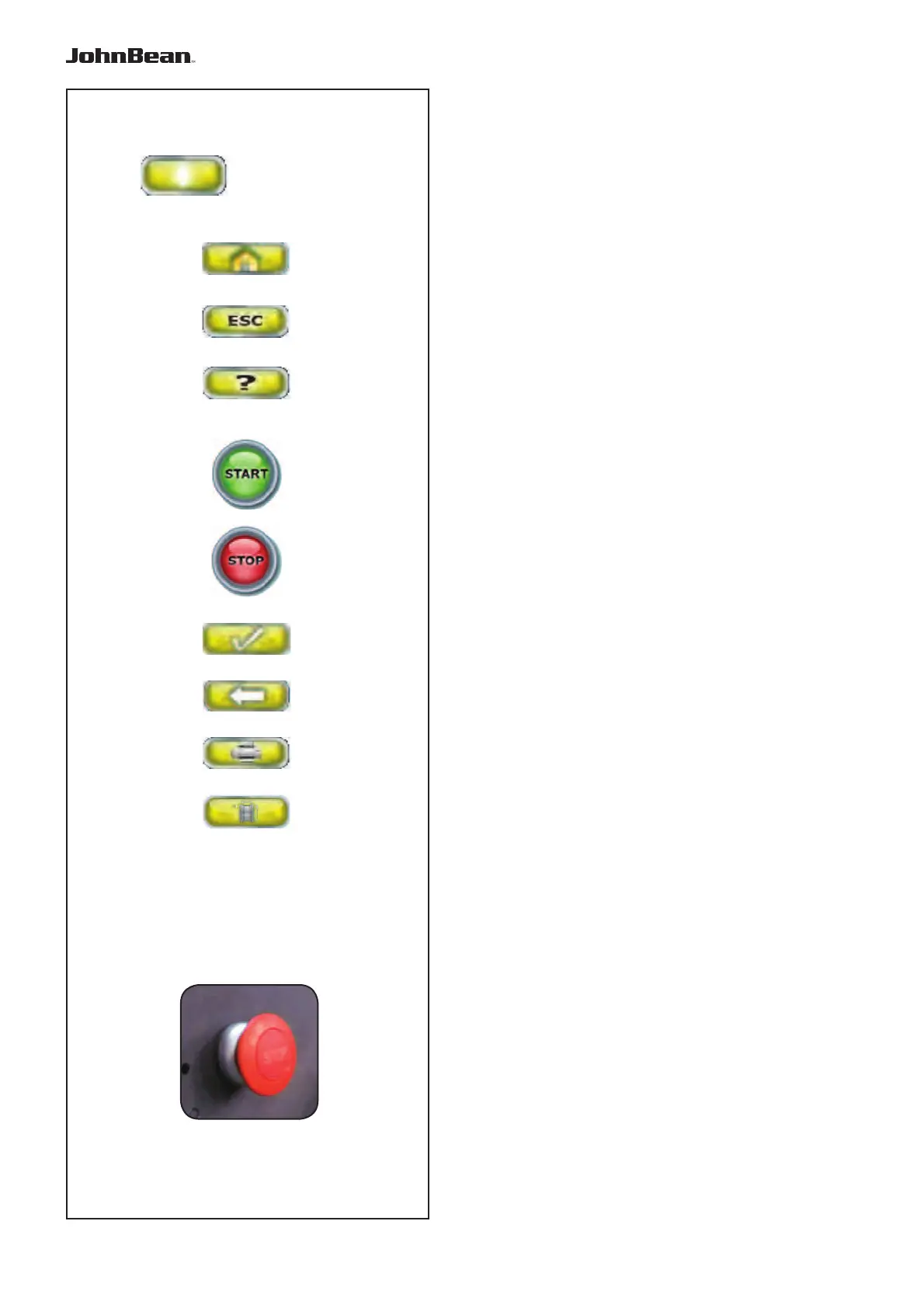
Fig. 4-4 Key pad
1 Type of basic key (this type of key is always located
in the Commands Field).
2 HOME key
3 ESC key
4 HELP key
5 START key
6 STOP key
7 CONFIRMATION key (to confi rm)
8 Key
Description of keys
1 Keys (example)
– Carry out or continue certain functions or steps of
operation.
The symbols on the keys show their functions, as
specifi ed below.
2 HOME key
– Returns you to the basic INTRO SCREEN.
3 ESC key
– Exit the current Screen Page.
– Exits the C codes procedures.
– Deletes the help information and error messages.
4 HELP key
– Display useful information to explain a situation and
– in case of error codes – provide hints for remedy
(F 4.3).
5 START key
– Start the measuring run.
Press to start balancer cycle, with the wheel guard
down.
6 STOP key (forced stop)
– Immediately brakes the measuring run and
any other automatic movement in progress, for
example, wheel clamping and the Lifter (if present).
7 CONFIRMATION key
– Inserts the selected options.
8 RETURN key
– Returns you to the previous step.
9 PRINT key
– For managing print-outs, to be sent to the printer, to
the USB key or Network, based on the SETTINGS.
10 RIM DATA ENTRY key
– For manually entering wheel dimension information.
STOP Button
Figure 4-4b
When the Stop Button is pressed, the machine stops
all automatic movements.
This key also allows access to view additional help
texts (F 4.3.1).
..
_
..........



 To Next Page