38
4-13a
4-13b
22
14
Layout
4.1.3 Settings
After switching on the unit, a default weight mode is
shown. If the unit then shows another weight mode,
F 6.3.
The unit of measurement indicated at power up is
inches, but the setting selected before switching off
for grams / ounces remains.
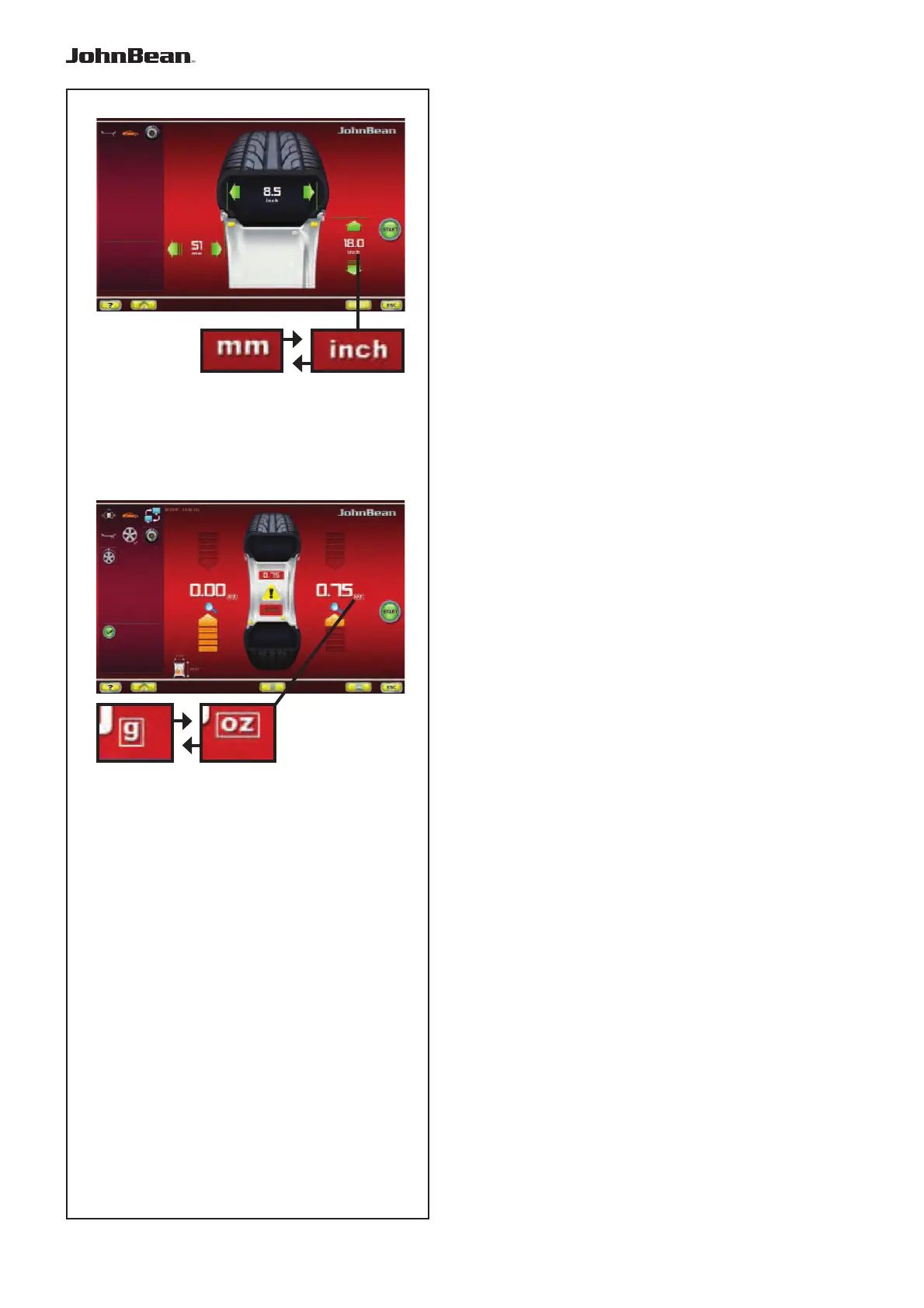
4.1.3.1 Changing the Dimensions Unit
Default diameter and width unit setting: inches.
•
Press the “mm” or “inch” icon (14, Fig. 4-13a
).
The measuring unit changes to the possible alternative.
4.1.3.2 Changing the Weight Unit
Default weight unit setting: grams.
Proceed as follows to change the weight unit, whether
you have already spun the wheel or not.
• Press the key "g” or “oz” icon (22, Fig. 4-13b).
The measuring unit changes to the possible alternative.
..
_
..........



 To Next Page