44
4-14a
4-14b
4-16
4-15
4-14
4-17
Layout
4.3.1 Troubleshooting Help
The machine is in working conditions with no errors
(Fig. 4-16).
In case
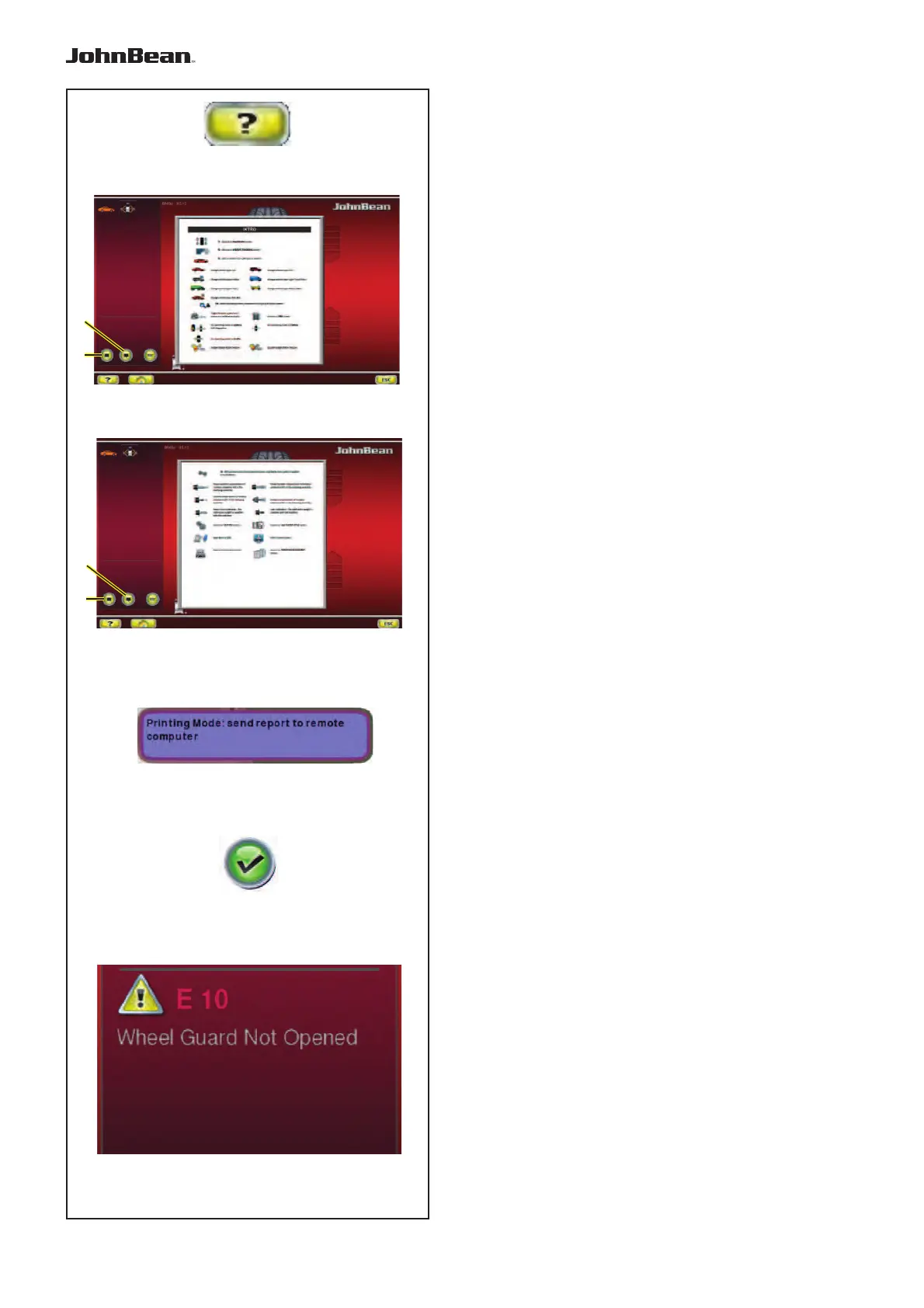
of fault or error, a message is displayed
(Fig. 4-17).
In case system error is not solved, the screen will not
display symbol (Fig. 4-16).
— Press HELP key (Fig. 4-14).
4.3 Help information
Help information explains the current action and, in
the case of an error code, provides hints for remedy.
Display help information
— Press the HELP key (Fig. 4-14
).
The first screen with help information (Fig. 4-13)
appears.
— For opening the previous or the following page, use
keys (1 and 2).
(if present)
The second screen with help information (Fig. 4-14)
appears.
Note:
On pressing the HELP key in the last screen with help
information the display jumps to the fi rst screen again.
Quit help information
— Press the ESC key.
Overlapping Messages (balloons)
The video also shows help messages near submenus
on screen.
For some commands, a balloon beside with help text
on the operation of the item is shown (Fig. 4-15).
Note:
The functionality is available if activated in the
SETTINGS menu.
..
_
..........
1
2
1
2



 To Next Page