46
4-21
4-18
4-20
4-19
Layout
4.4 Stop / Function taste
Refer to Figure 4-15.
To perform an immediate stop:
• Press the STOP button;
The electronic brake is activated to immediately stop
wheel shaft rotation, as well as any other balancer (if
present) automatic movement.
In the event of a stop due to an unexpected action by
the unit, reconstruct the steps taken
:
Did the operator make an error or omit to do
something?
Correct the input and continue working. No special
procedure is required.
Did the unit do something unexpected?
• Read the relevant chapters again.
• Prepare the unit for a restart:
switch off the unit
switch on the unit again.
• Carefully repeat the commands with the manual
available.
• If the unit does not function correctly,
WARNING: PREVENT ANY FURTHER USE OF THE
UNIT.
• Call the service team immediately.
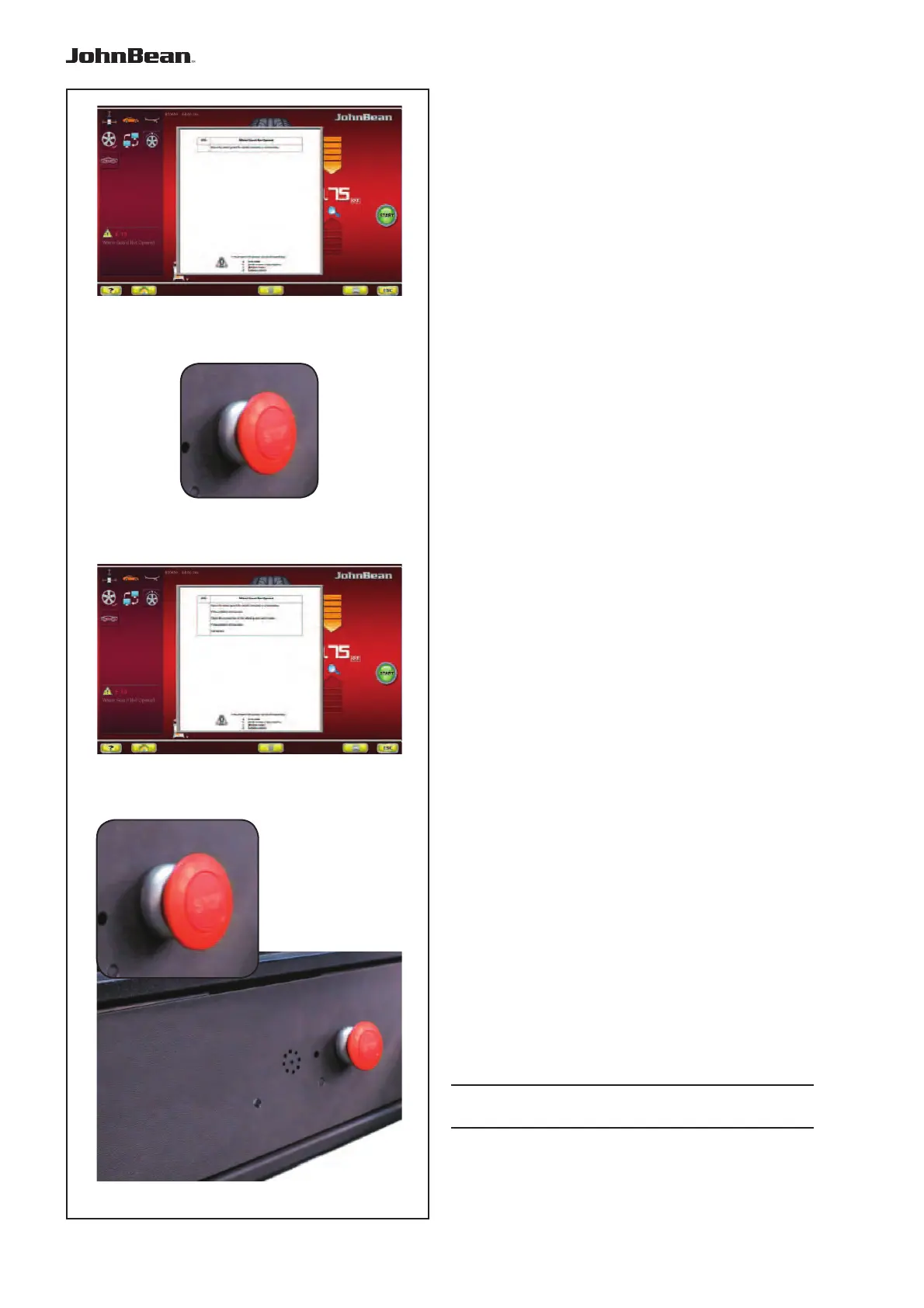
Indicated error screen is displayed and specifi es initial,
fi rst-level information about the fault (Fig. 4-18).
Press stop key (Fig. 4-19) for 3 seconds.
A second screen is displayed concerning the indicated
error and specifies more detailed, second-level
information about the fault (Fig. 4-20).
Press stop key (Fig. 4-19) to quit HELP page.
..
_
..........



 To Next Page