90
“BALANCE”
1
6-25
6-24
6.3.3 POSITION CHANGE:
6.3.3.1 Laser Pointer Mode
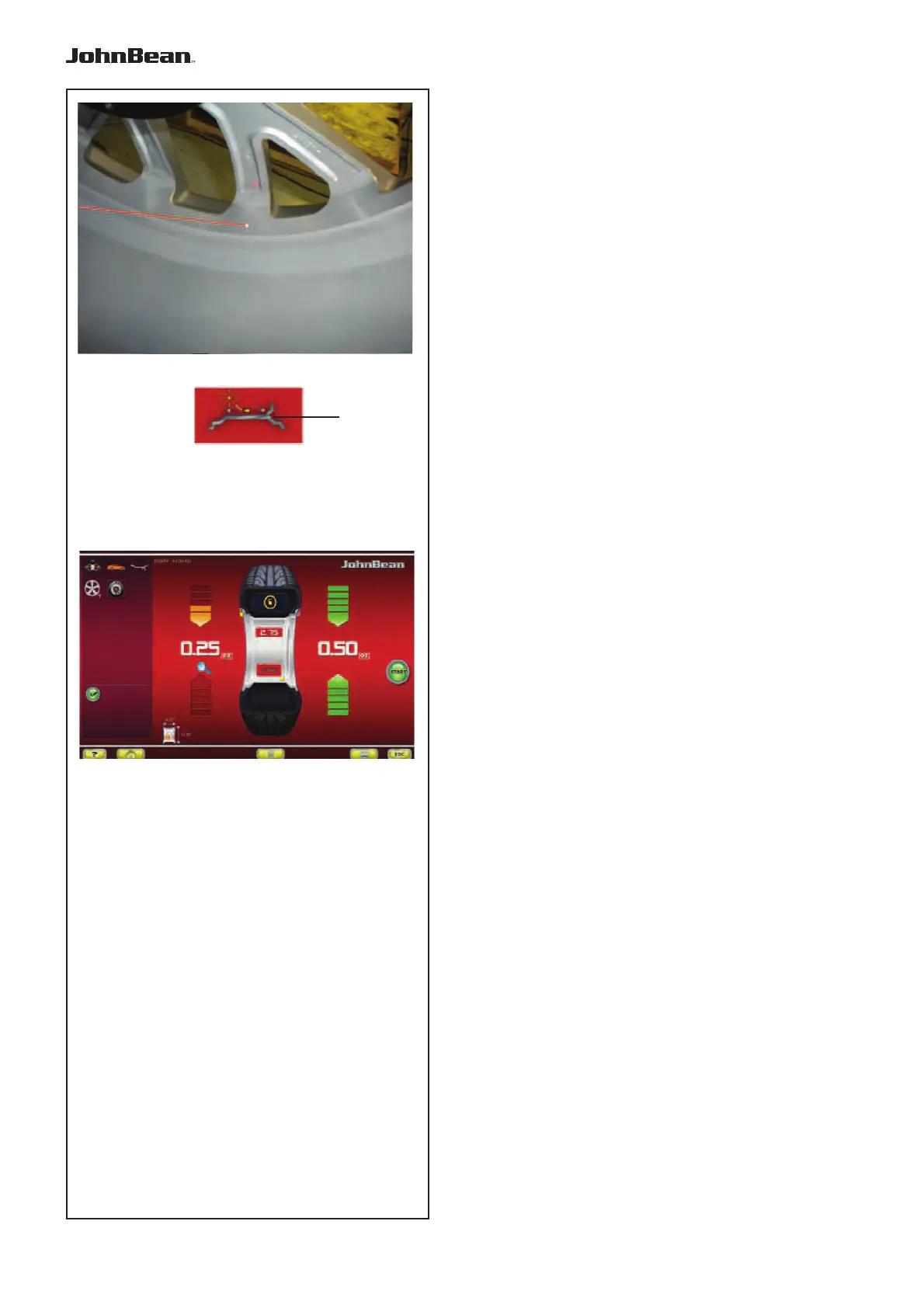
With the Laser Pointer mode active, the key (1, Abb.
6-24) is used to change the weight position during the
application phase.
Once you have reached the adhesive weight
application position (green arrows Fig. 6-25), change
the weight position as follows:
• Press the key (1, Fig. 6-24) to select Laser Pointer.
• Manually rotate the wheel to change the position of
the weight indicated by the pointer.
• Press again the key (1, Fig. 6-24), to set the selected
position.
Note:
The Relocation causes a variation of the position
and value of both weights. As the change can be
performed on both planes, the right weight (close
to the rim fl ange) is usually applied fi rst, due to the
fact that it needs to be moved more often.
Note:
The change in the position of the weight is saved by
the machine, then automatically suggested for all
subsequent wheels with the same dimensions. The
selection is deleted when the machine is switched
off.
..
_
..........



 To Next Page