98
“BALANCE WITH RUNOUT”
6-33
6-32
21
2
1 2
3
“
BALANCE WITH RUNOUT
”
BALANCING
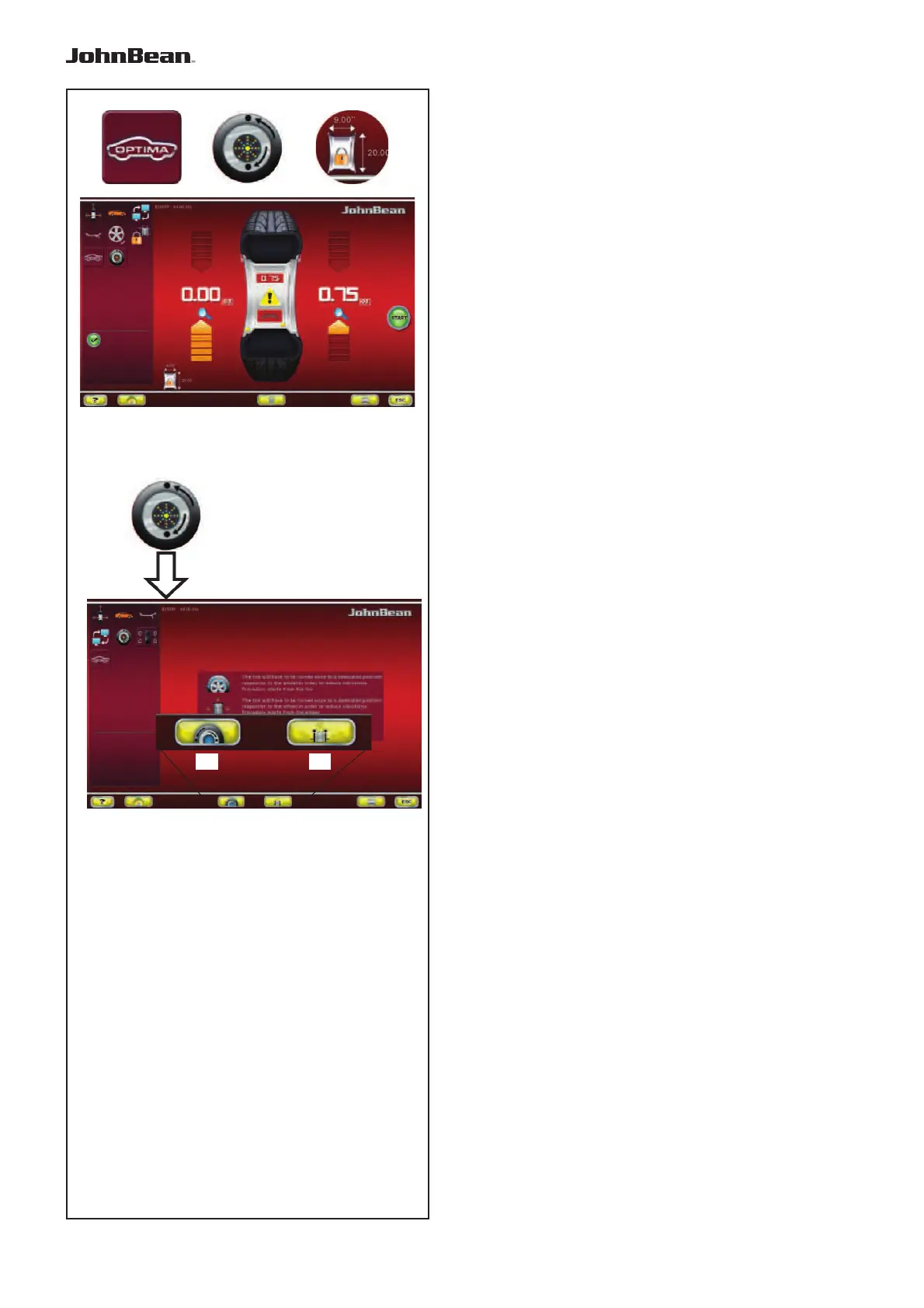
The following additional items can be found in the
Balancer Screen (Fig. 6-32) in Balance with runout
mode:
1 Access to the Balance with runout Diagnostics
screen
2 Access to the Matching screen
3 Select Rim Data Freeze
“OPTIMIZATION ENTRY SCREEN”
The key 2 in the BALANCING Menu in Balance with
runout mode, used to access the Optimization Entry
Screen, takes you to the next screen (Fig. 6-33) which
contains the following:
(Fig. 6-33)
1
Access to the geometrical Matching of the
complete wheel.
2 Access to the geometrical Matching of just
the rim.
(F 7.1.3.1)
..
_
..........
1 2



 To Next Page