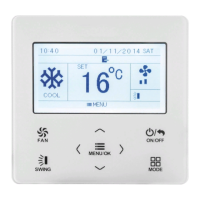
Wired Controller DWCR2
25
3.10.3 Weekly Timer
The user can set the everyday timer content for a week. In each day, the user
c
an set eight segments of timer content. The unit will execute corresponding timer
setting for a week.
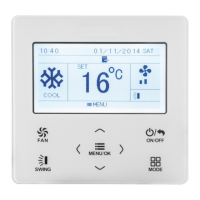
After entering weekly timer setting page, press “
<
” or “
>
” button to select the
day to be set. Then press MENU button to enter timer programming of that day.
Press “
<
” or “
>
” button to select the item to be set. Press “
∧
” or “
∨
” button to adjust
the content. Press MENU button to save setting. Please refer to Fig. 14.








 To Next Page