EasyManua.ls Logo

Jonix cube - User Manual

Jonix cube
40 pages
Print Icon
To Next Page IconTo Next Page
Loading...
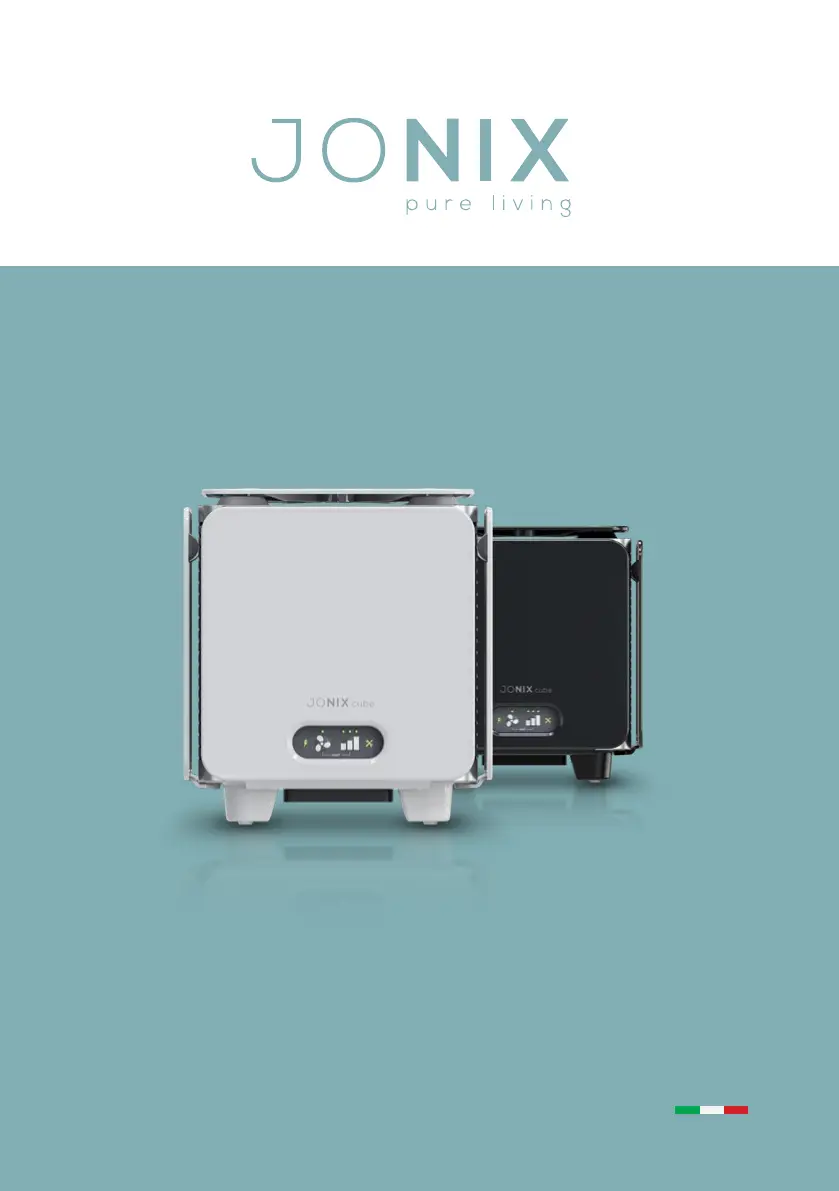
JONIX cube
USE AND MAINTENANCE MANUAL
AIR PURIFICATION DEVICE
WITH ADVANCED COLD PLASMA TECHNOLOGY

Questions and Answers

  • M
    Maurice RobinsonJul 28, 2025
    How to troubleshoot a Jonix cube when the green LED is off?
    • P
      phillipwiseJul 28, 2025
      If the green LED on your Jonix Air Cleaner is off, it means the unit isn't getting power. Here's what to check: * Ensure the switch is in the “I” position. * Verify the plug is securely connected to both the mains power socket and the power socket on the device. * Confirm that the power socket you're using is working. * Make sure the lid is properly fitted and locked. * Check the fuses next to the socket in the door and contact your retailer if they are blown.
  • M
    Michael GouldAug 5, 2025
    What to do if my Jonix cube Air Cleaner has no sizzling noise and the yellow LED is blinking?
    • I
      ichanAug 5, 2025
      If your Jonix Air Cleaner isn't making a sizzling noise, and the yellow maintenance LED is blinking, the ionising generators and fan mesh filter likely need cleaning. Please refer to section “7.2 - Routine Maintenance” for detailed instructions.
  • H
    Heather SmithAug 12, 2025
    Why my Jonix cube has no sizzling noise and the yellow LED is steady?
    • J
      Jeffrey GeorgeAug 12, 2025
      If your Jonix Air Cleaner isn't making a sizzling noise, and the yellow maintenance LED is constantly on, it indicates that the ionising generators need to be replaced. Please refer to section “7.3 - Extraordinary Maintenance” for detailed instructions.
  • B
    brianjohnsonAug 20, 2025
    What does it mean if my Jonix cube has no sizzling noise and the yellow LED is off?
    • D
      David RobertsonAug 20, 2025
      If your Jonix Air Cleaner isn't making a sizzling noise, and the yellow maintenance LED is off, it suggests that the ionising generators are faulty. Please refer to section “7.3 - Extraordinary Maintenance” for detailed instructions.

Summary

1 - GENERAL INFORMATION

1.1 CE PLATE AND SERIAL NUMBER

Details the device's identification plate and manufacturer information.

1.2 RESPONSIBILITY

States manufacturer's disclaimer for improper use or non-compliance.

1.3 GENERAL SAFETY INSTRUCTIONS, SYMBOLS AND DEFINITIONS

Covers safety guidelines, warning symbols, and key term definitions.

2 - WARNINGS AND GENERAL PROHIBITIONS

3 - THE OPERATING SYSTEM

4 - TECHNICAL DATA JONIX cube

4.1 COMPONENT DESCRIPTION JONIX cube

Detailed illustration and list of device components.

4.1.1 Technical features JONIX cube

Specifications including dimensions, power, consumption, and weight.

4.1.2 Spare parts available on order

Lists available spare parts with their codes and descriptions.

5 - RECEPTION, TRANSPORT AND STORAGE

5.1 PACKAGING

Describes the device's packaging and included items.

5.2 HANDLING AND TRANSPORT

Provides guidelines for safely handling and transporting the device.

5.3 INSPECTION UPON RECEPTION

Instructs on checking the device for damage upon delivery.

5.4 STORAGE

Offers recommendations for storing the device before installation.

5.5 HANDLING DEVICE IN OPERATING CONDITIONS

Notes on the device's movability in operating environments.

6 - INSTALLATION AND COMMISSIONING

6.1 SAFETY INSTRUCTIONS

Crucial safety guidelines for installing and operating the device.

6.2 GETTING STARTED

Instructions for initial checks before powering on the device.

6.3 OPERATING SITE CHARACTERISTICS

Specifies environmental conditions required for device operation.

6.4 ELECTRICAL CONNECTIONS

Guides on making safe and correct electrical connections.

6.5 ELECTRIC POWER SUPPLY

Information on connecting the device to the power supply.

6.6 USING THE DEVICE

Step-by-step instructions for connecting and powering on the device.

6.7 CONTROL PANEL

Explains the functions of the device's control panel and LEDs.

6.7.1 Operating levels

How to select different operating levels based on room needs.

6.7.2 Ventilation function

Instructions for activating or deactivating the ventilation function.

6.8 FIRST START CHECKS

Mandatory checks before the initial startup of the device.

7 - MAINTENANCE

7.1 WARNINGS

Critical safety warnings before performing any maintenance operation.

7.2 ROUTINE MAINTENANCE

Details periodic cleaning and checks for the device.

7.2.1 Cleaning ionizing tubes

Step-by-step guide to cleaning the ionizing tubes.

7.2.2 Cleaning the filter

Instructions for cleaning the device's filter.

7.2.3 External cleaning of the device

Guide for cleaning the exterior surfaces of the device.

7.2.4 Replacement ionizing tubes

Procedure for replacing worn-out ionizing tubes.

7.2.5 Replacement of the protection fuse

Instructions for replacing the device's protection fuse.

7.3 SPECIAL MAINTENANCE

Guidance for maintenance tasks requiring authorized personnel.

8 - OPERATIONAL CHECK AND TROUBLESHOOTING (DIAGNOSTICS)

8.1 DIAGNOSTICS

Identifies common problems, causes, and solutions for the device.

8.2 GENERAL DIAGNOSTIC PROVISIONS

Procedures for contacting support for unlisted malfunctions.

9 - DISPOSAL

9 - DISPOSAL

Guidelines for environmentally responsible disposal of the device.

Jonix cube Specifications

General IconGeneral
BrandJonix
Modelcube
CategoryAir Cleaner
LanguageEnglish