When there is no signal from the selected source, the warning
message will be displayed
as per illustration. Either change the channel
in TV mode or press Source button to change
source.
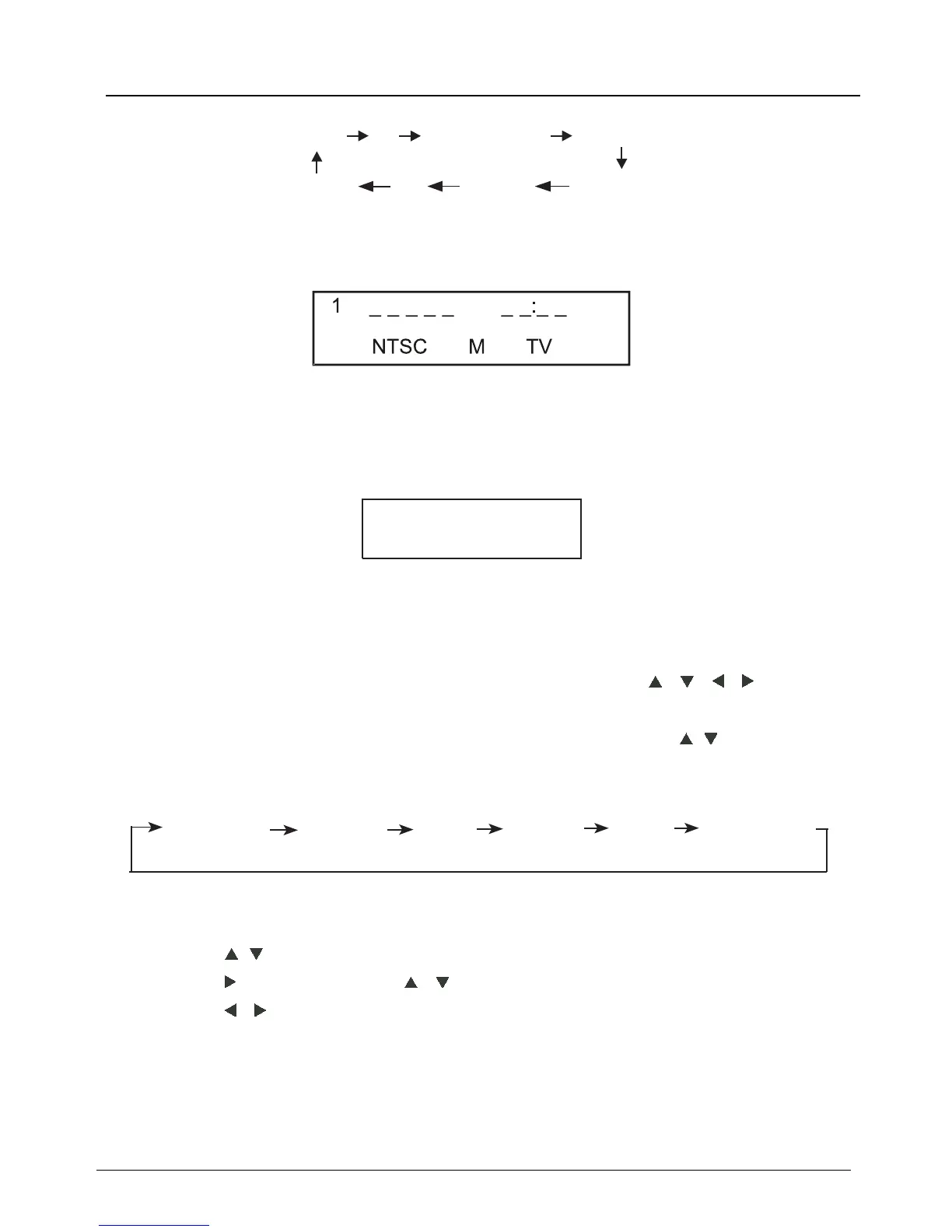
When selecting the signal source, the screen will display the information.
2.4 Menu Option Adjustment
After you have installed the batteries into the remote control, you will
need to set some preferences on the LE D TV, using the menu system.
- The buttons for menu option adjustment include: Menu, , ,
,
Enter
buttons.
- Press the Menu button to open the OSD Menu, then press
,
button to
select the pages. The pages are displayed in the following sequence
(circular display):
Press the Menu button to display the menu system.
Press
,
button to select the menu pages.
Press ,
and then press ,
button to select an item.
P
ress , button to select
or adjust a setting
.
If you do not
make a selection within
15 seconds, the menu will close
automatically
.
Press the Menu button to return or exit OSD menu.
PICTURE
SOUND
TIME
CHANNEL
LOCK
Note: “ CHANNEL ” is only for TV .
No Signal
TV mode
LE D COLOR TV
TV AV
HDMI3
HDMI1
PC
MEDIA
HDMI2
SETUP
Component



 To Next Page