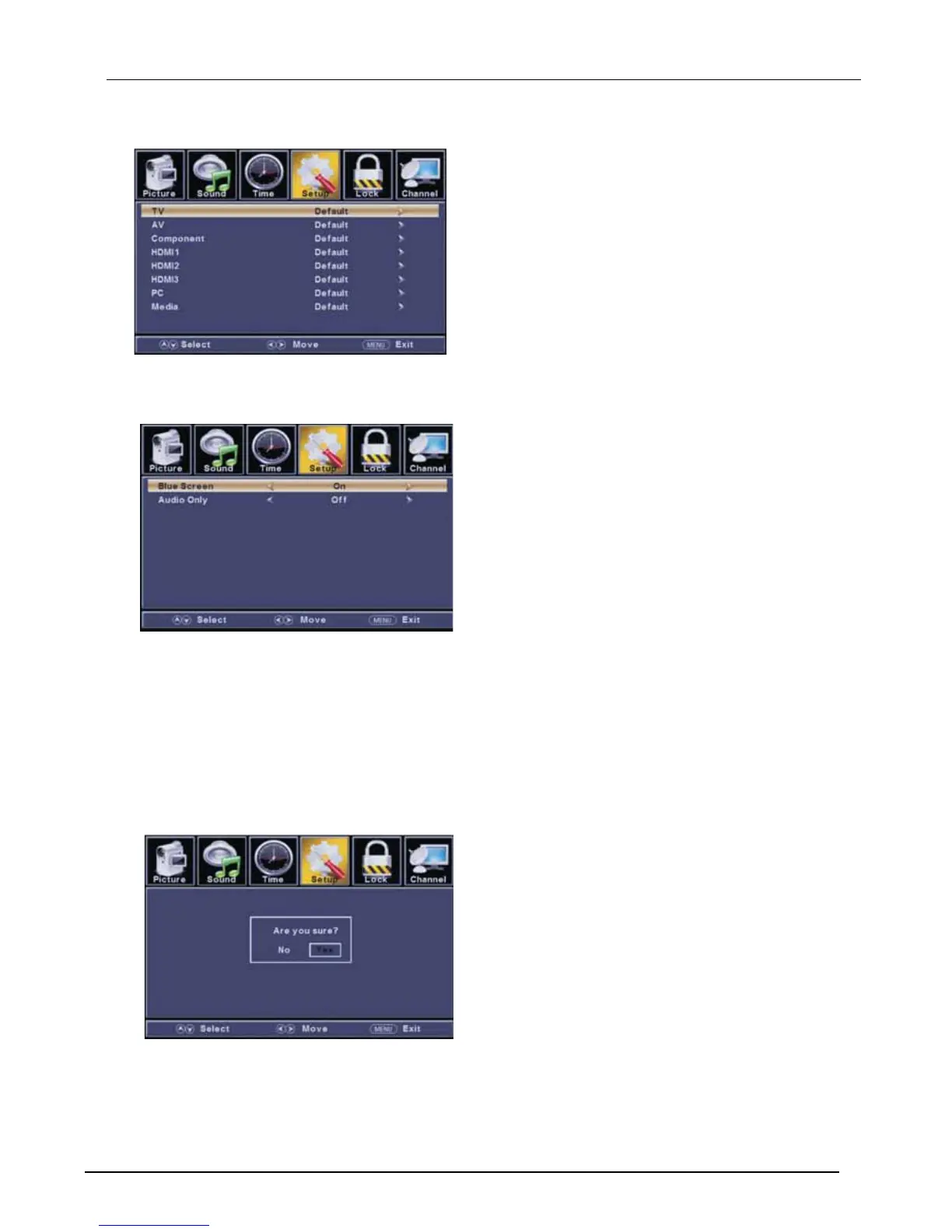
【Input Labels】
Create labels for the devices connected to your TV.
Press ENTER / button to enter.
【Other Settings】
Set the parameter of audio only, no signal power off and no operation power off.
Press ENTER / button to enter.
【Blue Screen】
To select the transition type required while changing from one channel to another
Press button to select(On / Off).
【Audio Only】
Play the audio with the picture turned off. When you turn the Audio Only on and exit the OSD menu,
the panel will be dark; and then press any key to exit the Audio Only status.
Press button to select(On / Off).
►
►
◄ / ►
◄ / ►
【Restore Default】
Change power on options or reset TV to factory default.
Press ENTER / button to enter.
【Setup Wizard】
Set the first time installation.
Press ENTER / button to enter.
For detail please refer to page 1~2.
►
►



 To Next Page