- 10 -
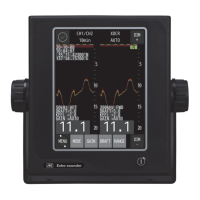
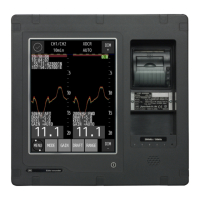
Echo sounder System
How to use [Power/Brightness]
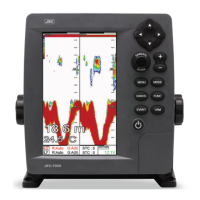
Press [PWR/BRT]
1. Use PWR:
Press [PWR/BRT] shortly to turn on Power.
To turn off the power, keep pressing the [BRT/PWR] until the end of counting.
2.Use BRT:
Press [BRT/PWR] shortly and the brightness can be controlled. Use the arrow keys [←][→]of the
cursor to control the brightness and the contrast.
3. Use day/night mode
Press [BRT/PWR] shortly and change mode. Use the arrow keys [↓][↑] of the cursor to change mode.
Choosing the frequency on the dual
Press [↑][↓]
You can see the red color is moving with the up and the down. In the active frequency in the red, it’s
on operation.
Choose the Gain & STC
Press [←][→]
You can see the red color is moving with the right and the left. In the active Gain & STC in the red, it’s
on operation.


 To Next Page