- 21 -
Operation
Navigation data edit
[MENU]-> Setup->Customizing->Navigation Data->edit
Select the section to edit .(*Refer Fig. 1.3.1 as below)
Press [ENTER] key and select the data as a user want. .(*Refer Fig. 1.3.2 as below)
Finish the formation of data bar, press [CANCEL] key to complete
(* If no navigation data on present activated display, it is not available to edit)
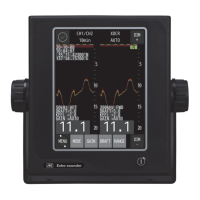
<Fig. 1.3.1>
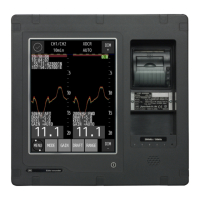
<Fig. 1.3.2>


 To Next Page