12
Apple TV
Hard Wired Connection
Getting Audio From TV to Juke
To do so you must connect your AppleTV to Airplay. This can be done by holding down the TV
icon on your AppleTV remote and selecting the Airplay input that you have your selected zones
turned on for. (Note: YouTube TV does not yet support this feature)
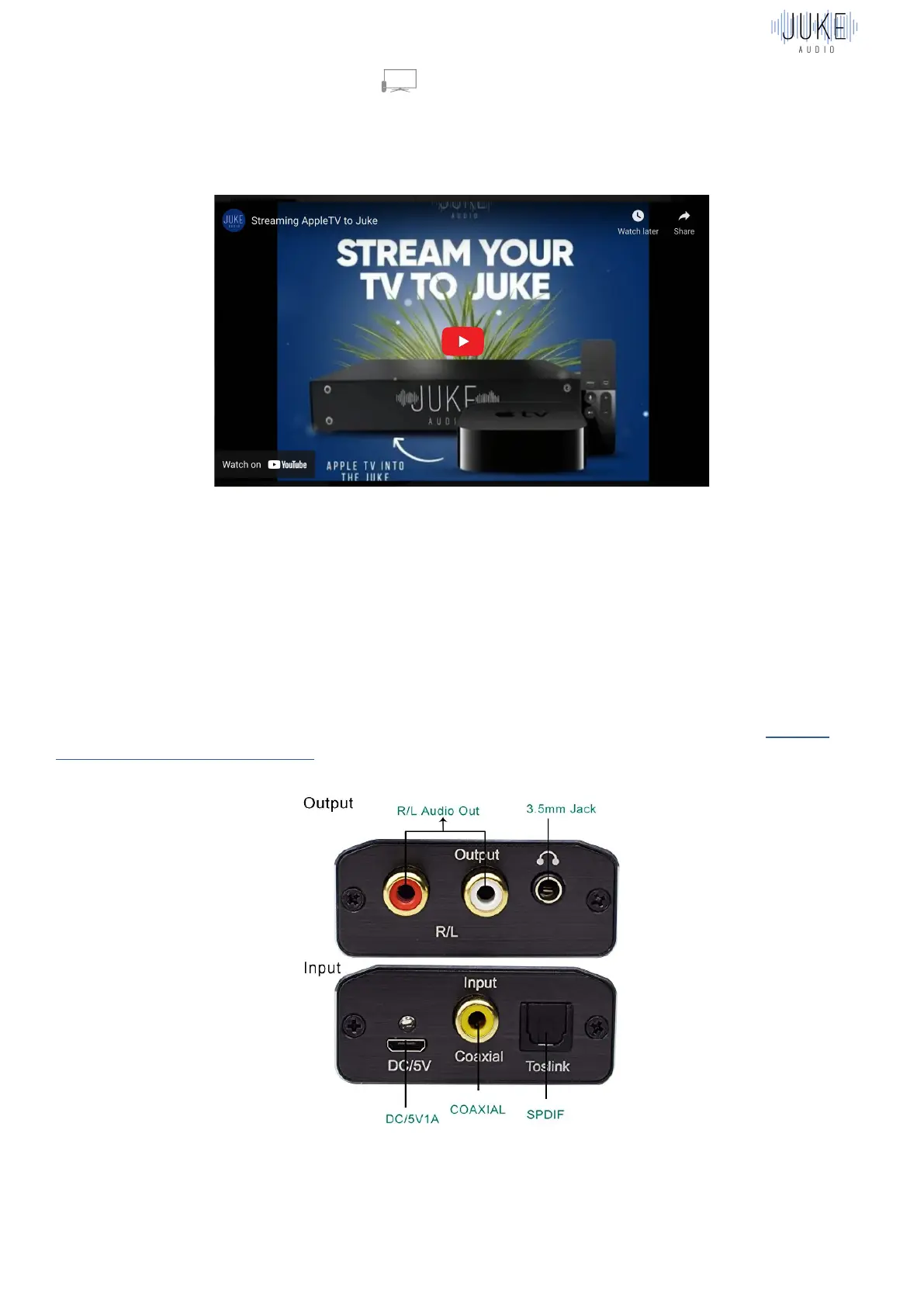
Another option is to run a hardwired connection directly from your TV or cable box back to the
Juke. This can be done via the utilization of the USB adapter into a Juke and then an RCA to
Optical converter into your TV with a male to male RCA cable in-between the two adapters.



 To Next Page