17
However, keep in mind that the volume buttons on the echo connected to the Juke will also
greatly impact the volume as well.
Streaming to Juke from Android via AirMusic
Summary
This brief guide explains the steps of how to steam to Juke from an Android device via an app
called AirMusic that mimics the same functionality of streaming via Airplay on an Apple Product.
This can be used to stream nearly all major streaming services.
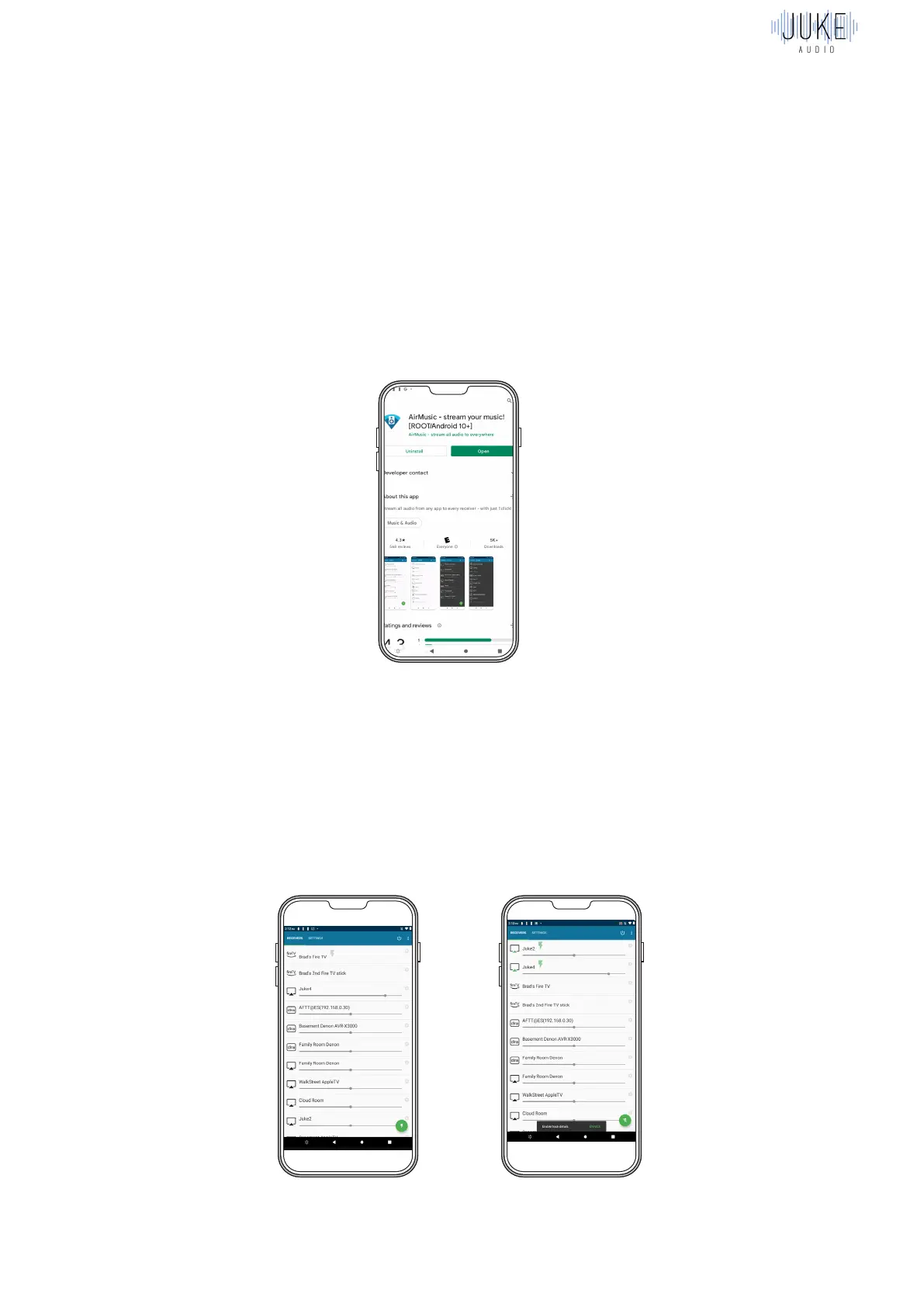
Download the App
In the Google Play, you can download the AirMusic app. Note there is a free version that works
temporarily, but the full time version required is $5.
Select an Input
Once in the app, you will see all your available Airplay Inputs. If you have all of Juke’s 4 inputs
set to Airplay, and have not yet changed the names of them, you will see them listed as “Juke1,
Juke2, Juke3, Juke4”. Click on the Airplay input you’re looking to stream to, and a unique
benefit of AirMusic, is that it will allow you to select multiple airplay inputs and play to them
concurrently. Once connected, a green check will appear next to the selected input to signify
that your device’s audio will now be sent to that input.



 To Next Page