15
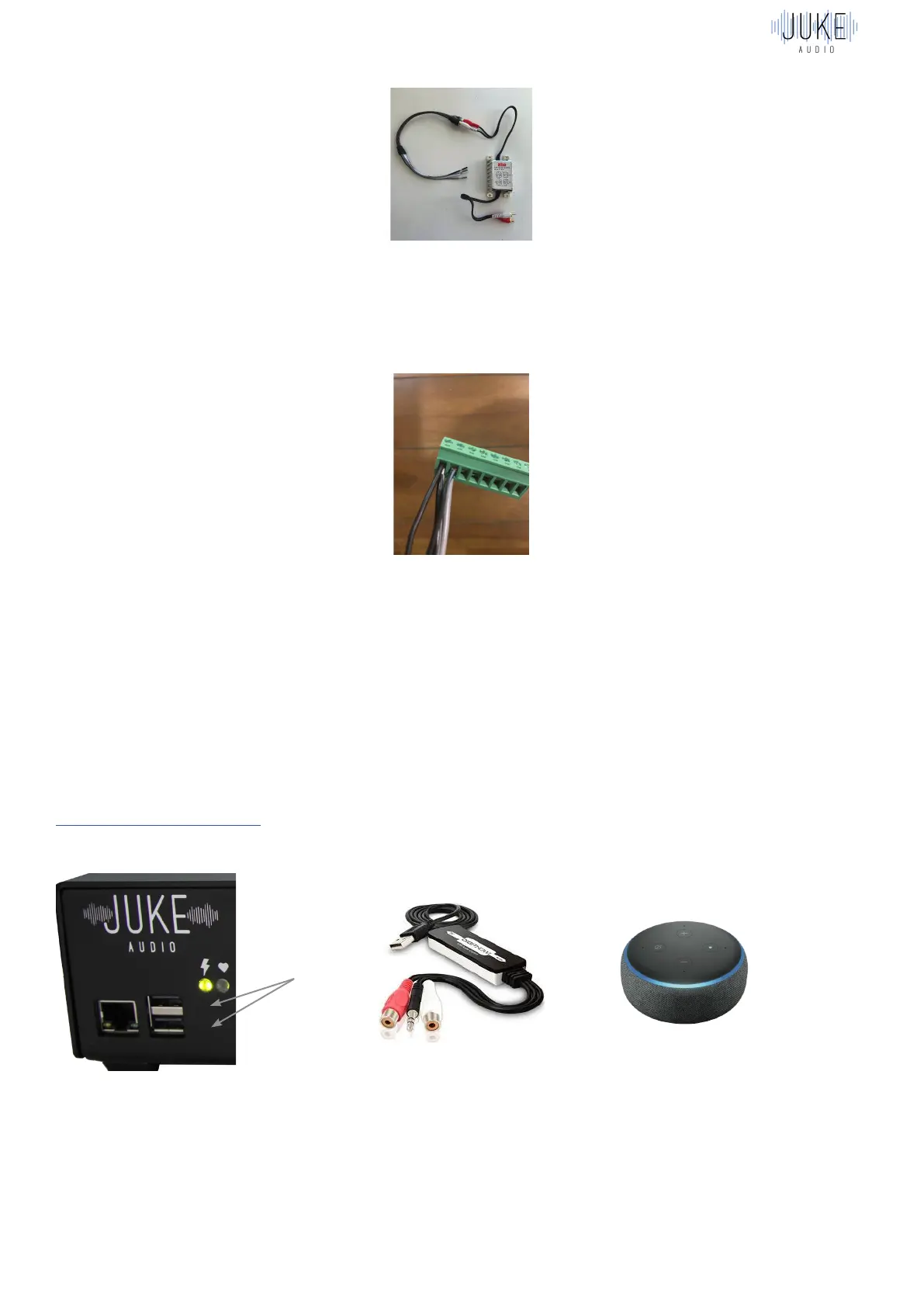
Here is what the wires from the Rockford Fosgate part look like when they are connected in
parallel with the left speaker for a zone:
Amazon Alexa Voice Commands with Juke
Summary
This brief guide explains the steps of how to pair Amazon Echo devices with the Juke Audio
amplifier in order to send audio content via voice commands to Juke’s connected speakers.
The wired connection
The first step will be to run a hard-wired connection between Juke and an Amazon Echo
device in the same way that is required with other analog inputs into Juke. This requires the
USB Digitnow Converter which will plug into the USB port on the Juke and the audio jack on the
other side of the converter will plug into the Echo.
Configuring in the Juke web App
Once you’ve connected the device to the USB port on the Juke, you must then configure one
of the inputs in the administrator settings of the Juke Web App to be USB. Note: The USB option
will only appear once you have the adapter connected into the Juke
Plug In Here


 To Next Page