18
The volume slider seen above for each input will serve as the master volume.
Turning the Zones On
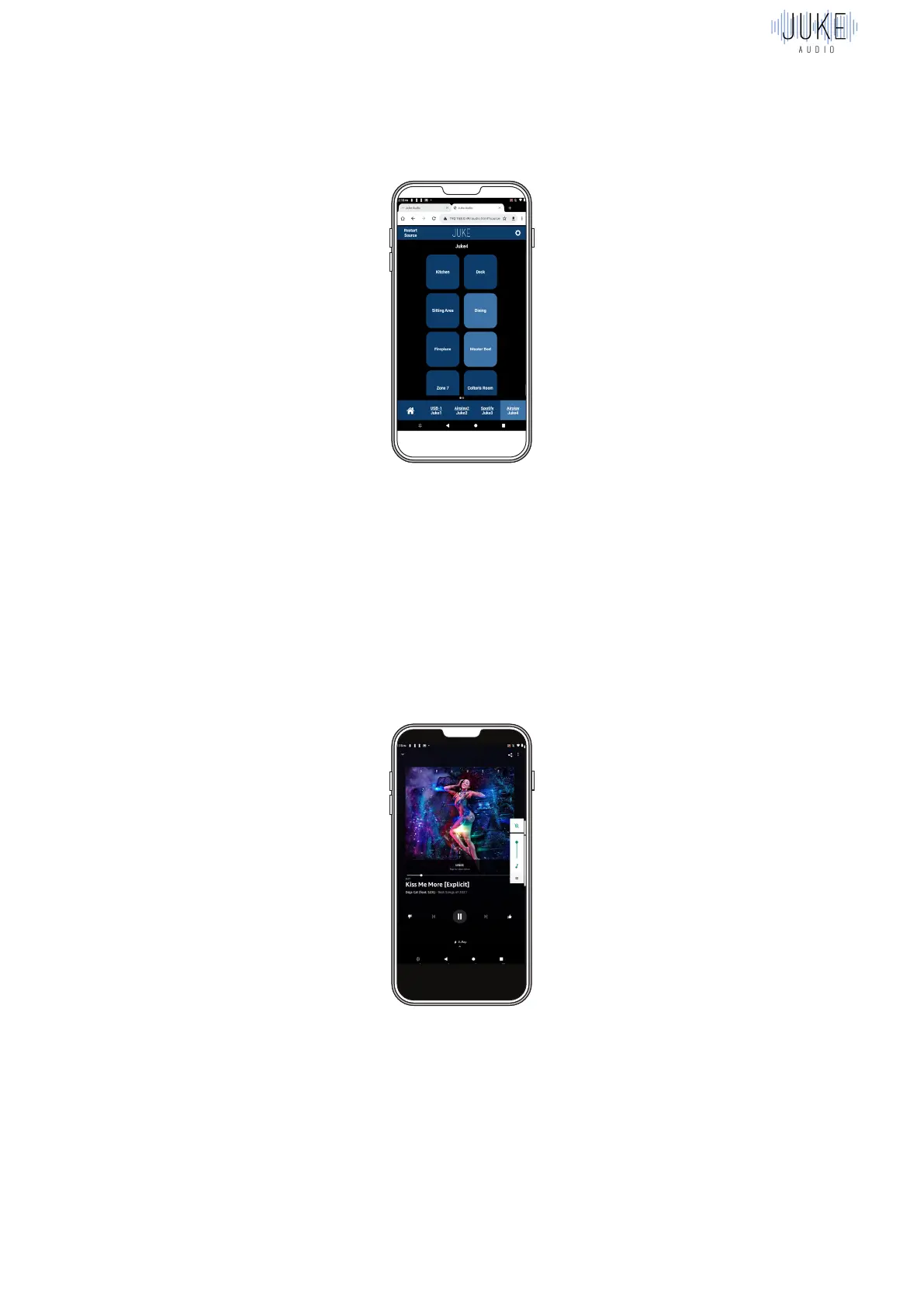
Inside of the Juke web app, you must turn the zones for the input(s) that you just connected to
in the AirMusic app. This is done in the same way it is for any of Juke’s other Airplay inputs.
Song Playing and Volume Control
The final step is to go to your music app of choice (Tidal, Amazon Music, etc.) and beginning
playing your music. It’s important to note that the audio will also play out of your Android
device, unless you use the volume buttons on the side of the device to turn the volume done.
Since the music will be playing out of the connected Juke speakers as well, you’ll almost
always want to have the audio muted on your device. The volume slider seen in the below
picture is for what comes out of your device but the volume sliders on the inputs in the AirMusic
app is what will control the volume coming out of the speakers.



 To Next Page