Operation manualⅠ
3− 11
3.11 Pause for protection of a component
Error screen Causes of the error
If a component that is set to be protected
on the “Component data (Add Info.)” of a
production program causes a recognition
error, the machine temporarily stops.
① Protect the component that caused a
recognition error.
How to handle an error
Open the safety cover and remove the component from the nozzle. Then select the <OK>
button.
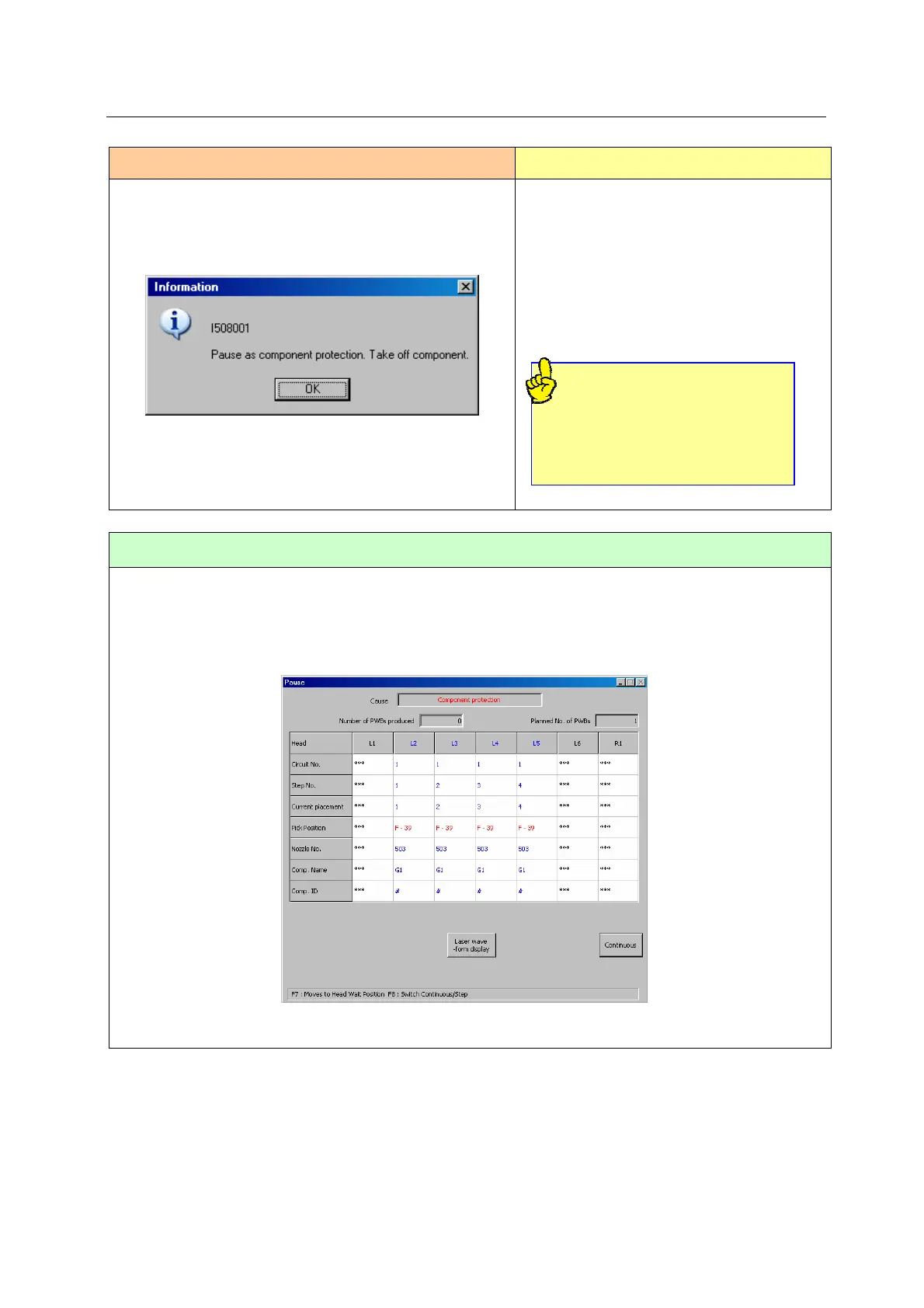
When you press the <OK> button, the following “Pause – Component protection” screen
appears. Press the <START> switch to resume the PWB production.
<Protection of a component>
An operator can directly remove from
the head a component that may be
damaged if it is discarded in the trash
box such as a component having a
lead(s).



 To Next Page
 Loading...






