Operating procedures
8.4. Switching on / Start - Stop
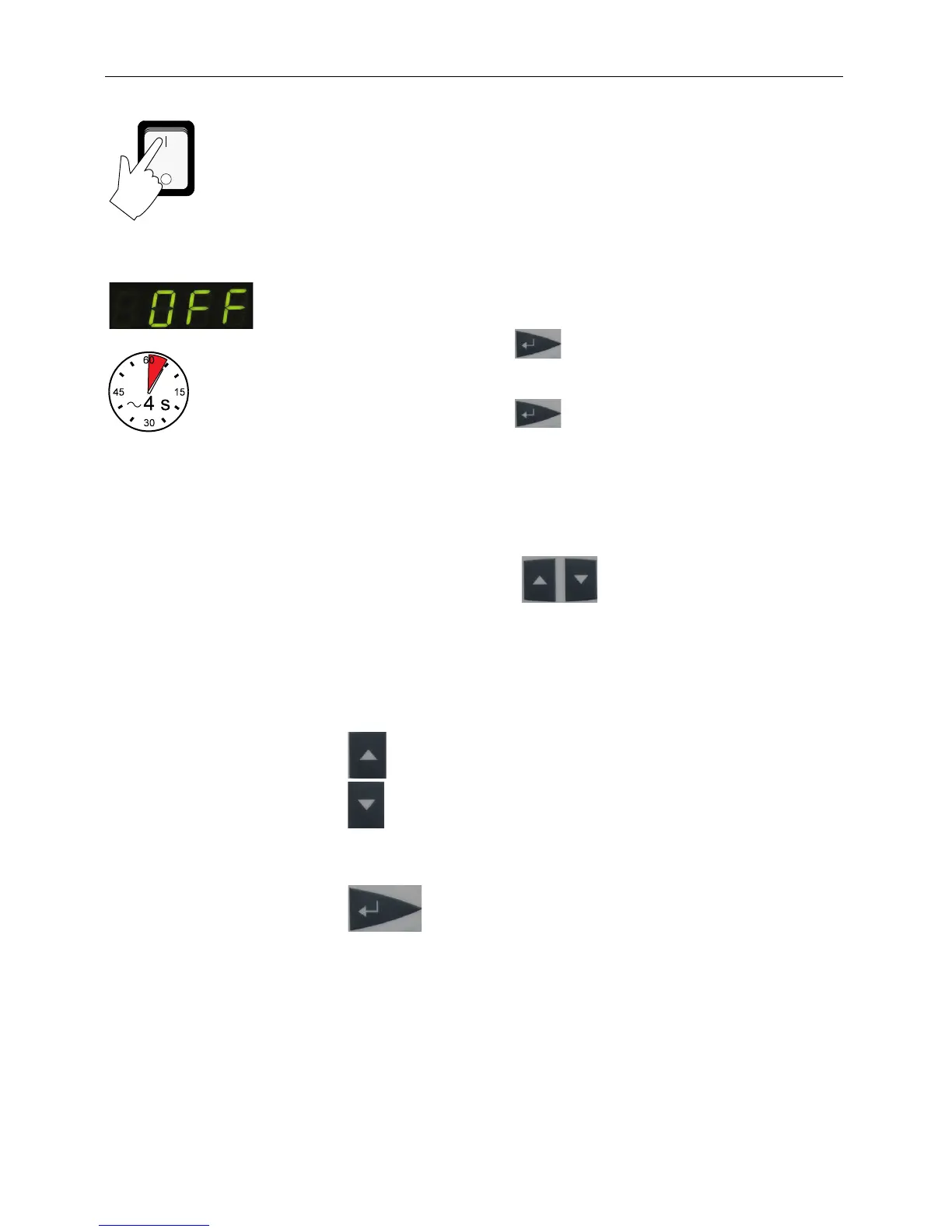
• The recirculating cooler is turned on and off with the mains
switch (1).
The unit performs a self-test. All segments of the 4-digit LED
temperature DISPLAY and all indicator lights will illuminate
Then the software version and the type of unit is indicated.
The display "OFF" indicates the unit is ready to operate (standby
Start: Press enter for about 4 seconds.
The LED temperature DISPLAY indicates the actual
bath temperature.
Stop: Press enter for about 4 seconds.
Turn the unit off with the mains power switch.
8.5. Setting the temperatures
Setting can be carried out in the start/stop condition.
1. Press one of the keys for a short moment.
The setpoint value instead of the actual value is indicated
on the display for about 8 seconds.
The value can now be changed.
2. Change value:
to set a higher value.
to set a lower value.
Keep the keys depressed for the value to change fast.



 To Next Page