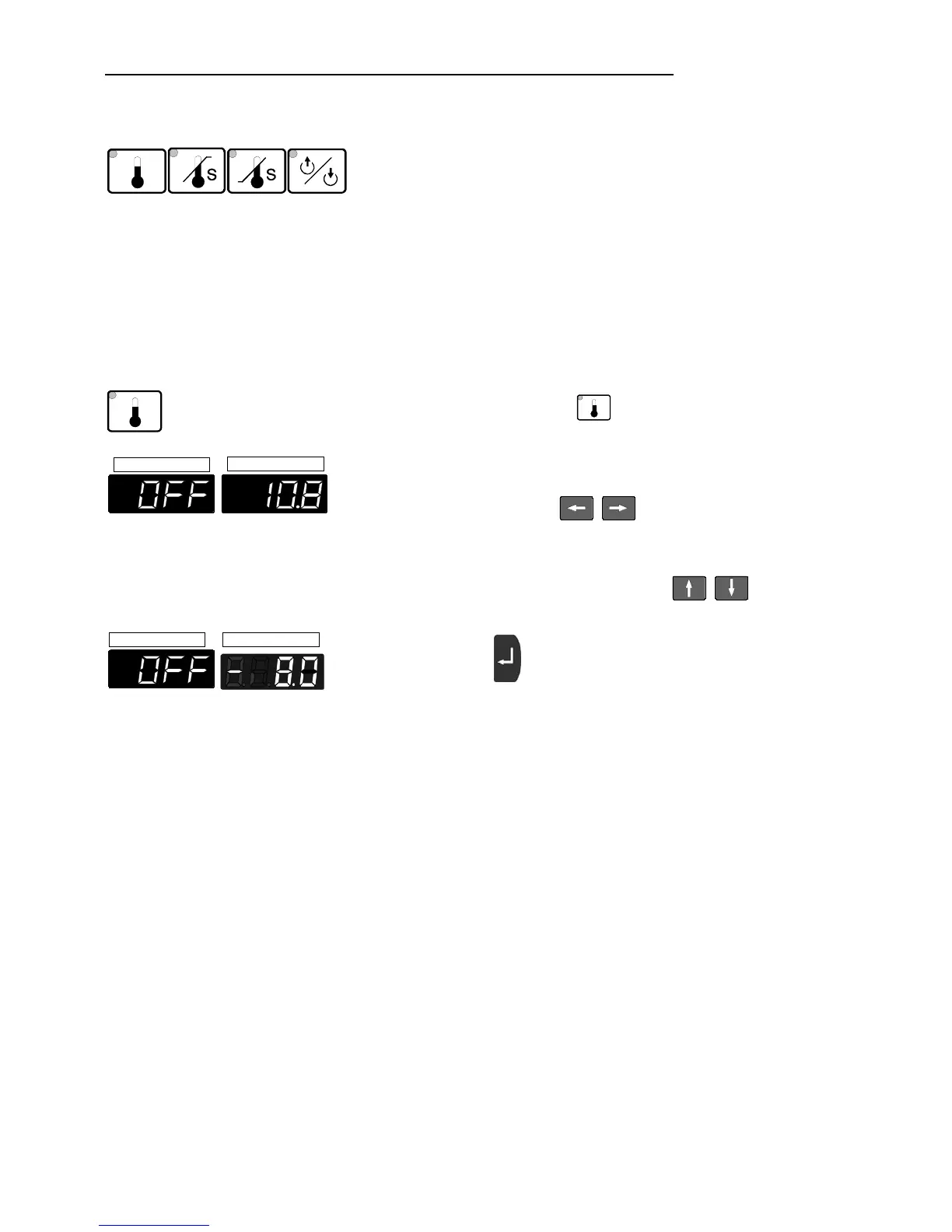
Manual operation
24
6.3. Setting the setpoint temperatures
Set the setpoints before or after starting the unit.
Press the setpoint keys (E, F, G, H) to set a value and
press the Enter key to store the value.
The values will stay in memory when the recirculating
cooler is powered down.
6.3.1. Setting the temperature
Example: Setting the bath temperature
ACTUAL
SET
ACTUAL
SET
n Press the setpoint key
.
The indicator light blinks and the value previously set
appears on the MULTI-DISPLAY (LED) (example: -
10.8 °C)..
o Use the cursor keys to move left or right on
the display until the numeral you wish to change is
blinking.
p Use the increase/decrease arrows to change
the selected numeral (-, 0, 1, 2, 3, ... 9).
q Press enter to store the selected value
(example: -8.0 °C).


 To Next Page