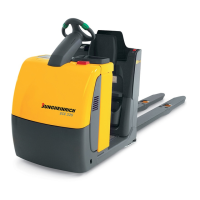
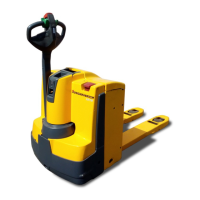
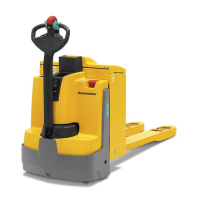
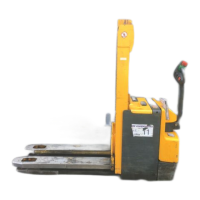
4.4 Front cover disassembly
Front cover disassembly
Requirements
– Prepare the truck for maintenance
and repairs, see page 168.
Tools and Material Required
– Allen key size 8
Procedure
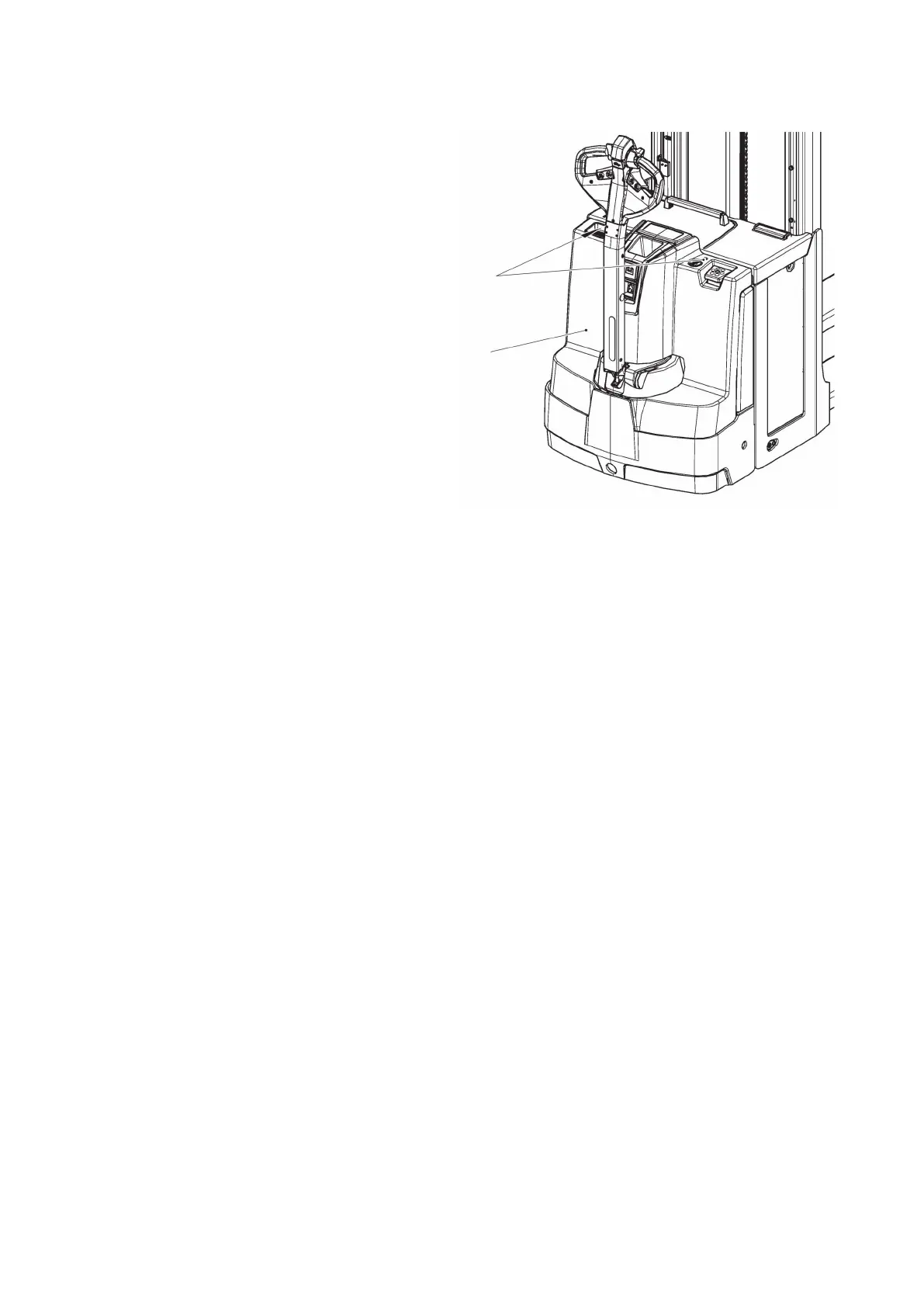
• Remove the screws (105) with the
Allen key.
• Lift and remove the front panel
(67).
• Place the front panel (67) safely to
one side.
The front cover has been removed.
Front panel assembly
Tools and Material Required
– Allen key size 8
Procedure
• Insert the front panel (67) carefully and secure it.
• Attach the front cover (67) to the truck with the screws (105). Tighten the
screws (105) with the Allen key.
The front panel is now assembled.
173
04.19 en-GB


 To Next Page
 Loading...