6 Allegro 2 Rugged Handheld Owner’s Manual
2. Insert the stylus with the attached tether through this
loop and tighten the loop.
3. Place the stylus into the holder on the hand strap.
Perform Set Up
1. Press the power key . The handheld powers on and
begins the startup process. A splash screen is shown that
includes a progress indicator at the bottom.
2. A Microsoft
®
Windows Embedded Handheld screen is
shown.
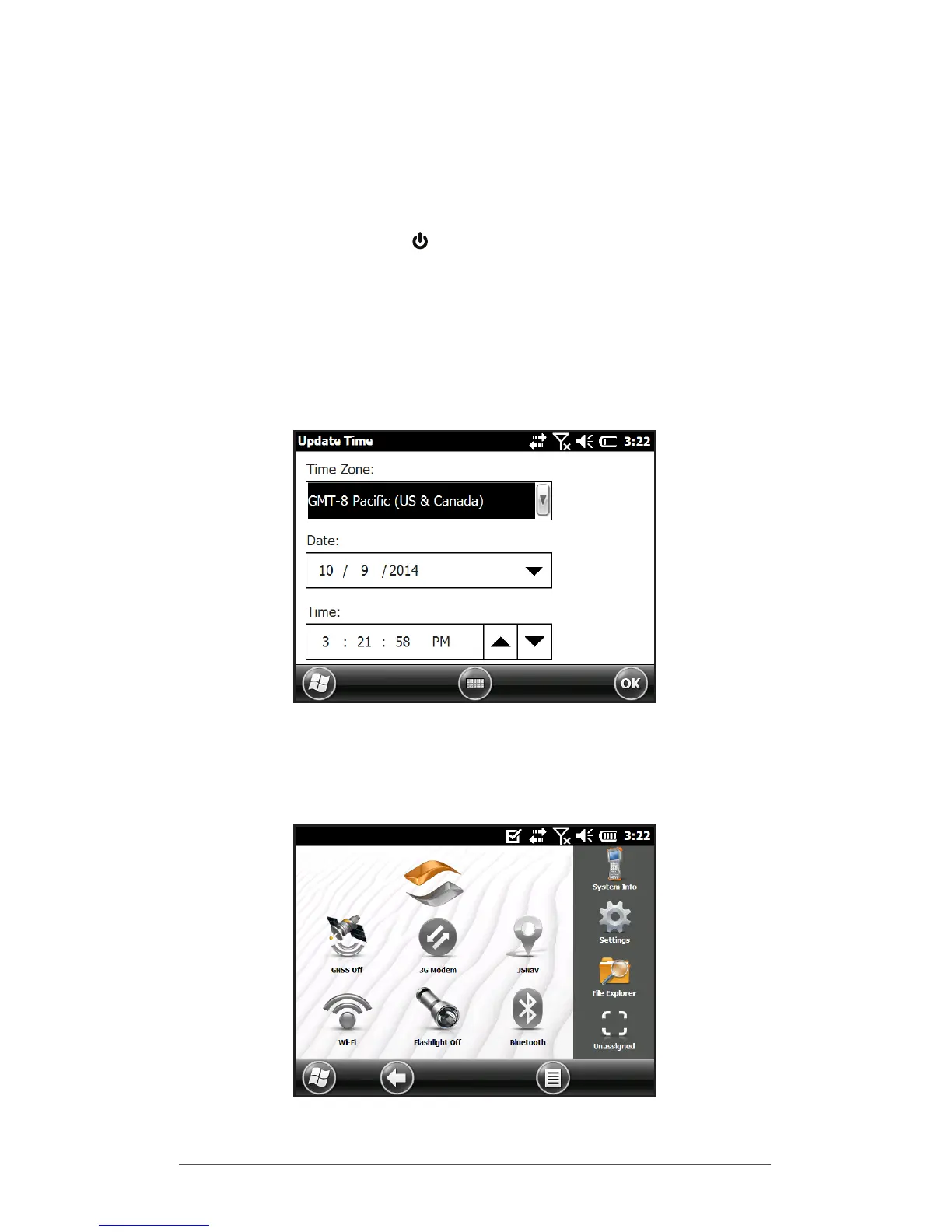
3. The Update Time screen appears. Adjust the time zone,
date and time if necessary and tap OK.
4. You might be asked to restart the handheld to complete
installation.
5. The Home screen appears (the layout varies by model).



 To Next Page