Chapter 3 Programs and Settings 45
Getting Started Application
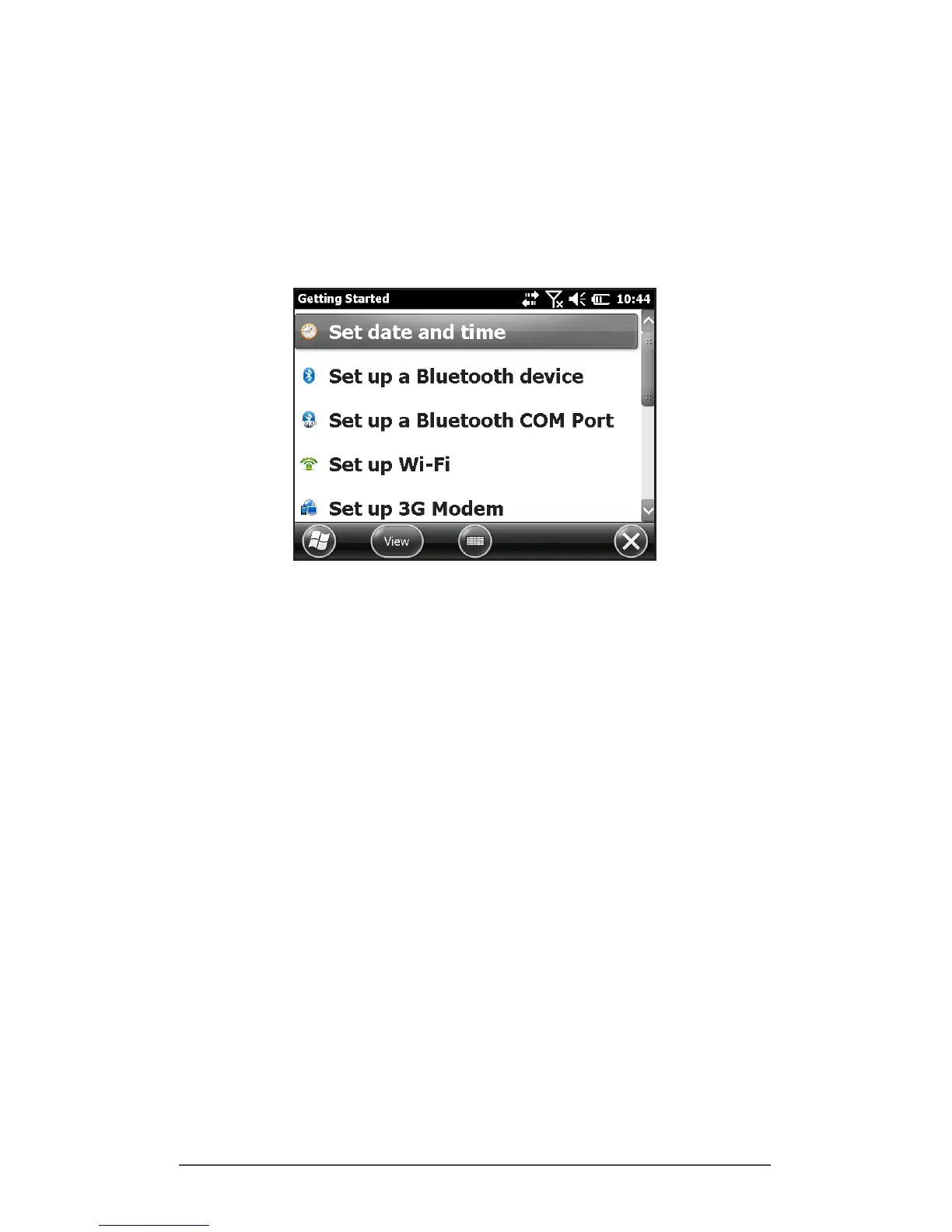
Getting Started Screen
The Getting Started screen provides information on current
settings, help for setting up features and applications, and
shortcuts to set up screens. To see a list of topics press Start >
Getting Started.
Information for Software Developers
For Allegro 2 SDK information, go to our website: www.
junipersys.com/Juniper-Systems-Rugged-Handheld-
Computers/support/Developers then Allegro 2.



 To Next Page