58 Allegro 2 Rugged Handheld Owner’s Manual
GPS/GNSS
Allegro 2 Geo models have GPS/GNSS with 2 to 5 meter
accuracy.
Using GPS/GNSS
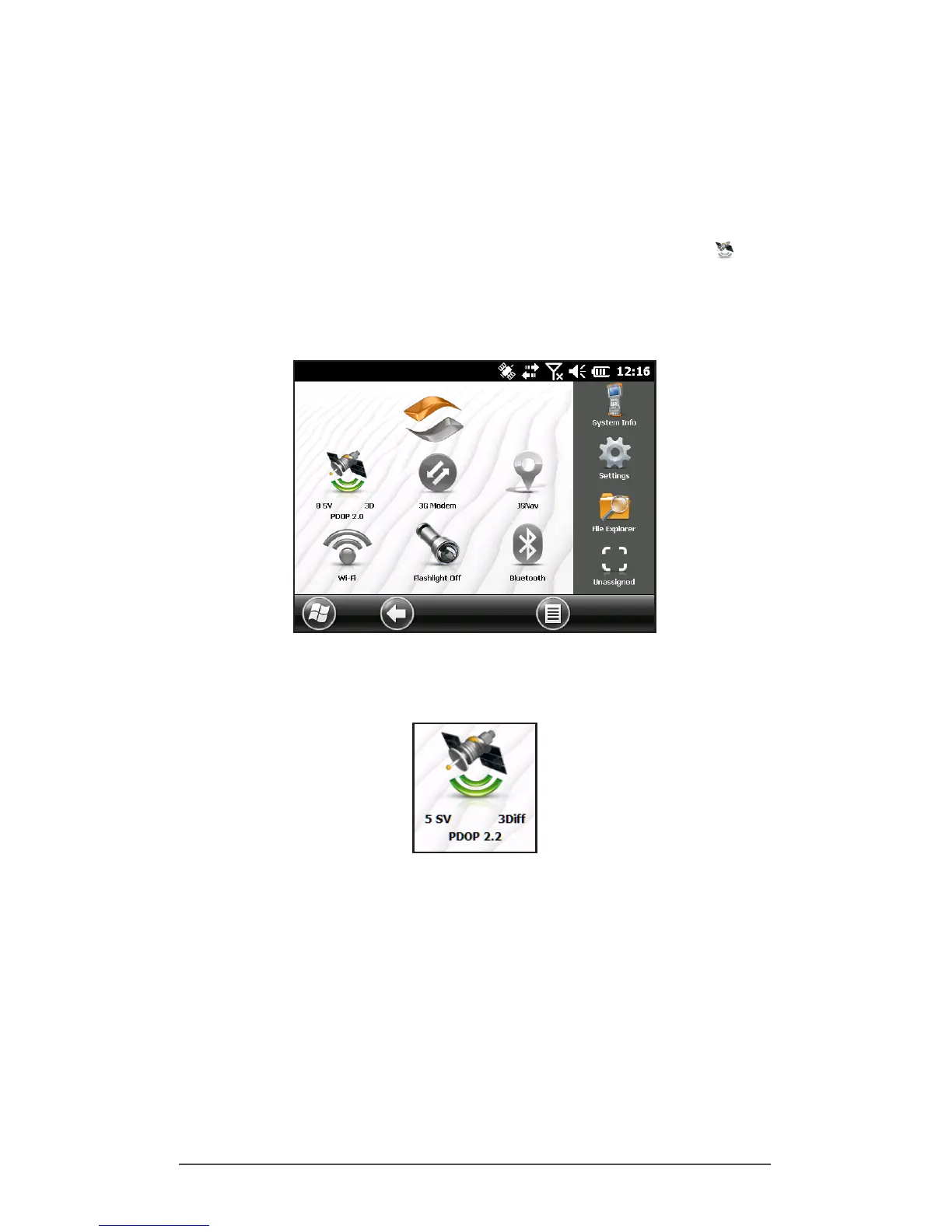
To use GPS/GNSS, tap on the GPS/GNSS status gadget to
turn it on. The GPS/GNSS starts looking for satellites to use for
a x. The green LED on the keyboard blinks periodically, and
a satellite icon is placed on the title top bar.
Once enough satellites are found, information similar to the
following is shown:
5 SV The number of satellites used for the current
position.
3Diff The type of x you have. Three satellites are
required for a 2D x while four are required for a
3D x. 3Diff means an SBAS (WAAS/EGNOS/MSAS)
signal is being used for the GPS/GNSS solution.
PDOP Positional Dilution of Precision is a measure of
accuracy. The lower the number, the more
accurate the x.



 To Next Page