86 Allegro 2 Rugged Handheld Owner’s Manual
Barcode Scanner
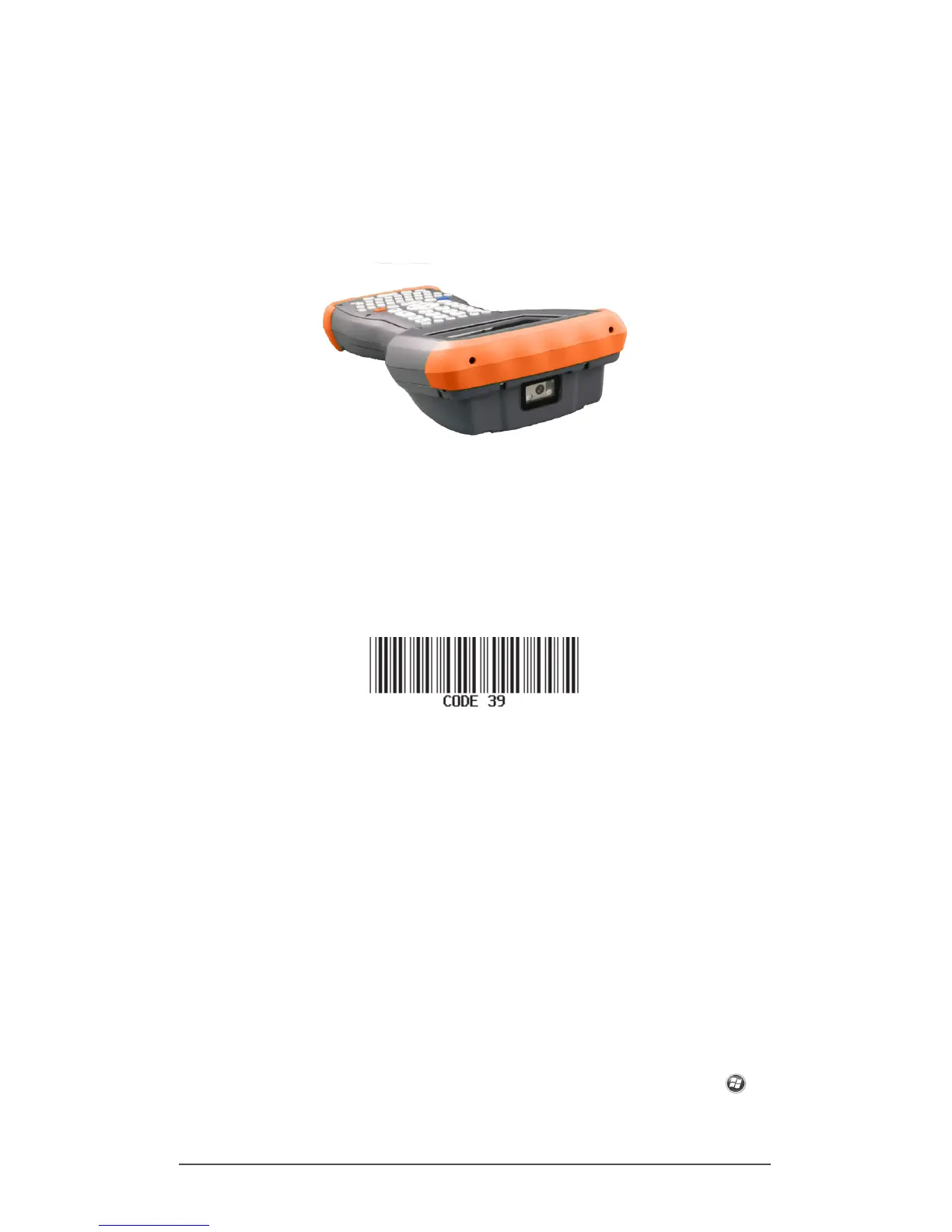
The Allegro 2 Rugged Handheld with a barcode scanner
allows you to read 1D and 2D barcodes and easily import
barcode data into custom or standard programs running on
the Allegro 2.
Quick Start – Easily Scan a Barcode Now
When you receive your Allegro 2 with the barcode scanner,
you can scan a barcode right away using the default
settings. Follow these steps:
1. Find a barcode to scan (or use this one):
2. If the battery pack has not been charged, plug the AC
wall power charger into a wall socket. Plug the other
end into the DC power jack on the Allegro 2.
3. The handheld powers on and a progress indicator is
shown on the screen.
4. The Barcode Connector
™
utility automatically opens.
Minimize the main screen by pressing the X soft key in
the bottom right corner of the screen. The Home screen
is shown.
Note: If the Barcode Connector utility does not
automatically open when the handheld is powered on,
select the Barcode Connector icon from the favorites
bar on the Home screen. If this icon is not shown on the
Home screen, tap the Windows start screen soft key to
locate and select the utility.



 To Next Page