30 Allegro 2 Rugged Handheld Owner’s Manual
Audio Features
The Allegro 2 has the following audio features:
Speaker - The speaker sound is loud and clear. Listen to
audio notes, video sound, and music les.
Microphone - Use the microphone to record audio notes
or add sound to a video when using the camera (option).
Audio Jack - The audio jack supports a stereo headset
or headset/microphone combination with 3.5mm
connections.
Adjusting Audio Settings
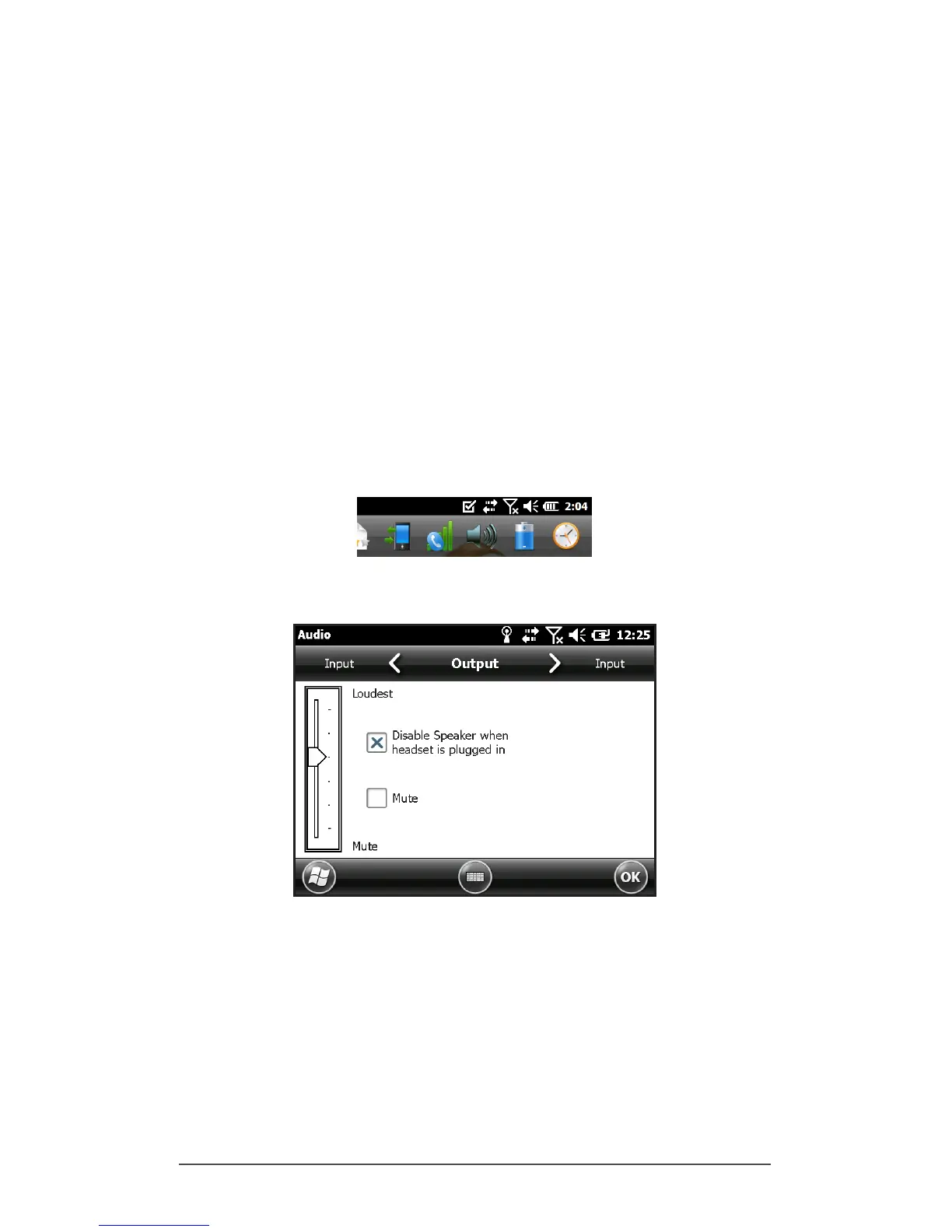
To set audio options, tap on the top title bar and select the
audio icon from the list of applications that drops down. Or,
press Start > Settings > System > Audio.
The Audio control panel, Output screen, is shown:
From the Output screen, you can adjust the speaker
options. Select the Input screen from the horizontal menu
near the top of the screen. You can adjust the onboard and
headset microphones as desired.



 To Next Page