20 Allegro 2 Rugged Handheld Owner’s Manual
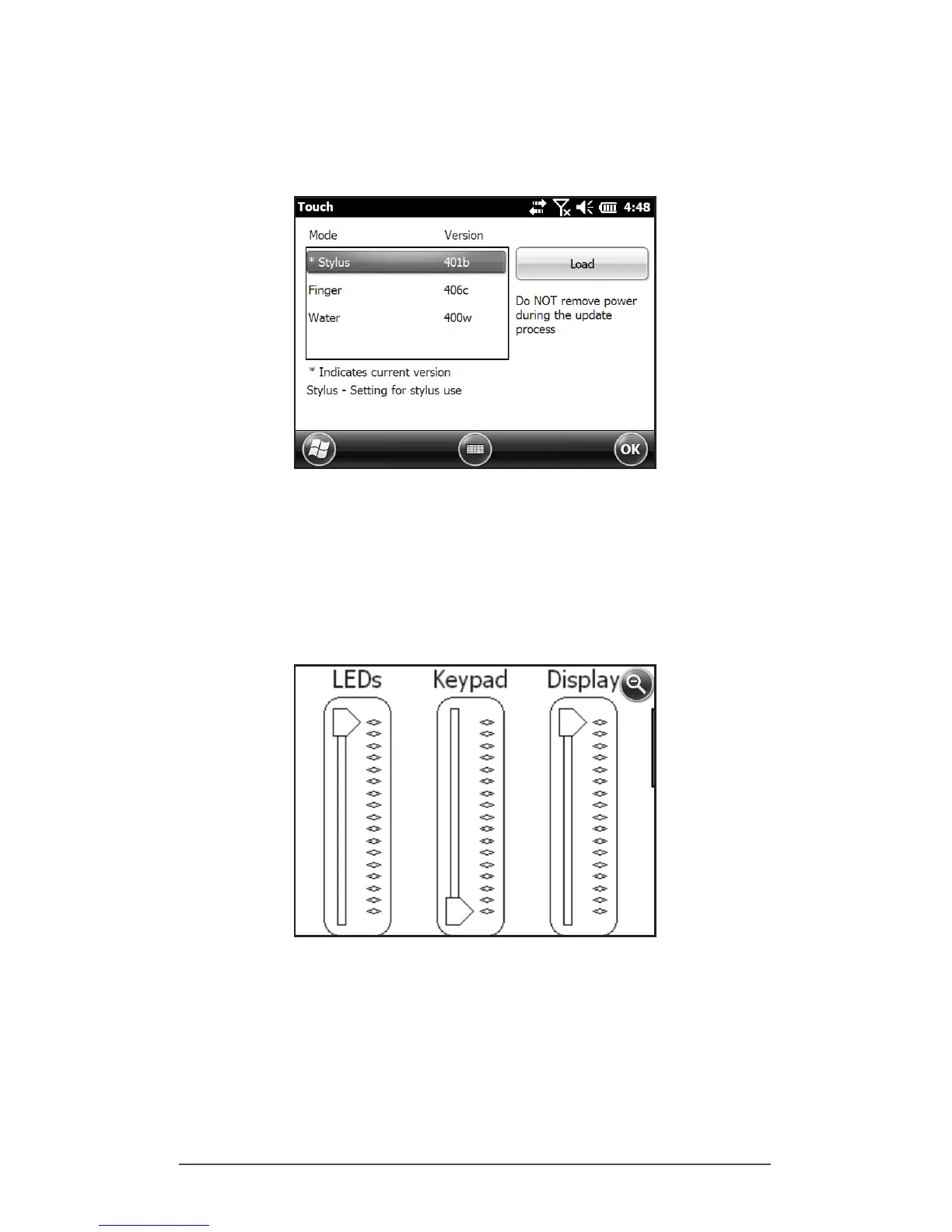
To adjust the touchscreen prole, go to the Touch control
panel by pressing Start > Settings > System > Touch. Modes
for nger or stylus use are shown.
Select the preferred mode, and tap Load. Do not interrupt
the loading process. You can try different modes to see
which one works best for you.
Zooming in on the Display
Zooming in on the display increases the view by 50 percent
and makes selecting content much easier.
Zoom options:
Hold-to-Zoom - The Hold-To-Zoom feature allows a quick
method to zoom into a small feature on the screen.
Note: A key is not set to launch this feature by default. To
use this feature, go to the Buttons control panel, Program



 To Next Page