26 Allegro 2 Rugged Handheld Owner’s Manual
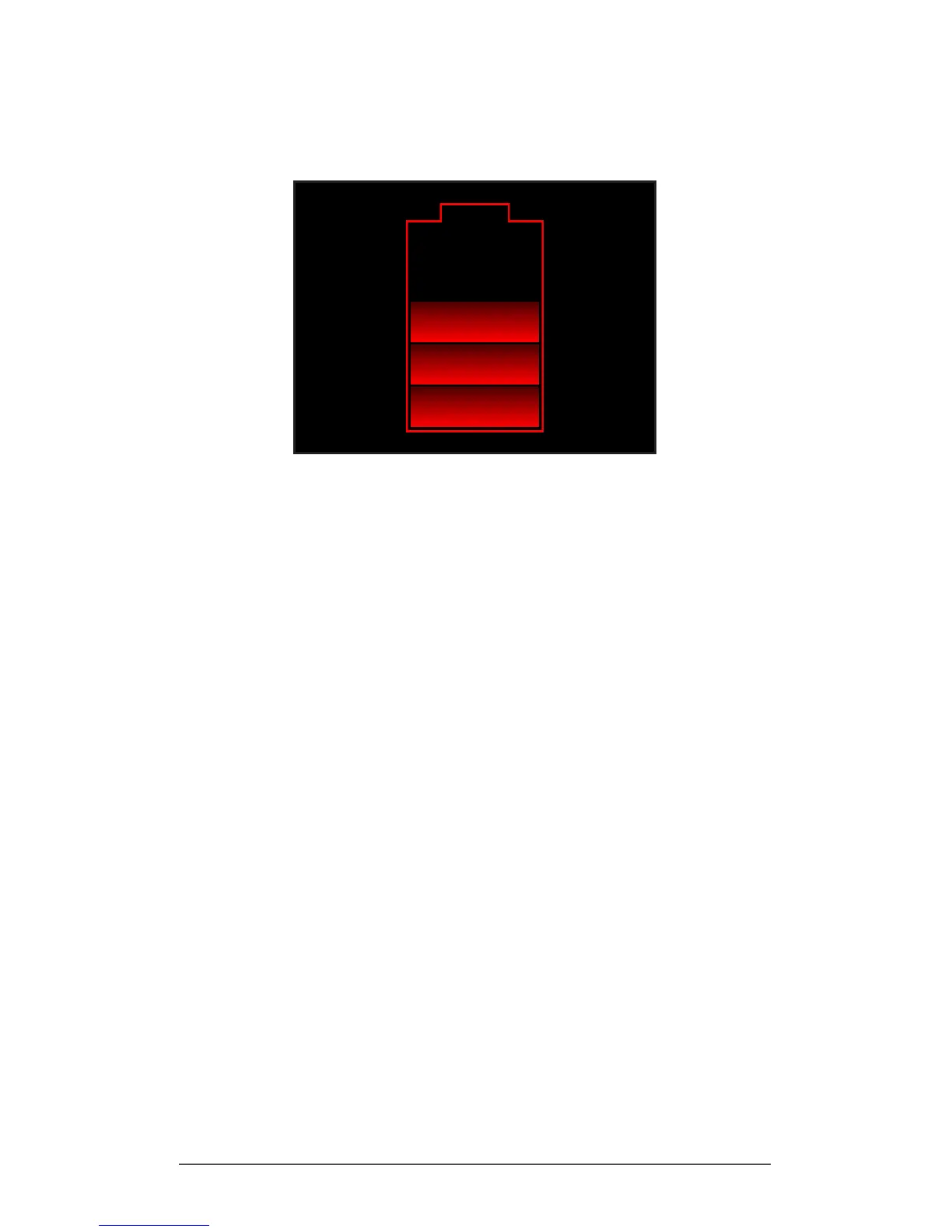
If the battery has some charge, but not enough to boot the
unit, you will see this image.
In either case, you will need to connect the unit to external
power to charge the battery. This display will continue until
the unit has enough of a charge to nish the boot process.
Depending on the charge of the battery, this can take up
to four hours.
The Allegro 2 is designed to run in either of two power states,
battery power, or external power with battery installed.
The unit is not designed to run on external power without a
battery. Doing so can damage internal components of your
unit and void the warranty.
Summary of Options to Reduce Power Usage
You can adjust some settings to preserve power:
Turn off the display (suspend) after a set interval. See
Display Backlight Suspend Interval earlier in this chapter.
Dim the backlight after a set interval. See Adjusting the
Keyboard Backlight and Adjusting the Display Backlight
earlier in this chapter.
Disable radios when not in use. Turn radios off from the
Home screen or press Start > Settings > Connections >
Wireless Manager.



 To Next Page