Chapter 3 Programs and Settings 35
Red: Error state, powering up or down, no GPS/GNSS
x, or unavailable (3G data modem is red when
power is changing from on/off. Wi-Fi is red when an
access point is available but not connected.)
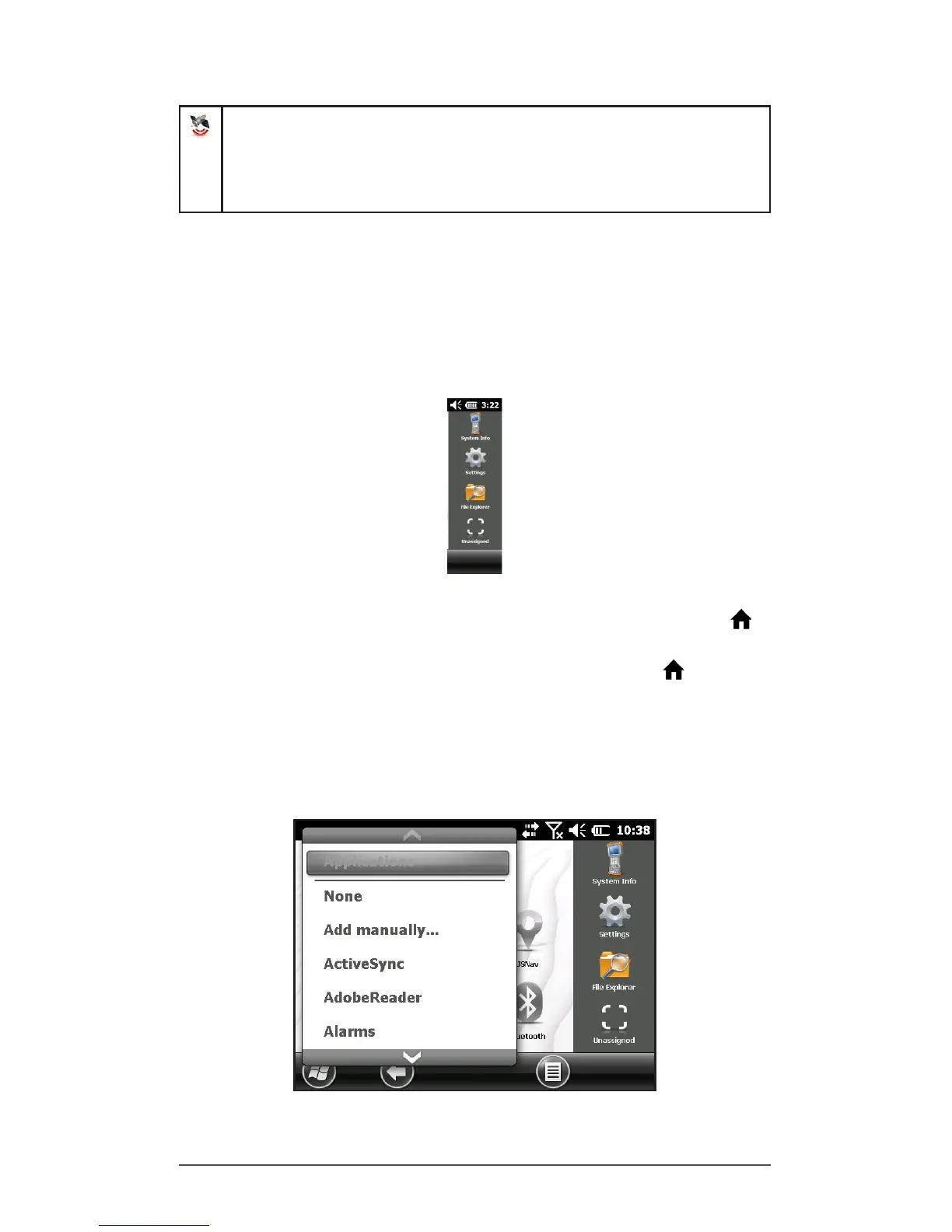
Favorites Bar
The favorites bar consists of shortcuts to specic
applications. It is located below the dashboard when the
screen is in portrait mode and to the side of the dashboard
when it is in landscape mode. Tap on a shortcut icon to
launch an application.
You can use it to jump between the applications you use
most. While running an application, press the Home key
and select a different application from your favorites. To
return to the rst application, press the home key again,
then tap on the rst application you were running.
You can customize which application shortcuts are shown.
Tap and hold on the shortcut you want to change to bring
up a list of available applications.



 To Next Page