50 Allegro 2 Rugged Handheld Owner’s Manual
2. Select Headphones, Modem, Keyboard. The following
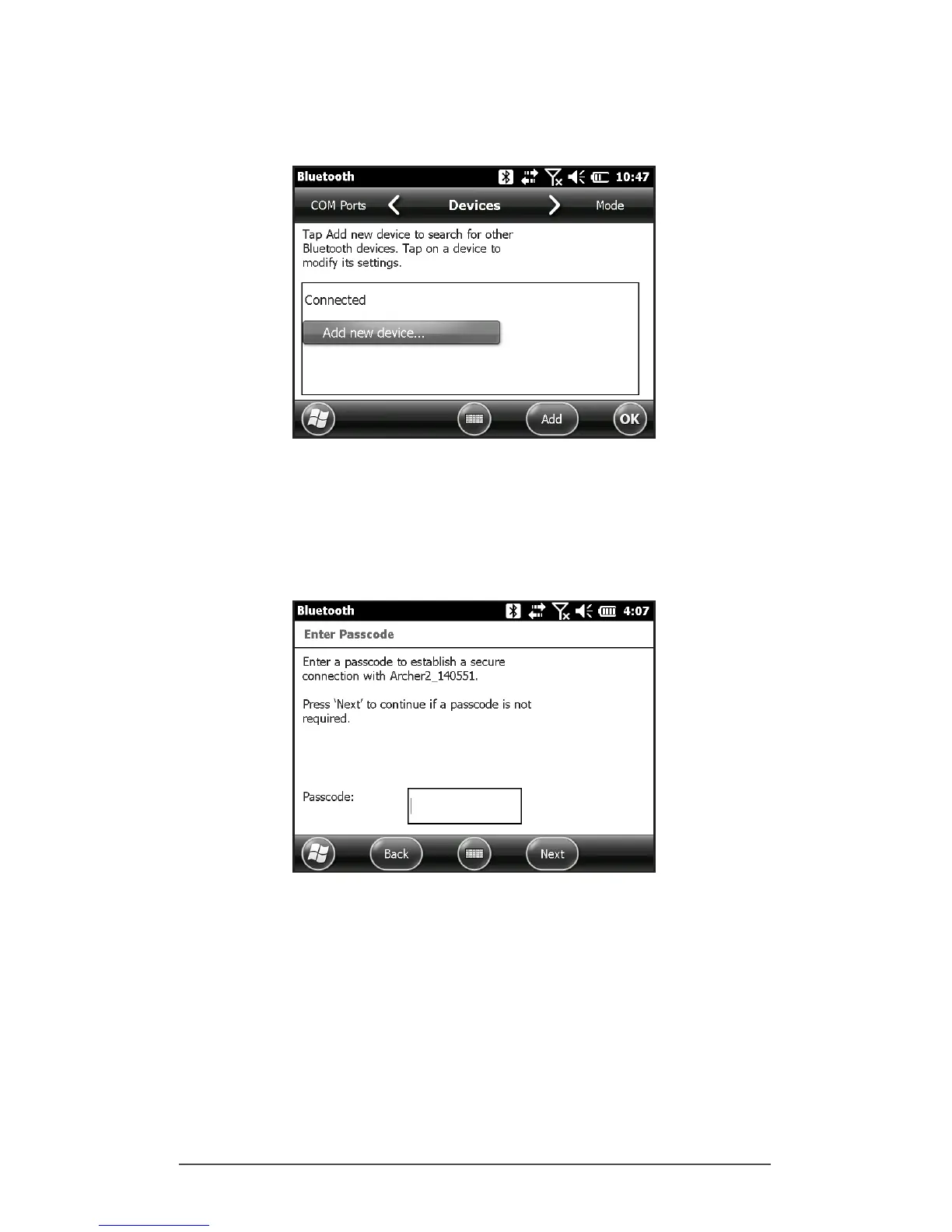
Bluetooth control panel, Devices screen is shown:
3. Select Add New Device. The Allegro 2 searches for other
devices with wireless Bluetooth technology and displays
them in a list. Select the device you want to connect to,
and tap Next.
4. A passcode screen is shown.
a. If the device has an assigned passcode, enter the
number and press Next.
b. If a passcode is required but has not been assigned,
enter an alphanumeric passcode between 1 and 16
characters in length. Press Next.
c. If a passcode is not required, leave the box blank
and press Next.



 To Next Page