Chapter 9 Barcode Scanner 89
Two main functions are accessed from here:
Barcode Setup – Use the setup screens to congure
the settings of the barcode hardware and Barcode
Connector utility.
Power Down Barcode and Exit – This function shuts down
the barcode scanner. You may want to do this to prevent
accidental triggering of a scan sequence. Otherwise, we
recommend that you leave it powered on. The barcode
is congured to enter a sleep state when it is inactive and
consumes about 8mW of power when it is in this state.
To minimize the Barcode Connector utility, press the X soft
key in the bottom right corner of the display.
Barcode Setup
When you select Barcode Setup, The Barcode Connector
control panel is displayed. Near the top of the screen is
a horizontal scrolling menu. Depending on the size of the
menu, a vertical scroll bar may be displayed as well. Select
screens from the menu to view or edit the congurations for
the Barcode Connector utility and the barcode hardware.
A description of these screens follows.
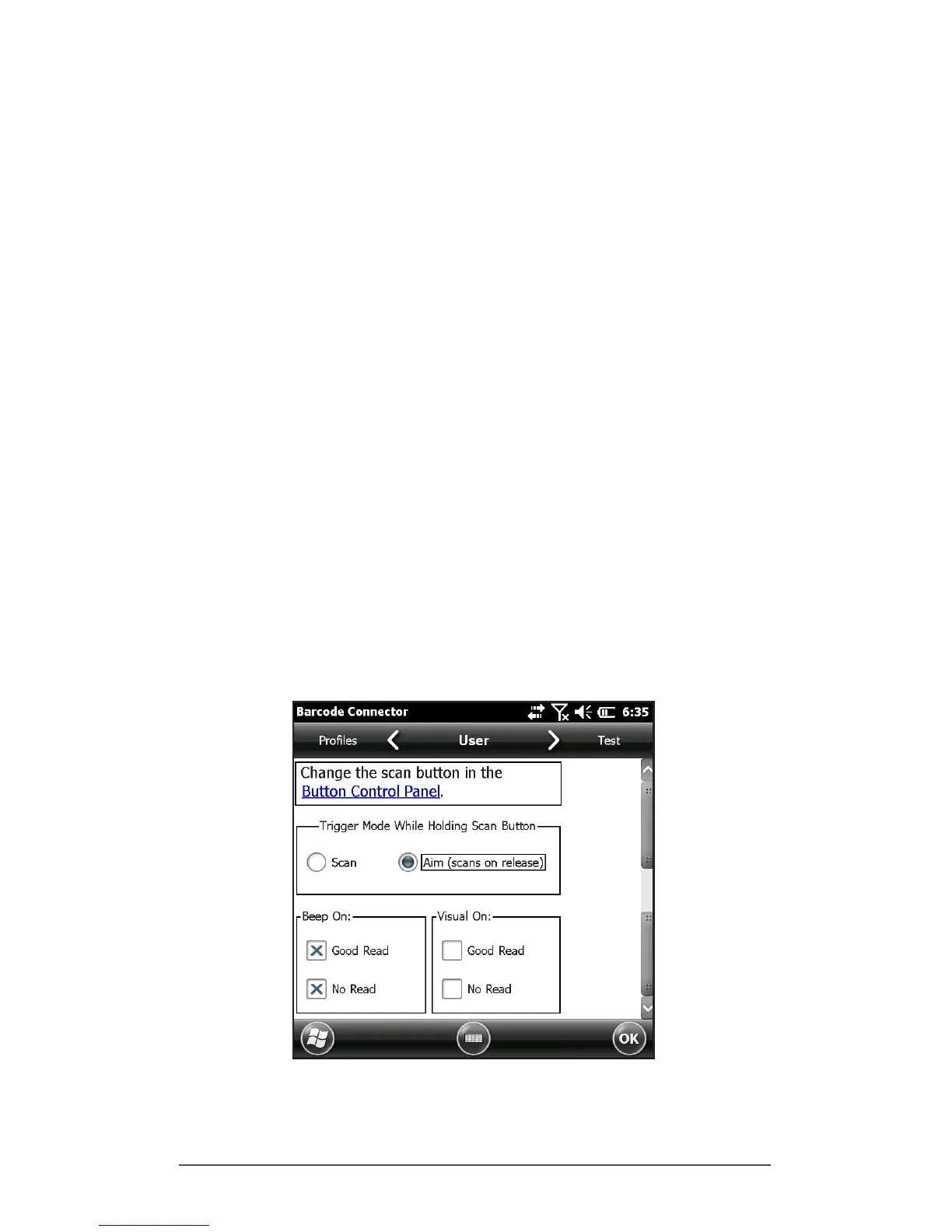
User Screen
The User screen has the following functions:
Button Control Panel – Select the hyperlink to view the



 To Next Page