4
MENU
ENTER
EXT
SYNC
Y/C
RGB/
COMPO(SDI)
B
A
VIDEO
INPUT SELECT
4
5
78 96pqweu
i
o
3 ytr
VOLUME
PHASE CHROMA
BRIGHT
CONTRAST
DEGAUSS
UNDER
SCAN
PULSE
CROSS
COLOR
OFF
BLUE
CHECK
MEMORY
MODE
ON OFF
POWER
ON
OFF
MENU
ENTER
EXT
SYNC
Y/C
RGB/
COMPO(SDI)
B
A
VIDEO
INPUT SELECT
4
5
78 96pqweu
i
o
3 ytr
VOLUME
PHASE CHROMA
BRIGHT
CONTRAST
DEGAUSS
POWER
UNDER
SCAN
PULSE
CROSS
COLOR
OFF
BLUE
CHECK
MEMORY
MODE
(Front)
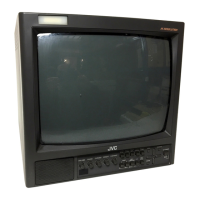
[ BM-H1300SU ]
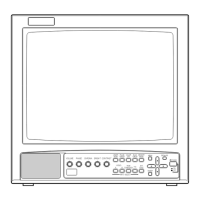
[ BM-H1900SU ]
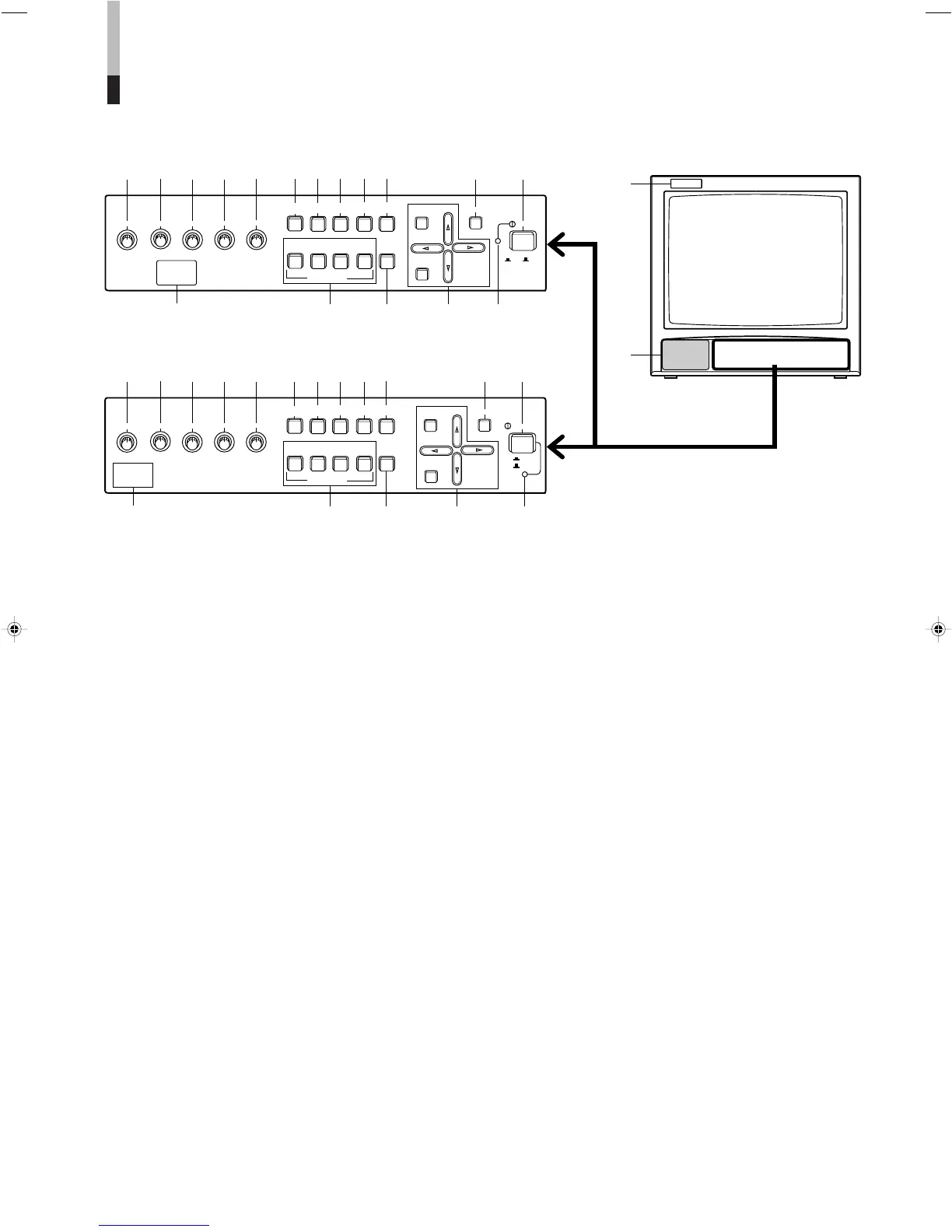
CONTROLS AND FEATURES (FRONT)
11
11
1 Tally lamp
Glows to indicate when a tally signal is input to the
TALLY/REMOTE terminal on the rear panel. (For
terminal connection, see page 15.)
22
22
2 Speaker
33
33
3 Remote control sensor
Senses infrared signals emitted from the optional
wireless remote control.
44
44
4 VOLUME control
Turn to adjust speaker volume.
55
55
5 PHASE control
Turn to adjust picture hue, using natural skin color as a
reference.
66
66
6 CHROMA control
Turn to adjust picture color density according to your
requirements.
77
77
7 BRIGHT control
Turn to adjust picture brightness according to your
requirements.
88
88
8 CONTRAST control
Turn to adjust the picture contrast according to your
requirements.
99
99
9 UNDER SCAN switch
Push to display the whole picture on screen by reducing
display area dimensions.
pp
pp
p PULSE CROSS switch
Push to check the retrace period (sync signal) by
delaying input signal phase.
qq
qq
q COLOR OFF switch
Push to eliminate color signals and display a black-and-
white picture.
ww
ww
w BLUE CHECK switch
Push to eliminate red and green color signals and
display a monochrome blue picture.
ee
ee
e MEMORY MODE switch
Push to adjust the picture by recalling the adjustment
data that you stored in memory.
rr
rr
r INPUT SELECT switches
Push to select a rear terminal video signal input.
tt
tt
t EXT SYNC switch
Push to synchronize the monitor with an external sync
signal. This function is effective regardless of signal
input.
yy
yy
y MENU controls
Use to operate on-screen menu functions.
uu
uu
u DEGAUSS switch
Push to demagnetize the picture tube.
ii
ii
i POWER switch
Press to turn the power on or off.
oo
oo
o POWER indicator
Glows to indicate that power is on.


 To Next Page
 Loading...