(No.PA045<Rev.001>)1-11
2.6.4 SETTING ITEMS
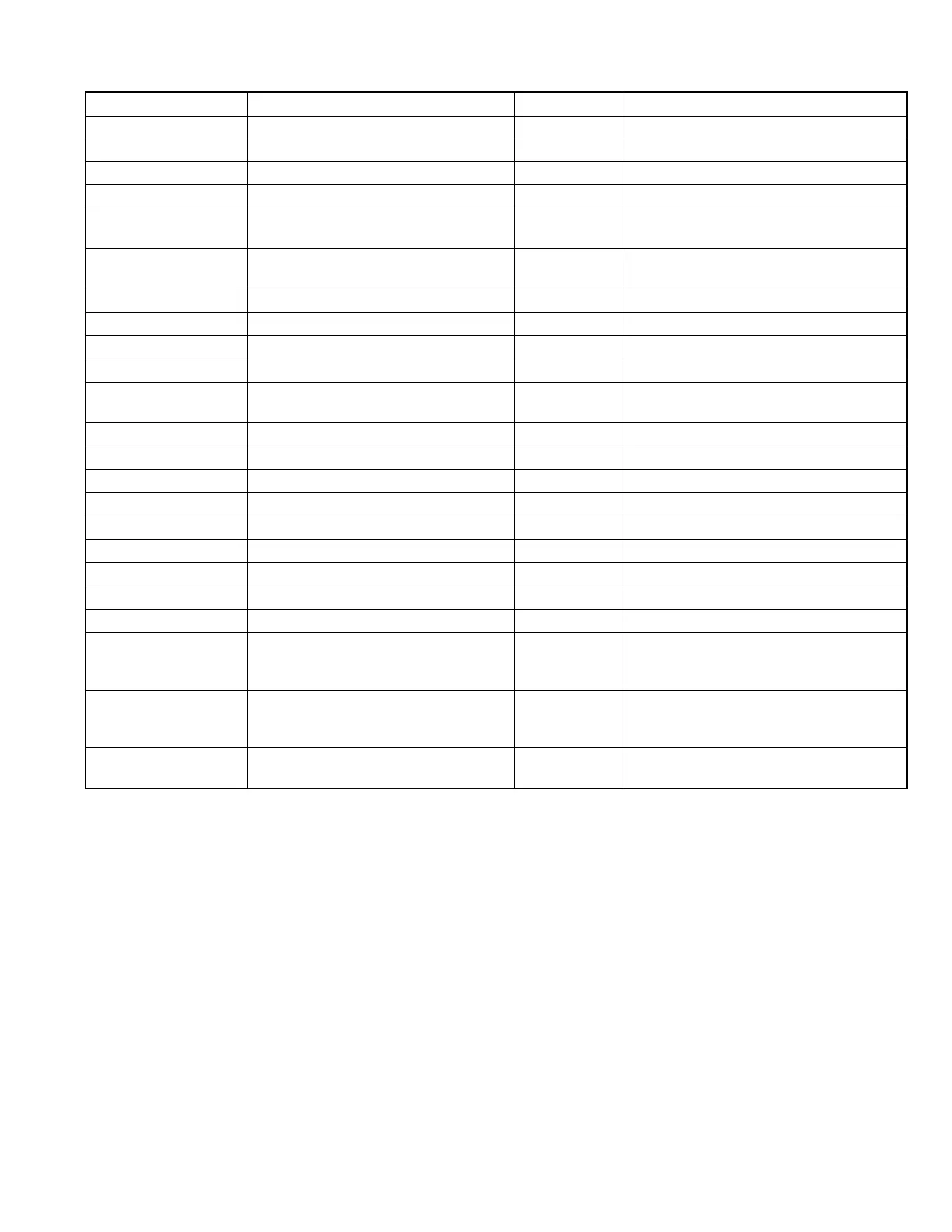
Item Adjustment range Initial value Function
Model Only the display - Display of model name
Main Only the display - Display of Main CPU software version
Sub Only the display - Display of Sub CPU software version
Swither Only the display - Display of processor FPGA version
CMS
[Except X35,XC3800]
Only the display - Display of CMS CPU version
Color
[Except X35,XC3800]
Only the display - Display of color management FPGA version
DD Only the display - Display of DD program version
Driver1 Only the display - Display of driver FPGA version
Driver2 Only the display -
Location Only the display - Display of destination
Color Temp. 5500K / 6000K / 6500K / 7000K / 7500K /
8000K / 8500K / 9000K / 9500K
Sets the color temperature of the projected
inage.
Gain Red -255 - 0 0 R-gain adjust
Gain Green -255 - 0 0 G-gain adjust
Gain blue -255 - 0 0 B-gain adjust
Pixel shift
Horiz. Red 1 - 5 3 Adjust REGI (Pixel shift) of Horizontal Red
Horiz. Blue 1 - 5 3 Adjust REGI (Pixel shift) of Horizontal blue
Vert. Red 1 - 5 3 Adjust REGI (Pixel shift) of Vertical Red
Vert. Blue 1 - 5 3 Adjust REGI (Pixel shift) of Vertical Blue
Lens Position Reset - - -
Adjust Pattern Coror crosshatch Coror cross-
hatch
Select of the adjust pattern
Lens Slide Cover
[X75R/XC7800R/X95R/
XC9800R]
On / Off On Interlocking control of the lens slide cover
Factory Reset - - Resets all items supporting All Reset to
factory settings


 To Next Page