46
Operation
3
Adjustments and settings in the menu (continued)
Picture Mode
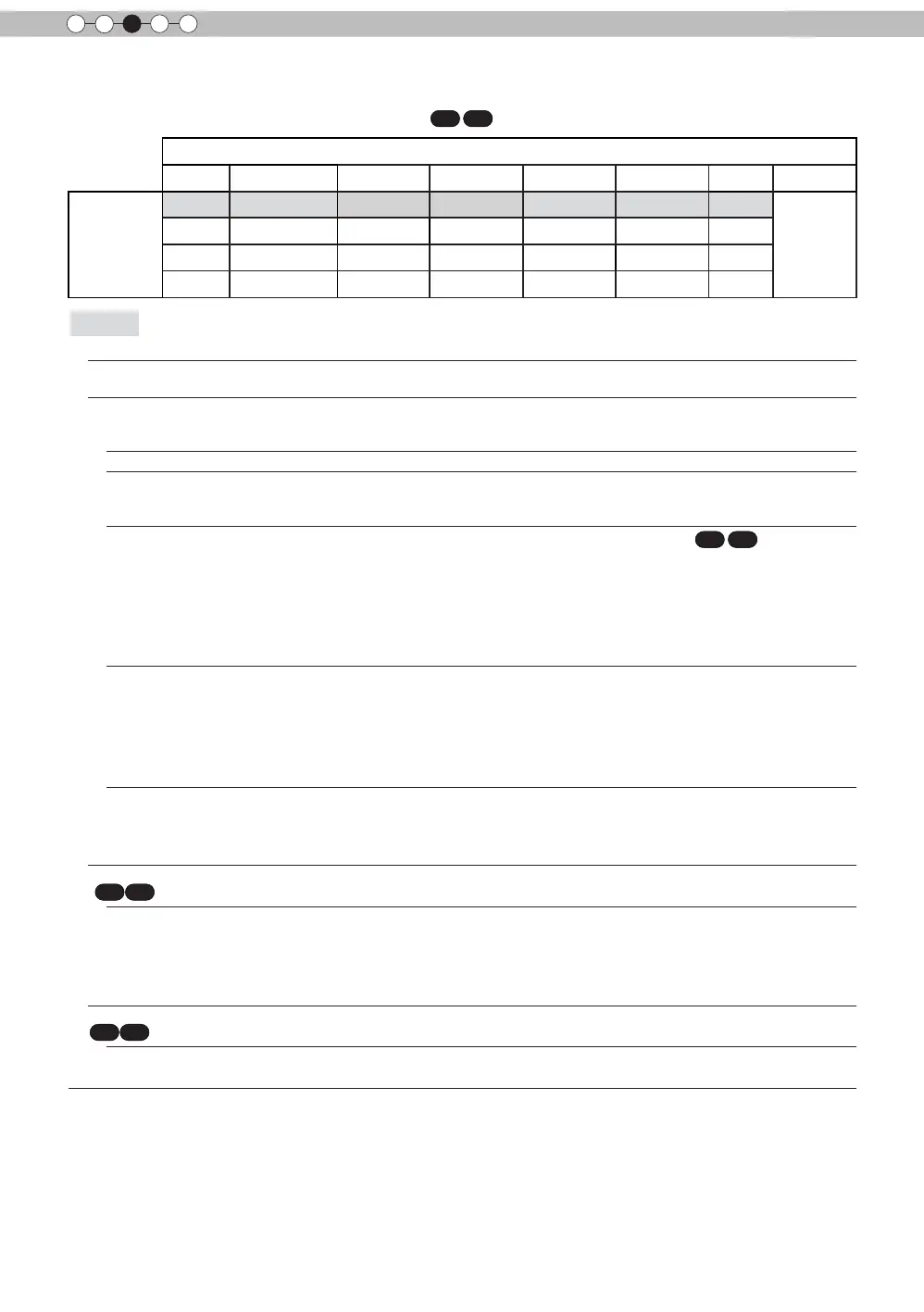
Film Cinema Anime Natural Stage 3D THX User 1, 2
Color Prole
Film 1 Cinema 1 Anime 1 Video Stage 3D THX
Everything
is displayed
except for
Film 1 and
Film2.
Film 2 Cinema 2 Anime 2 Vivid Standard Standard
Standard Standard Adobe Vivid
Standard
This is the default value according to the picture mode.
[Table 1] The setting contents and default values
X7 X9
of the color proles for the picture mode
Color Temp.
It is possible to set the color temp.
To "[1-1] Color Temp." of the submenu
Gamma
It is possible to set the gamma curve. Please set to your preference.
Settings: Normal, A (3D), B (3D), Film 1, Film 2, Film 3 Film 4, A, B, C, D, Custom 1,
Custom 2, Custom 3 [Normal]
Normal
Typically we recommend this setting.
A (3D)
B (3D)
A (3D), B (3D) can only be set, if the "Picture Mode" is "3D".
This is the normal gamma curve for 3D.
A (3D) will be brighter.
Film 1, 2, 3, 4 can only be set if the "Picture Mode" is set to "Film"
X7 X9
Film 1 This is a gamma curve that approximates the characteristics of an Eastman Kodak
Company lm for movies.
Film 2 This is a gamma curve that approximate the gamma curve characteristics of a
cinematographic lm made by the FUJIFILM Corporation.
Film 3 This is a gamma curve that is even more focused on tone for the gamma of Film 1.
Film 4 This is a gamma curve that emphasizes more contrast for the gamma of Film 2.
A, B, C, D cannot be set if the "Picture Mode" is "3D".
A
B
C
D
In regard to normal gamma, this is a gamma curve focused on tone.
This is a gamma curve for the lm's unique S curve.
This is a gamma curve that – in regard to the gamma of B – emphasized even more the
feeling of contrast.
For normal, this is a gamma curve where the intermediate gradations look very bright.
Custom 1
Custom 2
Custom 3
Custom 1, 2, 3 cannot be set if the "Picture Mode" is "3D".
Under submenu "[1-2-2] Custom Gamma", it is possible to change the gamma curve and
save it.
The initial value of Custom 1, 2, and 3 is the same as for "Normal".
Film Tone
X7 X9
You can reproduce the intensity of the exposure image.
(*) This function can be set if the "Picture Mode" is set to "Film".
White
Red
Settings: (The more under-exposure, the darker) -16 to 16 (the more over-exposure, the
brighter) [0]
Setting: (under-exposure to for red), -16 to 16 (over-exposure for red) [0]
Green
Settings: (under-exposure for green) -16 to 16 (over-exposure for green) [0]
Blue
Settings: (under-exposure for blue) -16 to 16 (over-exposure for blue) [0]
Dark/Bright Level
X7 X9
Compensating darkness / brightness of an area.
(*) It is possible to set it unless the "Picture Mode" is set to "Film".
Dark Level
Values: (makes dark areas darker) -7 to 7 (brightens dark areas) [0]
Bright Level
Settings: (darkens bright areas) -7 to 7 (makes bright areas brighter) [0]



 To Next Page