20
Basic Operations
Multimedia Mode
The TV Allows you to play image slide shows from a
USB memory stick.
Note: Due to the wide variety of multimedia le formats
some formats may not be supported.
Playing Multimedia Files
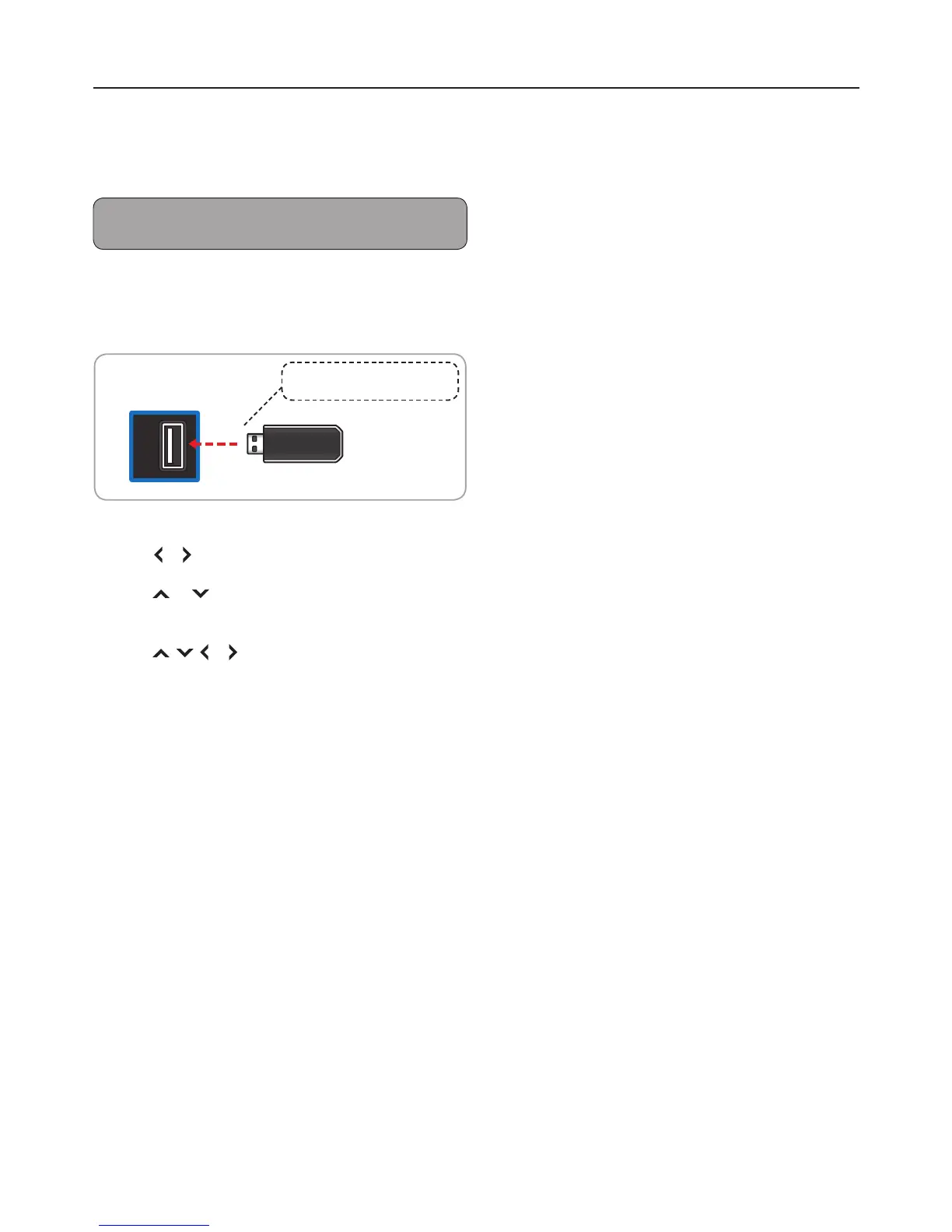
1 Insert the USB memory stick into the USB slot of
the TV.
USB
TV
(side panel)
Take note of the correct direction. Do
not force the device into the slot.
2 A message box will appear on the screen.
Press or to select OK.
3 Press or to select the USB source, then
press OK.
4 Press , , or to select a le or function,
then press OK.


 To Next Page