EasyManua.ls Logo

JVC DM65USR - User Manual

JVC DM65USR
54 pages
Print Icon
To Next Page IconTo Next Page
Loading...
1
USER MANUAL
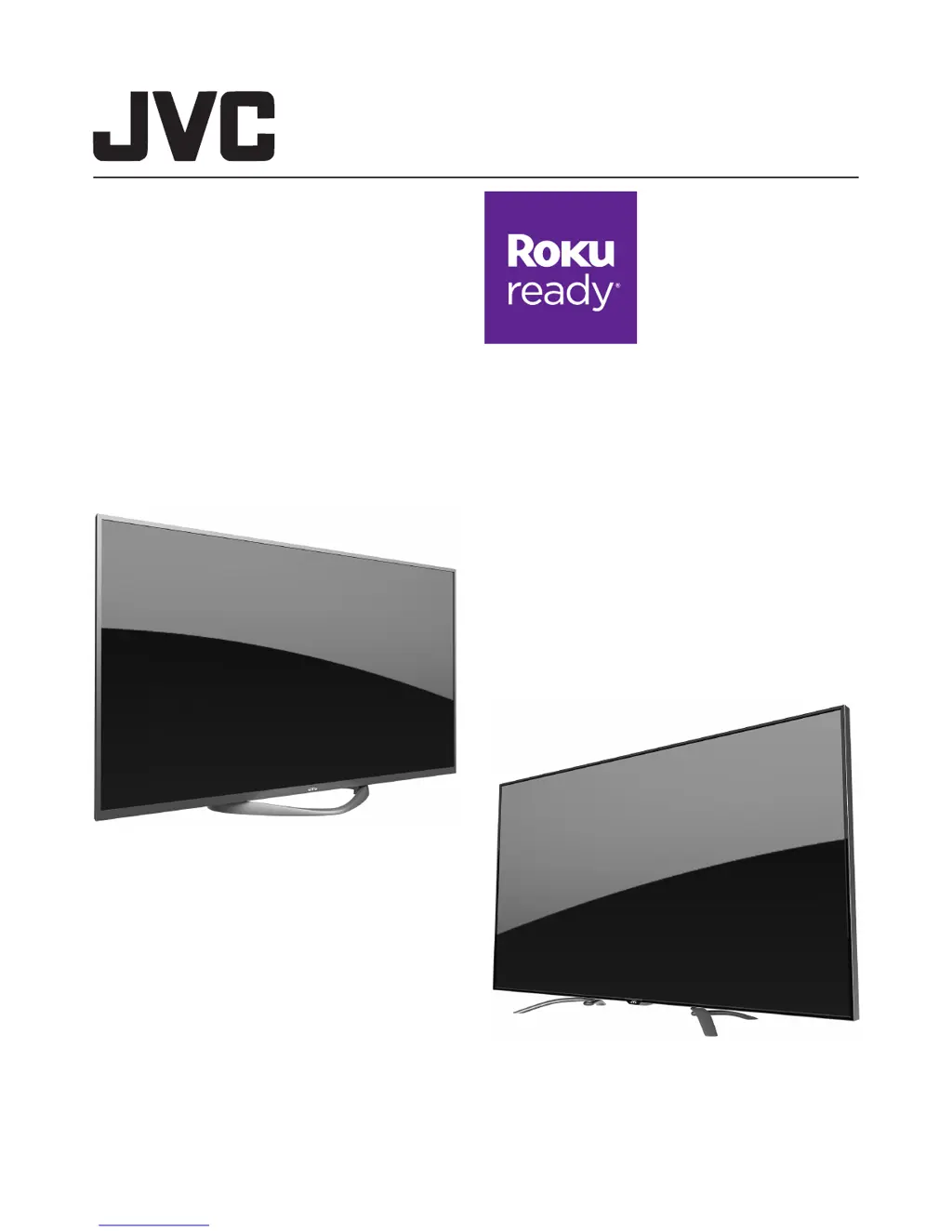
Diamond Series LED UHDTV
DM65USR 65” Class
DM85UXR 85” Class
Before operating your LED TV, please read this manual thoroughly.
(*Images shown in this user manual are for illustration purposes only.)
Rev. A 11/14
DM85UXR
DM65USR

Other manuals for JVC DM65USR

Questions and Answers

  • A
    amandabatesJul 31, 2025
    How to fix JVC UHD TV when it has no power?
    • J
      James CainJul 31, 2025
      If your JVC UHD TV isn't turning on, first ensure the power cord is securely plugged into the outlet. Next, verify that the power isn't off by pressing the Power button on the TV. If it still doesn't work, try plugging the TV into a different outlet. As a last resort, unplug the TV for an hour and then plug it back in.
  • J
    Jay JohnstonAug 5, 2025
    Why is there no sound on my JVC UHD TV?
    • M
      Monica MatthewsAug 5, 2025
      If you are experiencing poor or no sound on your JVC UHD TV, first, try adjusting the volume by pressing the VOL+ button on the remote or the TV itself. Make sure the mute function is not enabled by pressing the MUTE button on the remote. If the issue persists, try tuning to another channel to rule out channel-specific problems. Also, check the TV's audio settings and look for any potential sources of interference.
  • G
    Gary LeonardAug 10, 2025
    How to troubleshoot JVC UHD TV remote control not working?
    • M
      mary74Aug 11, 2025
      If your JVC UHD TV remote control isn't working, aim the remote directly at the remote sensor on the TV, keeping the angle within 35 degrees. Ensure there are no obstructions between the remote and the TV. If you're still having issues, try moving closer to the TV. Check that the LED indicator lights up when you press any button, and replace the batteries if needed, ensuring they are correctly inserted.
  • M
    Mike EllisAug 15, 2025
    What to do if my JVC UHD TV has poor or no picture?
    • A
      Ashley LewisAug 15, 2025
      If you're experiencing poor or no picture on your JVC UHD TV, try tuning to another channel to rule out channel-specific issues. Ensure that channels are properly set into the TV's memory. Check the connections for your antenna or cable TV. Finally, check for any potential sources of interference.
  • H
    Holly JenkinsAug 20, 2025
    Why does my JVC UHD TV have poor reception on some channels?
    • A
      Amanda HernandezAug 21, 2025
      If you're experiencing poor reception on certain channels with your JVC UHD TV, first, try tuning to another channel to see if the problem is channel-specific. Ensure that channels are properly set into the TV's memory. If the network signal is weak, adjust the antenna for better reception. Also, check for any potential sources of interference.
  • A
    ahaynesAug 25, 2025
    How to fix no CATV reception on JVC UHD TV?
    • H
      Heather BrownAug 26, 2025
      To resolve no CATV reception on your JVC UHD TV: 1. Check all cable TV connections to ensure they are secure. 2. Set the TV Mode in the Channel menu.

Summary

Safety Instructions

General and Electrical Safety

Essential safety guidelines for operating the television and electrical connections.

Child Safety and Handling

Tips for safe TV usage, furniture placement, and panel handling.

Setup and Connections

Unpacking and Stand Assembly

Steps for unpacking the TV and assembling the stand.

Connecting External Devices

How to connect antennas, cables, and external HD/audio devices.

Basic Operations and Features

Initial Setup and Basic Controls

Step-by-step guide for initial TV setup and basic controls.

Menu Navigation and Picture Settings

How to navigate menus and adjust picture settings.

Advanced Features and Roku Integration

JVC Home Screen and Multimedia

Navigating the JVC home screen, apps, and multimedia player.

Roku Streaming Stick Setup and Usage

Launching the Roku app, remote control, and initial setup.

Troubleshooting, Specifications, and Warranty

Troubleshooting Common Issues

Solutions for common problems like no power, poor picture, or remote issues.

Specifications and Warranty

Technical specifications and limited warranty information for the TV.

JVC DM65USR Specifications

General IconGeneral
Resolution3840 x 2160 (4K UHD)
Smart TVYes
Refresh Rate60Hz
Operating SystemAndroid TV
Display TechnologyLED
HDR SupportHDR10
Audio Output20W (2 x 10W)
Wi-FiYes
BluetoothYes