27
Adjusting the Menu Settings
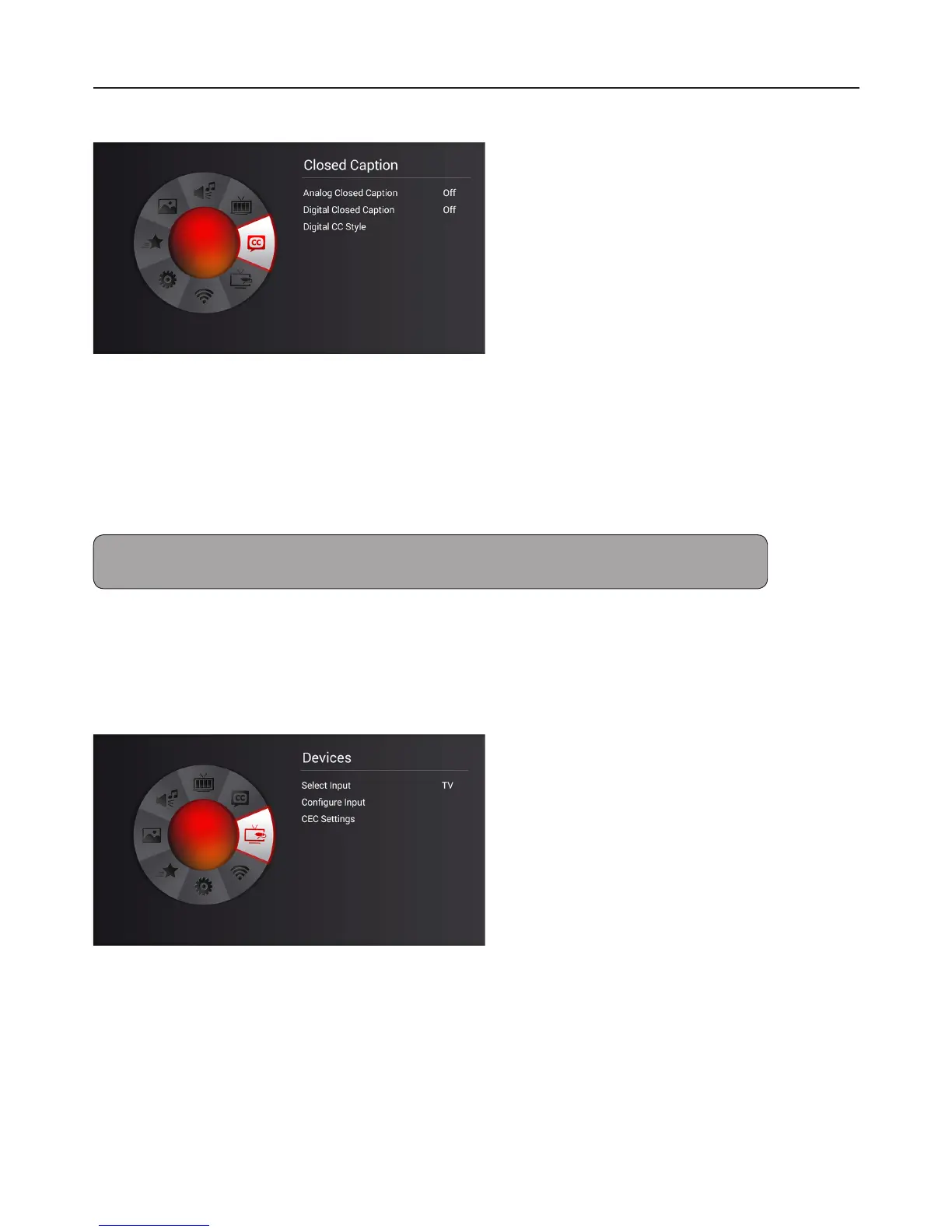
Closed Caption
Closed Caption decodes and displays closed caption data of television programs as subtitles.
1 Press MENU.
2 Select “Closed Caption”, then press OK.
3 Select “Analog Closed Caption” or “Digital Closed Caption”, then press OK.
Note: Either “Analog Closed Caption” or “Digital Closed Caption” is available depending on Video content.
For digital closed caption, you can select closed caption options, such as text size and text color.
4 Select closed caption type or select “O” to disable this feature, then press OK.
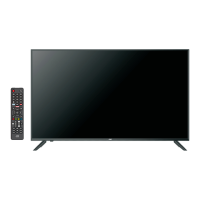
Devices Menu
Congure connected input devices.
To label an input source, perform the following steps:
1 Select Input Source, then press OK.
2 Go to “Congure Input”, then select “Input Labels”.


 To Next Page