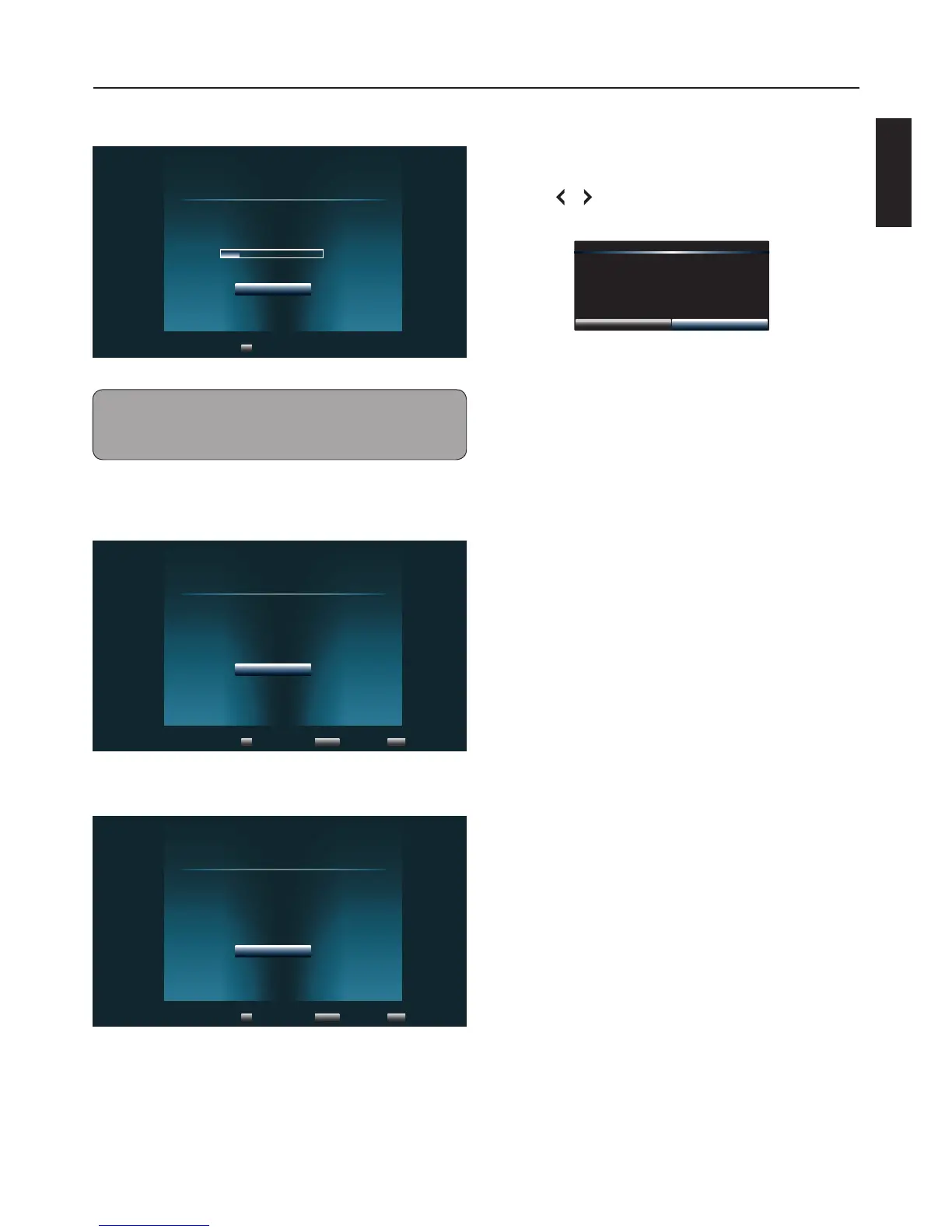
7 Press OK to start channel scan.
Scanning
Channel scan in process, if you want to stop
scanning, please press "Stop Scan".
Scan Status:
0%
Analog Channel:
Digital Channel:
0
0
Stop Scan
Select
OK
Note:
• Scanning may take some time to complete.
• Select Stop Scan to cancel the auto scan at anytime.
8 When auto scan is complete, press OK to
continue.
Scan Finish
Channel scan completed.
Analog Channels:
Digital Channels:
12
26
OK
Select
OK
Exit
INFO
Previous Setup
RETURN
9 Press OK to complete setup.
Finish
Initial Setup has finished, please press "OK" to
exit Setup Wizard.
OK
Select
OK
Exit
INFO
Previous Setup
RETURN
Exit Store Demo
1 Press RETURN.
2 Press or to select “OK”, then press OK to
conrm.
Do you wish to exit Retail Mode?
CancelOK
Basic Operations



 To Next Page
 Loading...