10
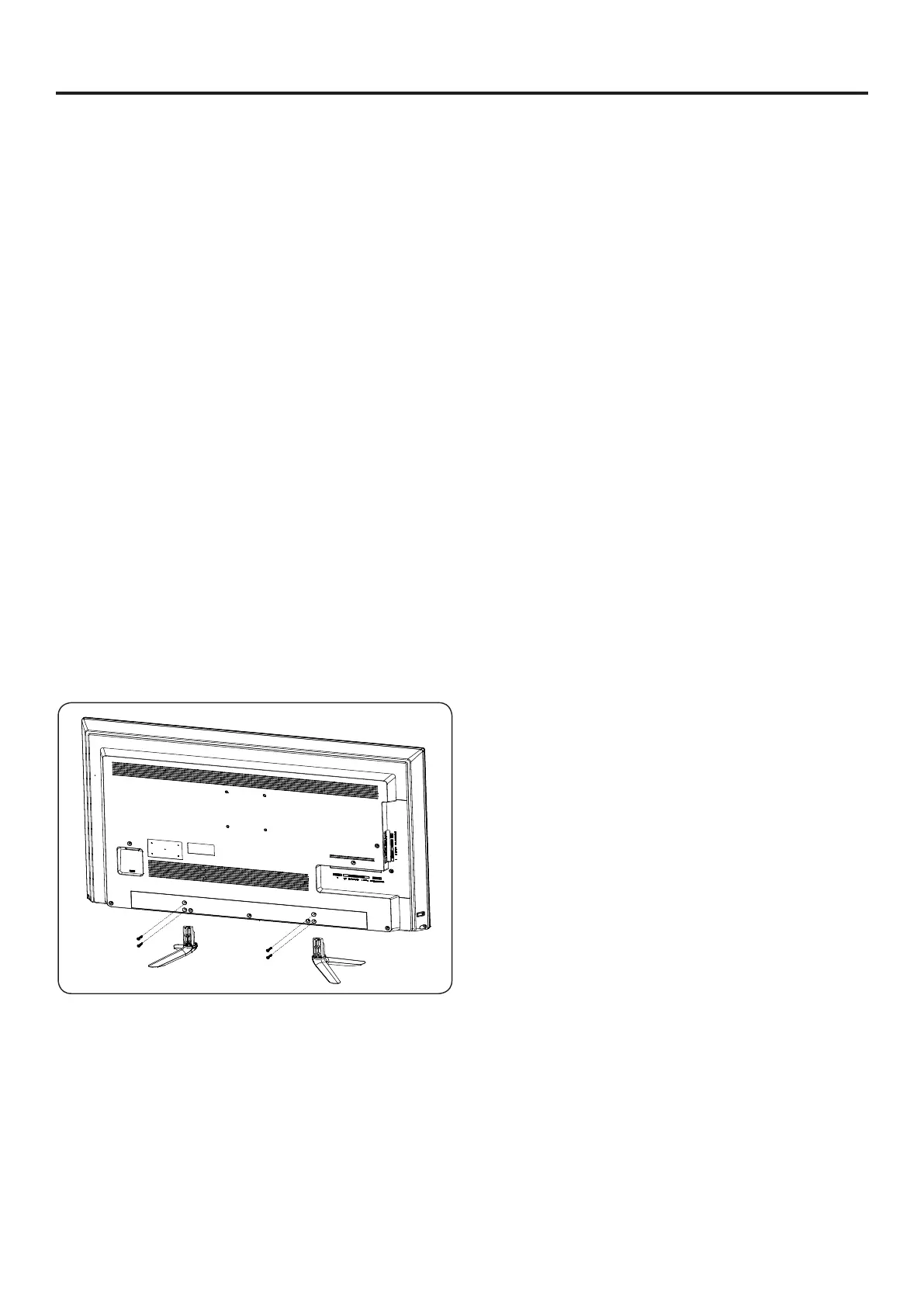
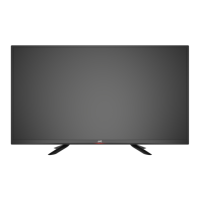
Attaching the Stand
The stand installation varies depending on
model. Perform the installation according to the
instructions of your TV model.
Unpacking the TV
1 Remove TV accessories and protective foam.
2 Remove TV from the box and place it on a at
and clean surface with TV screen facing down.
3 Attach the stand to TV using the provided screw.
Removing the Stand
When the TV needs to be transported, remove the
stand and pack the TV back in the carton.
To remove the stand, perform the assemble steps
in reverse order according to your TV model.
EM40NF5
EM40RF5
EM43NF5
EM43RF5
EM50NF5
EM50RF5
EM55NF5
EM55RF5


 To Next Page