Recording Images of a Baby (BABY)
Captures a soft and gentle image by lightening the skin tone while retaining
the
reddish hue, enhancing the skin beautifying effect as well as smoothing
the appearance of the skin.
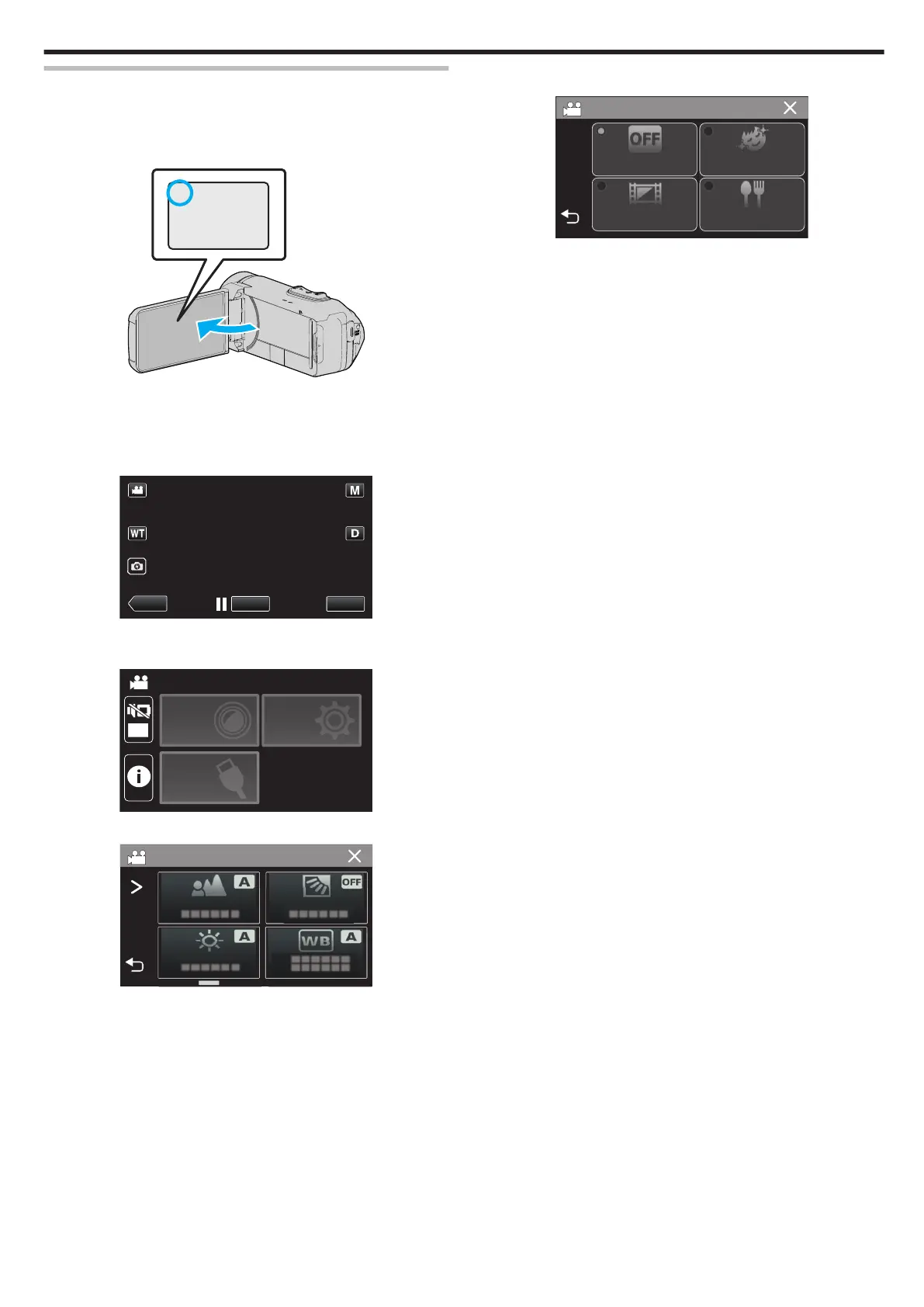
1
Open the LCD monitor.
.
0
Set the recording mode to either A video or B still image.
0
To
switch the mode between video and still image, tap A or B on the
recording screen to display the mode switching screen.
Tap A or B to switch the mode to video or still image respectively.
2
Tap “MENU”.
.
0
The top menu appears.
3
Tap “RECORD SETTING”.
.
OFF
TOP MENU
SETUP
CONNECTION
SETTING
RECORD
SETTINGS
4
Tap “RECORDING EFFECT”.
.
0
If the icon is not displayed on the screen, tap 1 to scroll the screen.
0
Tap L to exit the menu.
0
Tap J to return to the previous screen.
5
Tap “BABY”.
.
RECORDING EFFECT
OFF
GRAINY
MONOCHROME
BABY
FOOD
0
Tap L to exit the menu.
0
Tap J to return to the previous screen.
6
Start recording.
0
To cancel the setting, repeat the procedure from the beginning and
tap “OFF” in Step 5.
Recording
37














 To Next Page