14 EN
PAUSE
1
33
22
180
°
180
°
GETTING STARTED
(cont.)
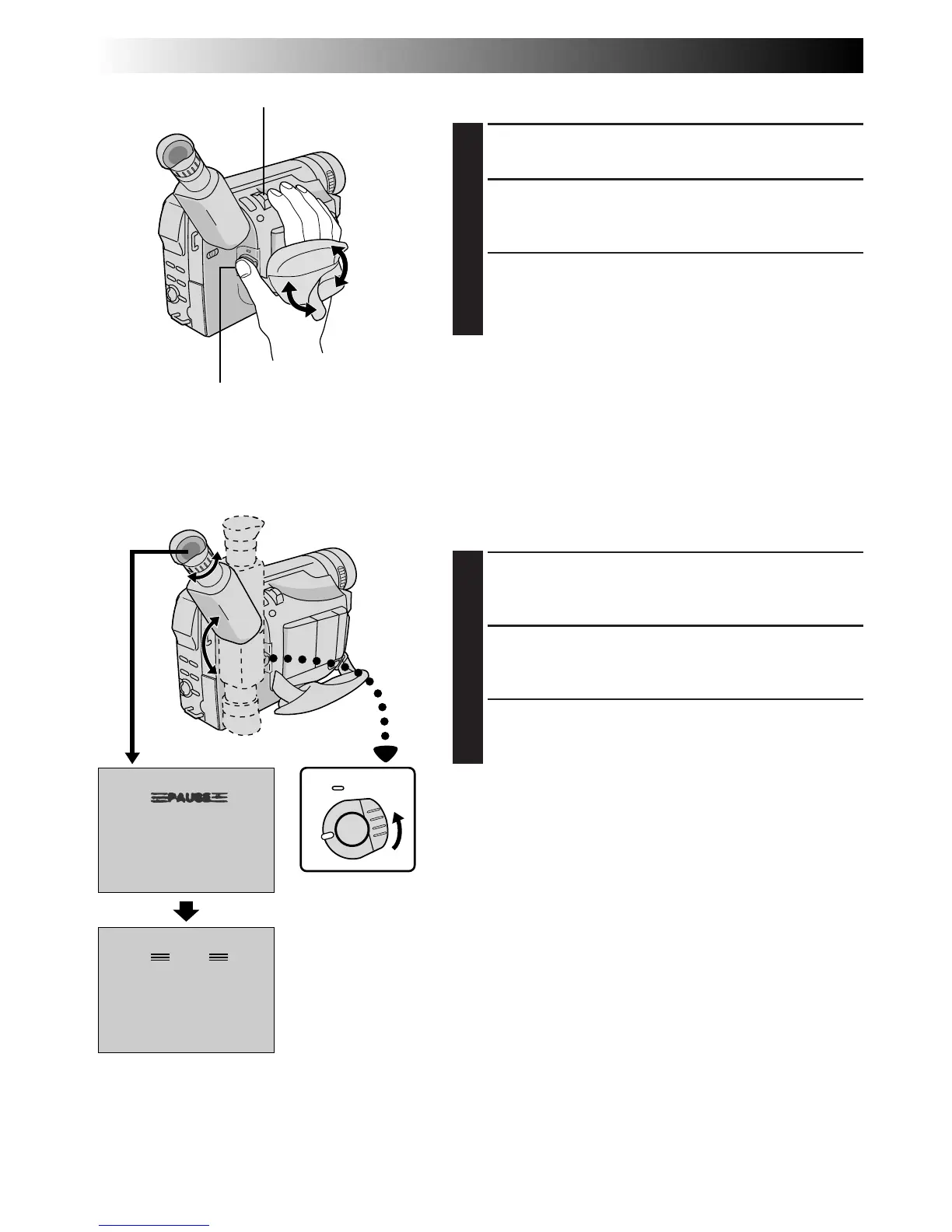
Grip Adjustment
1
EXPAND LOOP
Separate the Velcro strip.
2
INSERT HAND
Pass your right hand through the loop and grasp the
grip.
3
ADJUST STRAP LENGTH
Adjust so your thumb and fingers can easily operate
the Recording Start/Stop Button and Power Zoom
Lever. Refasten the Velcro strip.
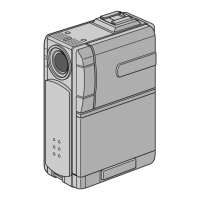
Viewfinder Adjustment
1
SELECT OPERATION MODE
Set the Power Switch to “CAMERA” (“AUTO” or
“PRO.”).
2
POSITION VIEWFINDER
Adjust the viewfinder manually for best viewability
(see illustration at left).
3
ADJUST DIOPTER
Turn the Diopter Adjustment Control until the
indications in the viewfinder are clearly focused.
Power Zoom Lever
Recording Start/Stop Button
Set “POWER” to
“CAMERA”
(“AUTO” or “PRO.”)



 To Next Page