Filename [XVC2829US_07S-VHS.fm]
Masterpage:Left+
36 EN
Page 36 8 December 2004 9:56 am
OPERATIONS ON VCR DECK (cont.)
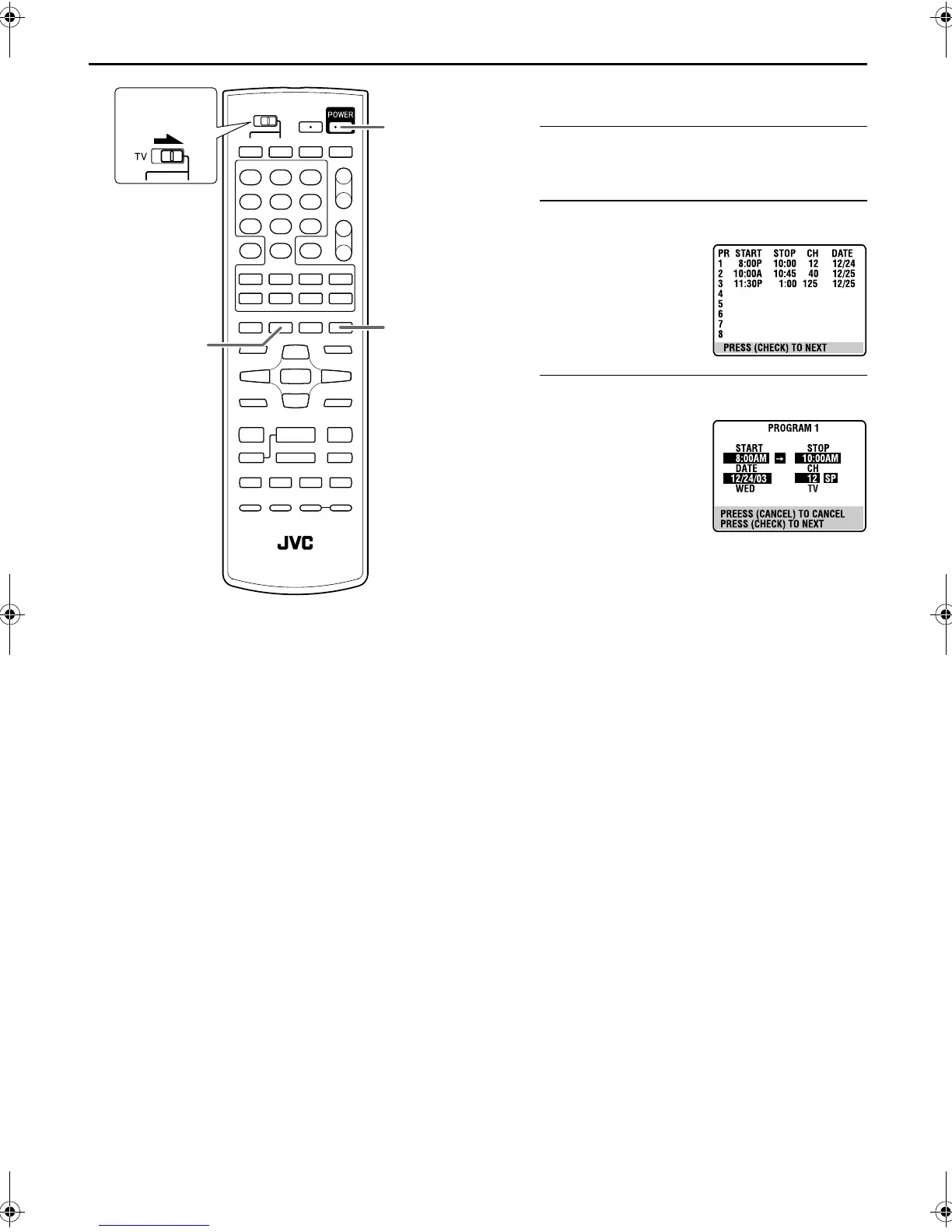
Check, cancel and change programs
A
Disengage the timer mode.
Press TIMER, then press POWER.
B
Access the Program Check screen.
C
Access the Program screen.
PROG.
CHECK
TIMER
POWER
Slide to the
right.
Press PROG. CHECK.
Press PROG. CHECK again
to check more information.
Each time you press
PROG. CHECK, the next
program’s information
appears.
XVC2829US_01.book Page 36 Wednesday, December 8, 2004 10:48 AM



 To Next Page